trackers and planners
Tv Show Tracker Printable
Print a free TV show tracker for your bullet journal or planner and check off episodes as you watch. Generate the A5 page in the browser.
The TV show tracker layout
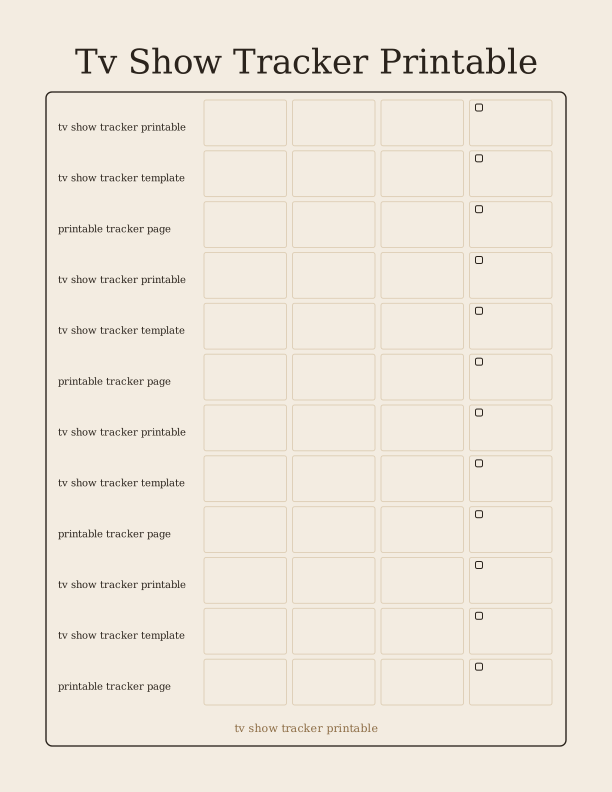
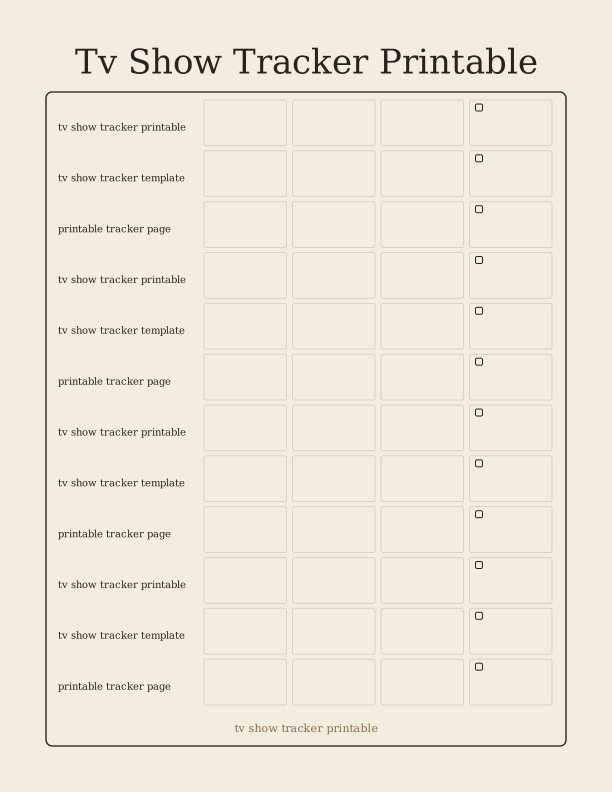
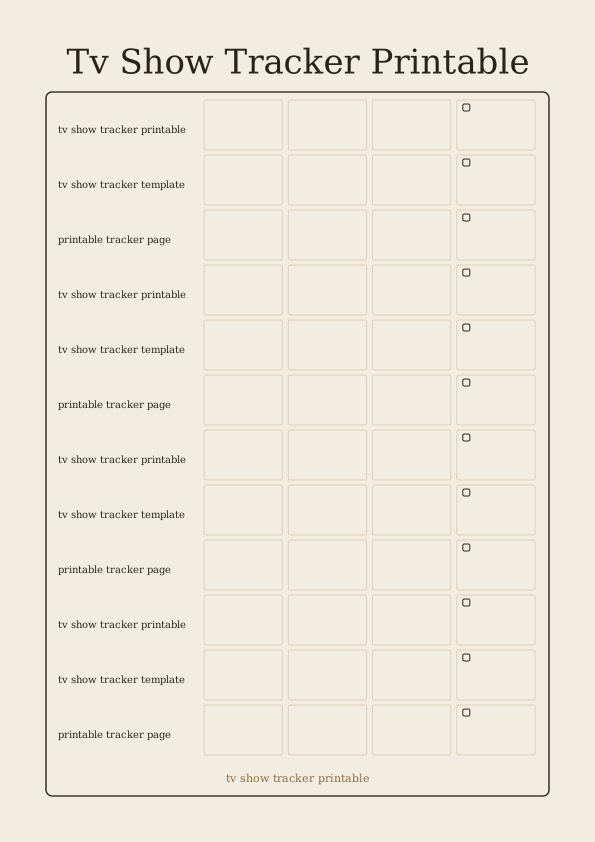
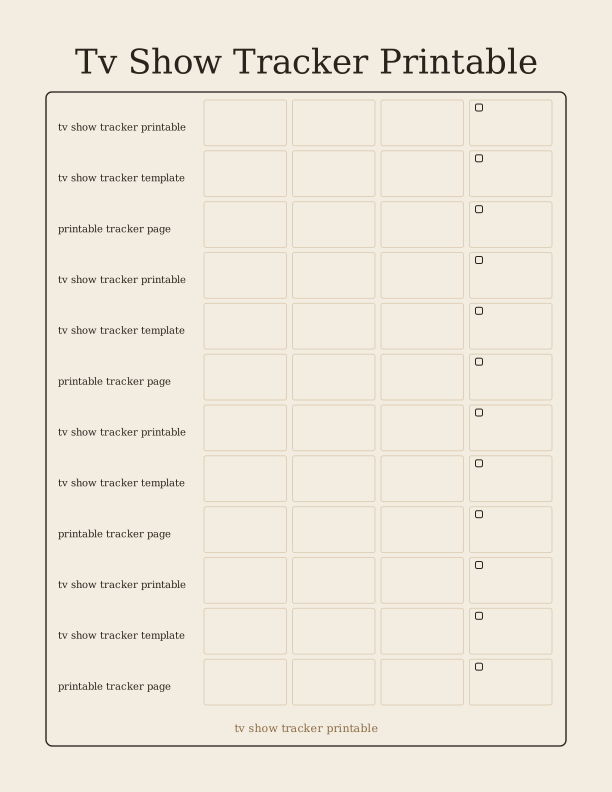
This printable tracker gives you a dedicated home for the series you are working through. Across the top band you write the show title and the season you are on, then the numbered boxes underneath mark episodes one by one. A small star or heart corner on each row lets you flag a favorite, a rewatch, or an episode you want to come back to. The layout stays clean because the boxes are ruled rather than pre-labeled, so a 10-episode limited series and a 24-episode network season both fit.
Lines run down the left for show name, current season, and platform, which is why the page works as a whole-library view rather than a single-series sheet. Fill that column once and the episode grid keeps the rest of the page useful for months. The spacing leaves room for a short note beside any episode, so a mid-season finale or a cliffhanger you want to remember can be jotted directly in the row.
Because nothing is printed in the cells, the same sheet suits a comedy you finish in a weekend or a drama that runs for years. Printed at full size on US Letter the tracker fills a standard journal spread with room to spare. Trimmed down to A5 it tucks into a bullet journal page with the header line still legible, which is the size most people keep in a traveler's notebook or ring planner.
Three versions explained
The compact version fits a single show on one page with a tight episode grid. Use it when you are bingeing one series and want to mark each episode the night you watch it. The grid runs to about twenty rows, enough for a full season plus a couple of specials. Column widths stay narrow, so write show titles in short form and keep your pen tip fine.
The multi-show version trades episode depth for breadth. Show name, season, and progress notes get their own columns so you can hold ten or twelve series on one spread. It suits the way most people actually watch: three episodes of one show, two of another, and a documentary in between. Progress boxes here are small, meant to be checked rather than dated.
The hybrid version combines a wide header for show details with an episode checklist that runs down the lower half. It is the one to pick if you like to date your viewing, since each episode row has a thin line for the day or the month. All three share the same margin and header height, so you can print them together and punch them for the same journal.
Printing the A5 journal page
Both US Letter and A4 are supported by the browser tool, and the page is laid out so the A5 crop lands inside the printable area of either sheet. On Letter, set the paper size to Letter in the print dialog and keep scale at 100 percent. If your printer has a borderless option, turn it off for this page; the margin rail is part of the design and thin edges can clip.
For a page you will write on with a gel pen or a fine liner, 24 lb (90 gsm) multipurpose paper is the minimum and 32 lb (120 gsm) is more pleasant under a nib. If you plan to paste the sheet into a journal, print on 28 lb (105 gsm) so it holds shape when glued. Heavier paper also survives washi tape and a page flag without curling at the corner.
Cutting is straightforward. A guillotine trimmer gives the cleanest A5 edge, a craft knife and steel ruler works if you score first, and a rotary trimmer is fine for a single sheet. Cut just inside the crop marks, then punch two holes for a ring planner or three for a discbound system. If you use a six-hole punch for A5, do that before you write so ink stays free of the punch edge.
Track episodes and seasons
Start by writing the show title in the header line and the season number in the small box beside it. As you watch, check the numbered cell for that episode and add the date if the version you printed has a date line. When a season ends, count the checks before you write the next season number; the count gives you an honest record of how far you got and makes a nice line to look back on later.
For rewatches, use a second color for the new pass so both runs stay readable in the same grid. A star in the corner marks an episode worth returning to, and a small dot marks one you skipped. If you drop a show halfway, don't erase; write the episode number where you stopped and note why in the margin. That note is often more useful than the checks themselves.
The same tracking habit works beyond television. Series you follow on a streaming service, an anime run, a weekly variety show, and even a podcast with numbered episodes all fit the same boxes. Some people keep a second sheet for movies seen during the year. The structure does not change, only the label at the top of the column.
Free tracker maker vs AI layouts
The free browser tool sizes the tracker to A5 and prints it at home, while paid credits let AI add your own show columns and labels. You pick a version, confirm Letter or A4, and generate the A5 page right in the browser, then print it. Nothing is emailed and nothing ships. The page is the same layout every time, which is the point: once you like the version you chose, you can print a stack and keep the same grid for the whole year.
Paid AI generation is for the times the fixed layout is close but not exact. You describe the tracker you want in a prompt and it builds a custom page with your own sections, labels, and style. That could mean a column for the streaming service, a row for the episode runtime, or a header that matches a journal theme. Credits cover those generations and the free tool stays free.
Use the free version for routine printing and the AI version when your tracking habit needs a shape the three standard versions do not offer. Both produce a single A5 page you print at home, with no app, no account required for the free tool, and no physical item in the mail.
Make your own with the Tracker Page Maker
The Tracker Page Maker turns a blank sheet into a working log. Type a name, set how many rows and columns you need, and the tool draws checkbox rows or a shelf grid. Add optional column labels for dates, titles, ratings, or notes. Every change appears on screen as you type, so you can judge spacing before you print.

Exports are drawn on your device at 300 dpi on US Letter 8.5 x 11 in paper. Nothing you type is uploaded.
FAQ
A few common questions about printing and using this TV show tracker, including what the free tool produces and where the paid AI generator fits in.
Is the TV show tracker free?
Yes. You can generate and print it in your browser at no cost.
How many shows can I track?
The page has room for a full list of shows, and you can print more pages as needed.
Can I change the columns?
The free maker lets you edit labels, and AI generation can design a custom layout.
Free tool, related designs, and printing help
This design sits in a collection of 5 trackers and planners pages. Start from the Tracker Page Maker above, then browse the full trackers and planners collection when you want a matching set.
PrintJoy runs on free tools plus optional credits for AI generation. Nothing on this page needs a subscription.