5 designs · free to print
Printable Certificates and Signs
Printable certificates and signs for holidays, school milestones, and everyday fun. Download, print at home on Letter or A4, and display.
This collection gathers printable certificates and signs for the moments families like to mark. You will find a Back to School Breakfast Sign, Easter Bunny Bait Tags, an Elf Adoption Certificate Printable, a First Day of Kindergarten Sign, and a Santa Nice List Certificate. Each design is sized for standard US Letter and A4 paper, so you can print the same file on either sheet without resizing or trimming the layout.
Parents, teachers, and caregivers print these pages for holidays, school milestones, and seasonal traditions. The signs work well taped to a breakfast table, a front door, or a classroom wall. The certificates and tags suit reward moments, elf arrivals, Easter egg hunts, and the first day of school. Because every design uses simple shapes and clear type, the pages stay readable from across a room and photocopy cleanly if you need extra copies.
For best results, print on 65 to 80 lb cardstock for anything you plan to display, hand out, or keep. Standard copy paper works for quick signs that will be taped up for a day, but it curls at the edges and shows wrinkles under tape. Matte cardstock takes pen and marker well if you want to add a name or date by hand. A slightly heavier sheet also holds up better when you punch a hole for ribbon or string.
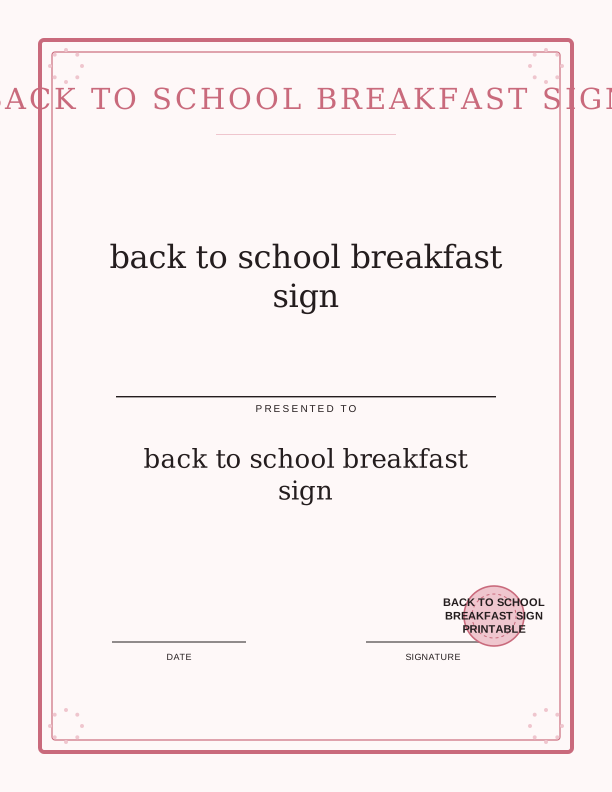
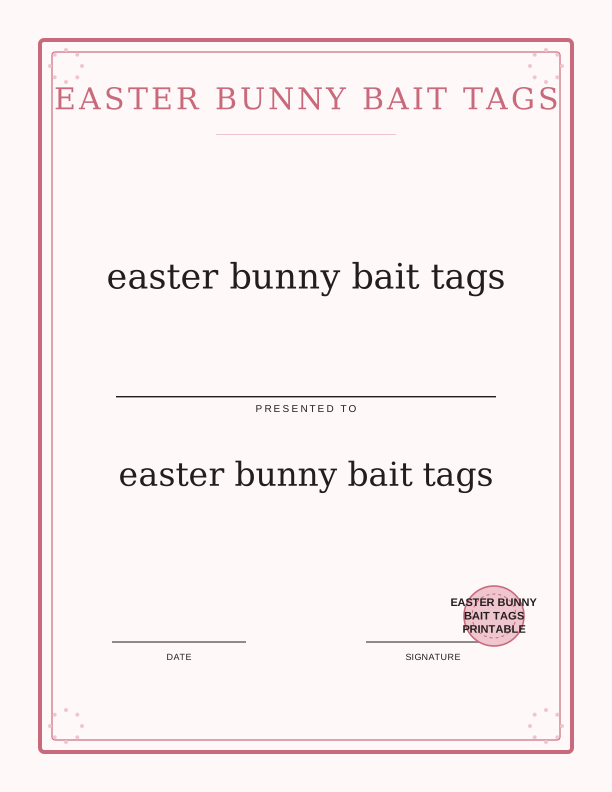
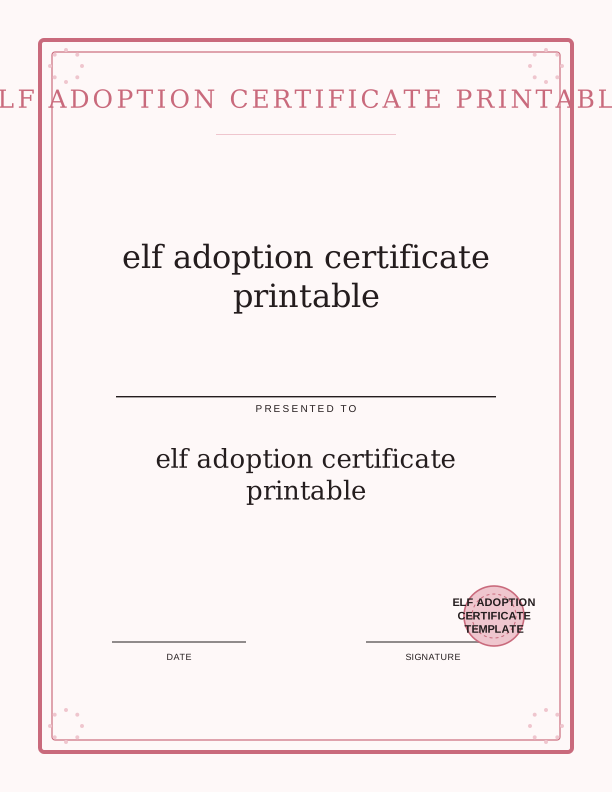
Free Certificate and Sign Maker for this collection
Type a name, an award or sign title, a date, and an optional issuer line, choose a border and a seal, then download a letter-size or 8x10 certificate or sign. It runs in the browser, keeps your text on your device, and exports a 300 dpi PDF or PNG for US Letter or A4 paper.
Using the Certificate and Sign Maker
The free Certificate and Sign Maker at /tools/certificate-sign-maker lets you add a name, date, or short message before printing. Open the tool in your browser, choose the certificate or sign style you need, and type your text into the fields. You can adjust the wording for a class list, a single child, or a group award. When the preview looks right, print directly from the browser or save the finished page as a PDF for later.
Use the tool alongside this collection when you want a filled-in version of a design. For example, add a child's name to the Santa Nice List Certificate, or type the date on the First Day of Kindergarten Sign. The tool keeps the same page size and margins as the printable files here, so your printed sheet matches the layout you see on screen. Print a test copy on plain paper first to check spacing before you use cardstock.
Printing and Finishing at Home
Set your printer to actual size, not fit to page, so the margins stay even on Letter or A4. Choose the best or high quality setting for cardstock and feed sheets one at a time if your printer tends to pull multiple pages. Let the ink dry for a minute before you handle the sheet, especially on matte cardstock where wet ink can smudge. If you print on glossy paper, give it a few extra minutes and avoid stacking pages right away.
Finish each piece with simple supplies you likely already have. Trim any white border with a paper trimmer or scissors for a clean edge. Punch two holes at the top and thread ribbon for a hanging sign, or use double-sided tape for a flat display. For certificates you plan to keep, slide the page into a clear sheet protector or a simple frame. Tags can be hole-punched and tied with twine to a basket or bag.
Every design in signs and certificates
FAQ
What paper should I use for the signs and certificates?
Use 65 to 80 lb matte cardstock for signs you will display and certificates you want to keep. Plain copy paper is fine for a one-day sign, but it curls and wrinkles easily. If you plan to write on the page by hand, choose a matte finish so pen and marker absorb instead of smearing.
Can I type a name on these printables before printing?
Yes. Open the free Certificate and Sign Maker at /tools/certificate-sign-maker, select the style that matches your design, and type the name, date, or message. The preview shows the final layout, and you can print from the browser or save the page as a PDF to print later.
Do these files print correctly on both US Letter and A4 paper?
Yes. Each design is set up for both US Letter and A4. In your print settings, choose actual size or 100 percent, not fit to page, so the margins stay even. Print one test sheet on plain paper first to confirm the layout before you use cardstock.