trackers and planners
Bookshelf Reading Tracker Printable
Print a free bookshelf reading tracker for your bullet journal or planner. Color the shelves as you finish books and generate the A5 page in the browser.
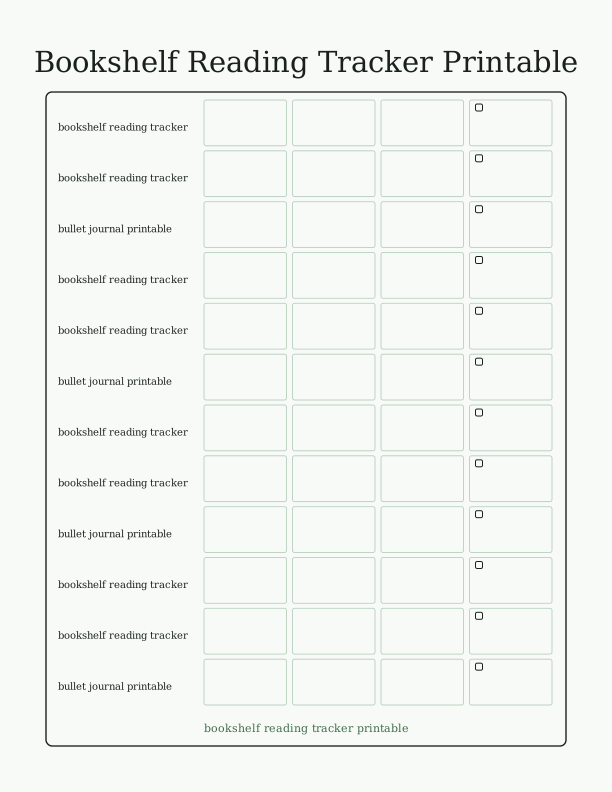
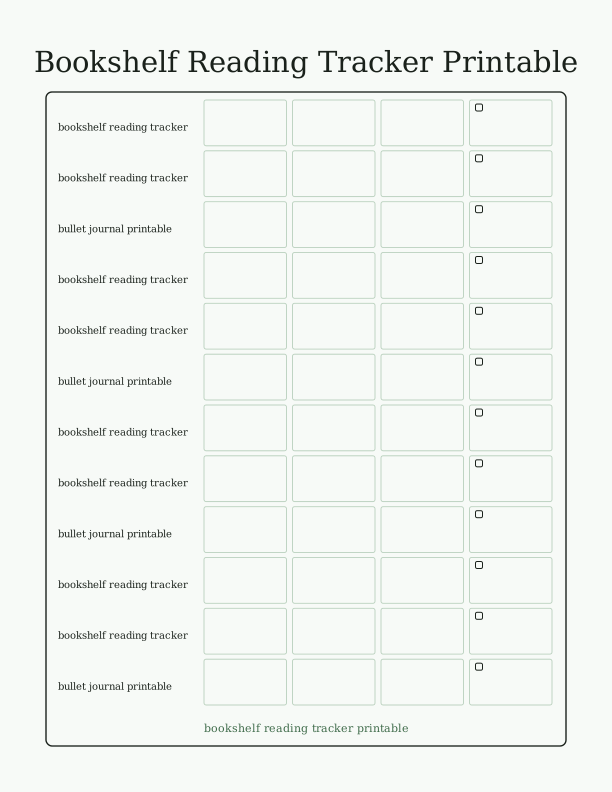
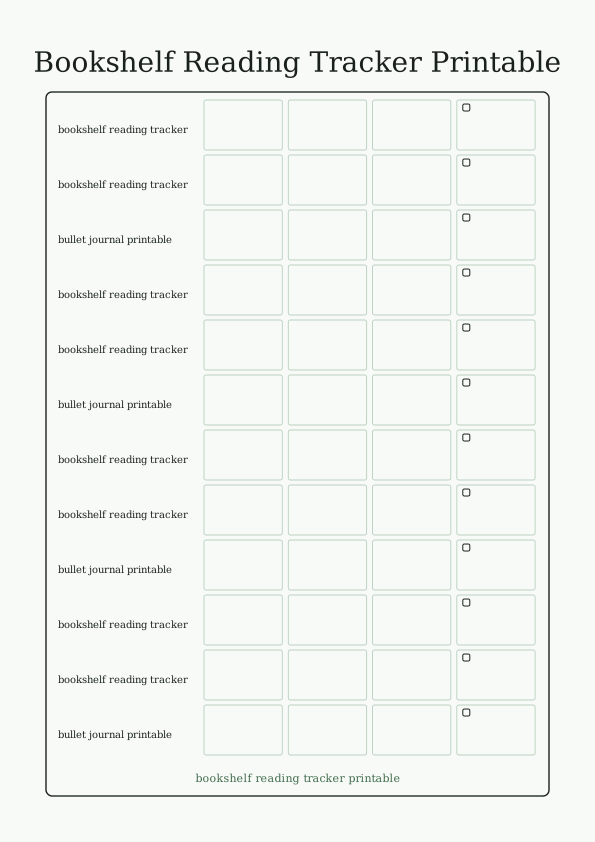
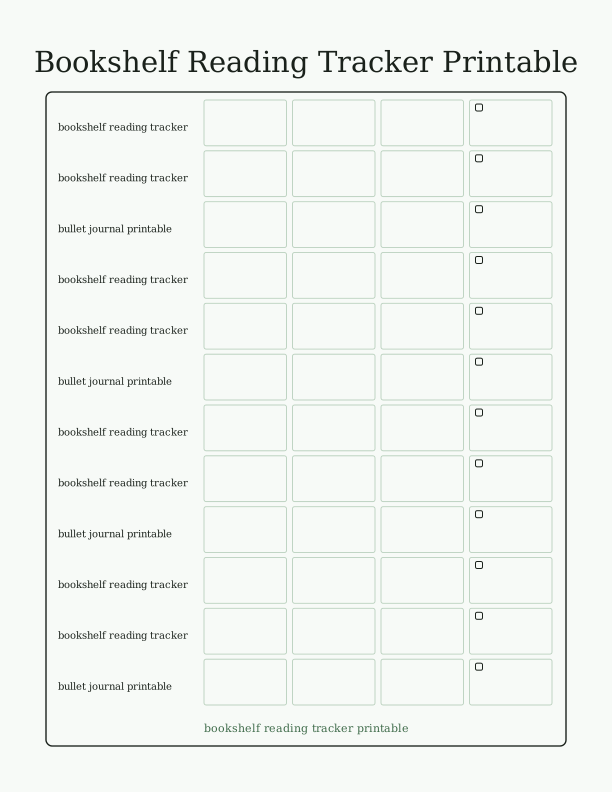
The bookshelf tracker layout
This printable turns a reading list into a hand-drawn bookshelf. Each row is a shelf, each shelf holds five book spines, and every spine is a blank block wide enough to write a title and author in pencil or fine-liner. The page is designed as a bullet journal printable, so the proportions match a standard A5 notebook insert rather than a full letter sheet. Margins stay clear for washi tape or a hole punch.
The shelves are stacked seven rows deep with a small header strip at the top for a year, a reading goal, or a name. There are no pre-filled genres or titles, so the tracker works for any reading year. Because the spines are outlined rather than filled, you can color them in as books are finished, using marker, colored pencil, or a single highlighter if you prefer one accent color.
The overall look is clean and open. Thin rule lines keep the shelf structure readable without making the page feel crowded, and the header area is left blank so you can title it however you like. Print it once and it becomes a standalone reading log, or trim the edges and paste it straight into a journal with a glue stick.
Space for 35 books
Seven shelves of five spines give you exactly 35 slots. That is a realistic number for a year of reading without turning the page into a chore, and it leaves room to note a few extra titles in the margin if you read faster. Each spine block is roughly a third of an inch tall and just under an inch wide at A5 scale, which fits short titles and author surnames comfortably.
If you read more than 35 books, print a second copy and continue the count. The two pages can sit side by side in a binder or be taped together as a spread. Some readers use one page for fiction and one for nonfiction, which keeps the 35 slots from blurring into a single undifferentiated list. The layout does not label the shelves, so that split is entirely up to you.
Children often fill the first shelf quickly and then slow down, so the fixed count works well for a school year or a summer challenge. Adults who track a book club can reserve the bottom row for group picks. The number is not a limit on your reading, only a limit on how many spines this particular page can hold.
Printing the A5 journal page
The free browser tool generates an A5 page, which is 5.8 by 8.3 inches. If your printer only takes US Letter or A4, load 24 lb (90 gsm) paper and set the scale to 100 percent, then trim the sheet down with a paper trimmer or craft knife and ruler. Printing on 32 lb (120 gsm) paper gives a sturdier page if you plan to color the spines with marker, because heavier stock resists bleed-through.
Choose the plain paper or matte setting rather than photo, and set quality to normal or high. In the print dialog, keep margins at default unless your printer clips the outer rule lines, in which case switch to fit-to-page. If you want a straight A5 insert, print on Letter, cut along the crop marks, and the page will slide into a standard A5 notebook cover without trimming the printed content.
For a journal that lies flat, punch six holes with an A5 punch and add the page to a discbound or six-ring planner. A corner rounder softens the cut edges so they do not catch on other pages. Print two or three copies at once if you want a full year of trackers on hand, and store the extras flat so the paper does not curl before you use them.
How to log and rate your reads
Write the title and author in pencil first, then go over it in pen once the book is finished. That way an abandoned book can be erased without leaving a crossed-out spine on the shelf. Fill in the spine with color when you finish: one color for fiction, another for nonfiction, or a gradient that shifts darker as the year goes on. A small star in the corner of the spine can mark a favorite.
For ratings, use the empty margin beside the shelf or the header strip at the top. A five-star scale drawn with five small circles per book keeps the shelf itself clean. Some readers prefer a simple code such as a filled circle for loved it, half for liked it, and empty for finished but not for me. Either method works because the page has no printed rating boxes to constrain you.
If you want a reading log with more detail, pair this tracker with a separate notes page and write the date finished beside each spine. The tracker stays visual and the notes page holds quotes, page counts, or a sentence about the ending. That split keeps the bookshelf readable at a glance while still capturing the details you want to remember later.
Free tracker maker vs AI layouts
The free browser tool does one job well: it generates the A5 bookshelf page and lets you set the labels before you print. You can change the header text, adjust the shelf count if the tool offers it, and print as many copies as you need at no cost. Nothing is emailed or shipped, and the page appears on your own printer within a minute of choosing your settings.
Paid AI generation is for readers who want a variation the fixed template cannot produce. You can describe a shelf style, a color palette, a reading goal written across the header, or a theme such as fantasy spines or a children's picture-book shelf, and the generator builds a custom tracker from that prompt. It uses credits rather than a subscription, so you spend them only when you want a new design.
The honest difference is control versus convenience. The free template is consistent and instant, and it is the right choice if you just want a clean 35-book shelf in your journal. The AI option costs credits and takes a moment longer, but it returns a page that matches a specific color scheme, mood, or goal you have in mind. Both the free A5 bookshelf tracker and a custom AI-generated reading log print at home on the same letter or A4 paper you already have loaded.
Make your own with the Tracker Page Maker
The Tracker Page Maker turns a blank sheet into a working log. Type a name, set how many rows and columns you need, and the tool draws checkbox rows or a shelf grid. Add optional column labels for dates, titles, ratings, or notes. Every change appears on screen as you type, so you can judge spacing before you print.

Exports are drawn on your device at 300 dpi on US Letter 8.5 x 11 in paper. Nothing you type is uploaded.
FAQ
These are the questions readers ask most about the bookshelf reading tracker printable, from paper choice and printer settings to how the 35 book slots work and when the paid AI generator is worth using.
Is the reading tracker free?
Yes. You can generate and print it in your browser for free.
How many books fit on the page?
The shelf layout holds up to 35 books, and you can print extra pages.
Can I change the shelf style?
The free maker lets you adjust labels and colors, and AI generation can design a custom layout.
Free tool, related designs, and printing help
This design sits in a collection of 5 trackers and planners pages. Start from the Tracker Page Maker above, then browse the full trackers and planners collection when you want a matching set.
PrintJoy runs on free tools plus optional credits for AI generation. Nothing on this page needs a subscription.