trackers and planners
Monthly Calendar Planner Printable
Print a free monthly calendar planner page for your A5 journal or planner. Add goals and key dates and generate the page in the browser.
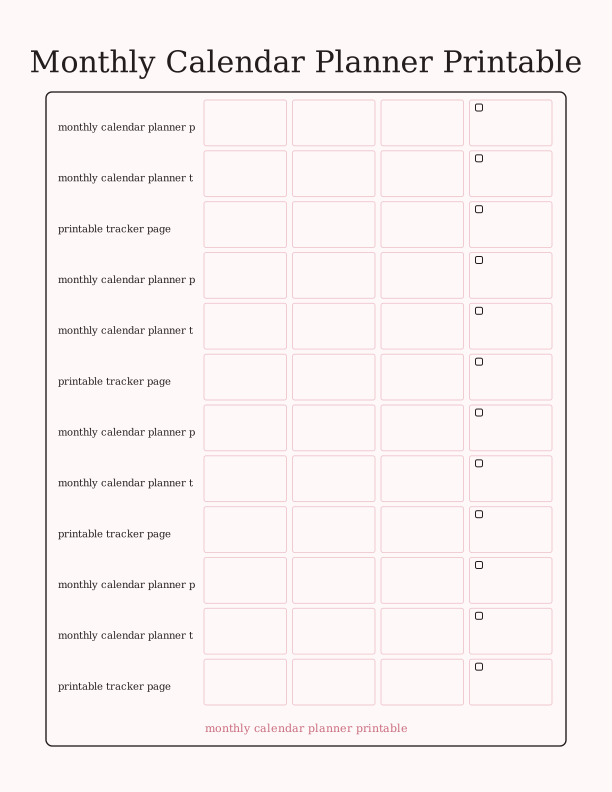
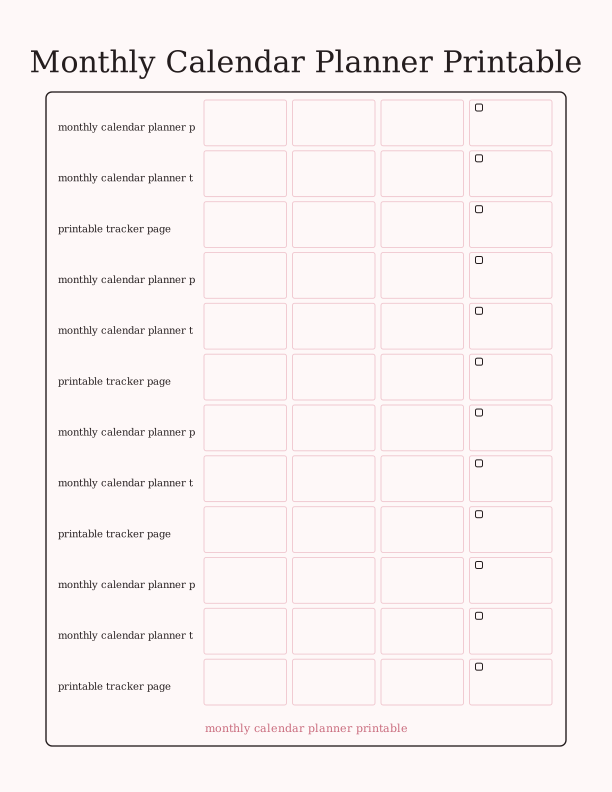
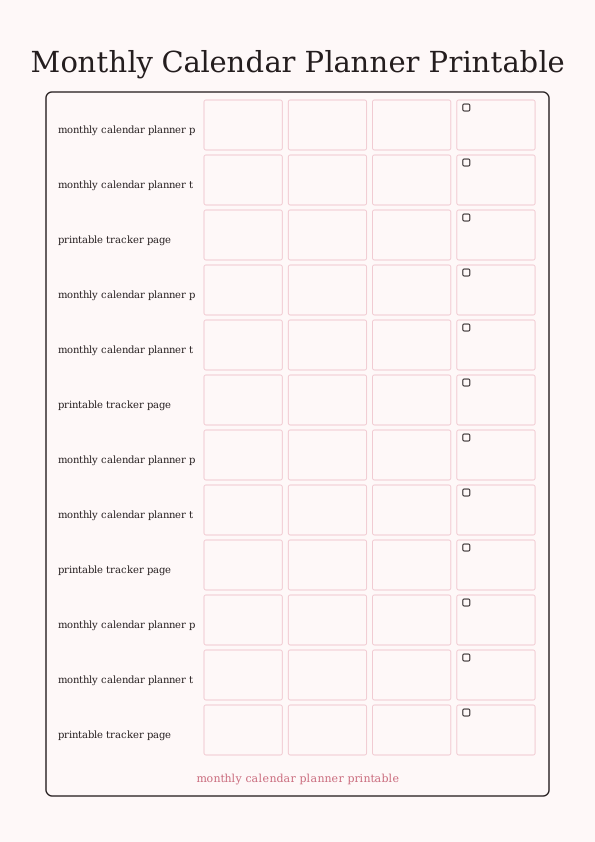
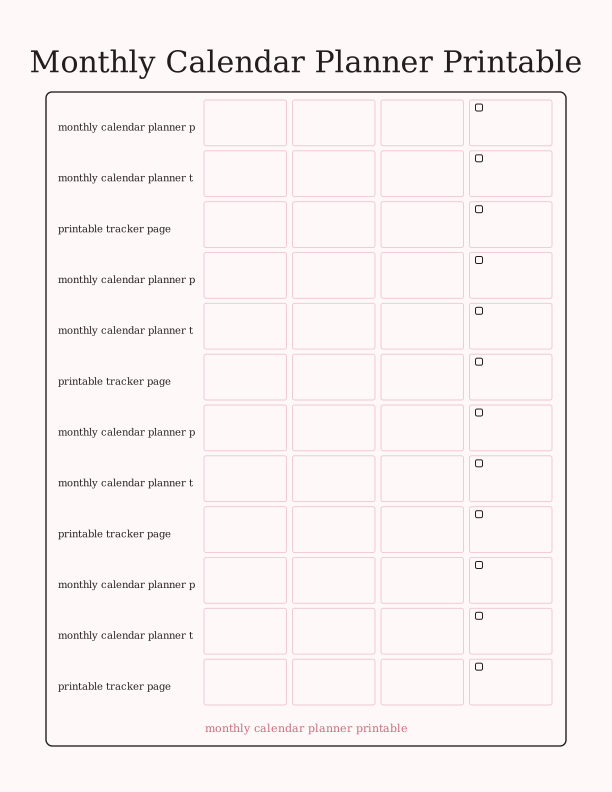
The monthly calendar page layout
This page gives you a clean monthly grid sized for an A5 journal, with a compact header for the month label and a strip of ruled lines along the side for notes. The date cells are about 0.55 inches tall, leaving enough room for a short entry, a bill amount, or a sticker. No week numbers, no clutter, no decorative borders that eat into writing space.
The layout is built around the way a monthly calendar planner printable actually gets used: quick glances, short notes, and a running list of things that do not belong to a single day. The note column runs the full height of the grid so you can keep a grocery list, a habit check, or a running tally next to the dates without cramming it into a cell.
Because the page is designed for A5, the proportions stay comfortable in a six-hole punched journal or a discbound planner. If you print at 100 percent on US Letter or A4 and trim, the grid keeps its spacing and the header still reads clearly. Nothing is locked to a specific month, so the same file works for January or July.
You can also print the page at a larger scale for a wall or desk planner. The cells grow with the page, and the note column stays proportional. That flexibility is why people keep this file saved for both a pocket journal and a full-size binder.
A5 planner printing
A5 paper measures 5.8 by 8.3 inches, and most home printers handle it from the manual feed or a rear tray. Set the paper size in your print dialog to A5, choose Actual Size or 100 percent, and disable any fit-to-page scaling. If your printer only supports Letter or A4, print the page at full size on 24 lb (90 gsm) paper and cut along the trim marks with a guillotine or craft knife.
For a sturdy journal page, use 32 lb (120 gsm) paper or a light cardstock. Heavier stock feeds more reliably through a rear tray and holds up to erasing and repositioning washi tape. If you plan to punch holes for a six-ring binder, print on 28 lb (105 gsm) or thicker so the holes do not tear after a few weeks of flipping.
Set your printer to plain paper or matte, not photo, and print at Normal quality. Draft mode can make the thin grid lines faint on some inkjets, while Best quality slows the print without improving legibility. Let the sheet dry for a minute before stacking, especially if you print several months at once.
If the grid looks off-center, check that the paper guide is snug and that borderless printing is turned off. A small margin is normal and gives you room for a hole punch without clipping the date cells.
How to plan your month on the page
Start by writing the month at the top and filling in the dates. Put fixed commitments in first: appointments, school events, bill due dates, travel days. Use a pencil if you expect changes. Then add the flexible items. A monthly calendar planner template works best when the fixed items are visible before you decide where the rest goes.
Use the note column for anything that repeats or does not fit a single day. A running to-do list, a reading log, a meal plan, or a spending tracker all work in that narrow space. If you need more room, print two copies and use one as a printable tracker page for habits and the other as the calendar.
Keep entries short. Write the time and a keyword, not a full sentence. A cell that says Dentist 2:30 is easier to scan than a paragraph. If you need detail, add it to the note column with a small arrow or an asterisk that points back to the date. This keeps the page readable at a glance.
At the end of the month, flip the page and use the back for a quick review. Write what got done, what moved, and what to drop. That habit turns a single sheet into a simple record you can refer back to when the next month starts.
Add goals and important dates
The free browser tool lets you add a month label, type goal lines, and mark important dates before you print. You can put three or four goals in the header area, such as finish a project, drink more water, or save a set amount. The text stays in the file you print, so you do not have to write it by hand after the page comes out.
Important dates fit in two places. A birthday or anniversary can go in the date cell with a small symbol, while a longer note like renewal deadline or tax appointment can go in the side column. If you want a visual cue, color the cell with a light marker before you write, so the ink does not smear.
Some people use the goal lines as a mini habit tracker. Draw a small box next to each goal and check it daily or weekly. Because the boxes are only about 0.2 inches wide, keep the number of goals low. Four is plenty. More than that and the header gets crowded, which defeats the purpose of a clean monthly calendar planner printable.
If you want the dates pre-filled, fill in the numbers with a fine-tip pen before you add events. It takes two minutes and makes the page feel finished before the month even starts.
Free planner maker vs AI layouts
The free browser tool is the quickest path to a usable page. It opens in your browser, lets you set the month label and goal lines, and prints directly. There is no account required and no cost. You get the standard A5 layout described above, with the same grid and note column every time. That consistency is useful if you print the page monthly and want a matching set.
The paid AI generator adds a custom planner layout. You type a prompt and it creates a version with your own sections, headings, and style, such as a two-page spread with a budget section, a meal plan block, or a minimalist design with no note column. Credits are used for each generation. The free tool stays free; the AI option is for when you want a different structure or a specific look.
Neither option ships anything. You print at home on your own paper. The free page is designed to work on A5, Letter, and A4 without adjustment, and the AI layouts are generated at the same trim size unless you ask for something else. If you are unsure, start with the free page, print one month, and see how the cells fit your handwriting. Then decide whether a custom layout is worth the credits.
Make your own with the Tracker Page Maker
The Tracker Page Maker turns a blank sheet into a working log. Type a name, set how many rows and columns you need, and the tool draws checkbox rows or a shelf grid. Add optional column labels for dates, titles, ratings, or notes. Every change appears on screen as you type, so you can judge spacing before you print.

Exports are drawn on your device at 300 dpi on US Letter 8.5 x 11 in paper. Nothing you type is uploaded.
FAQ
These are the questions people ask most about the monthly calendar planner printable, from paper choice to how the free tool and AI generator differ.
Is the monthly planner page free?
Yes. You can generate and print it in your browser at no cost.
What size does it print at?
The page is designed for A5 journals and also prints well on US Letter with margins.
Can I change the headings?
The free maker lets you edit labels, and AI generation can design a custom planner layout.
Free tool, related designs, and printing help
This design sits in a collection of 5 trackers and planners pages. Start from the Tracker Page Maker above, then browse the full trackers and planners collection when you want a matching set.
PrintJoy runs on free tools plus optional credits for AI generation. Nothing on this page needs a subscription.