trackers and planners
Highlight of the Day Journal Page
Print a free highlight of the day journal page to capture one good moment each day. Generate the A5 daily tracker in the browser.
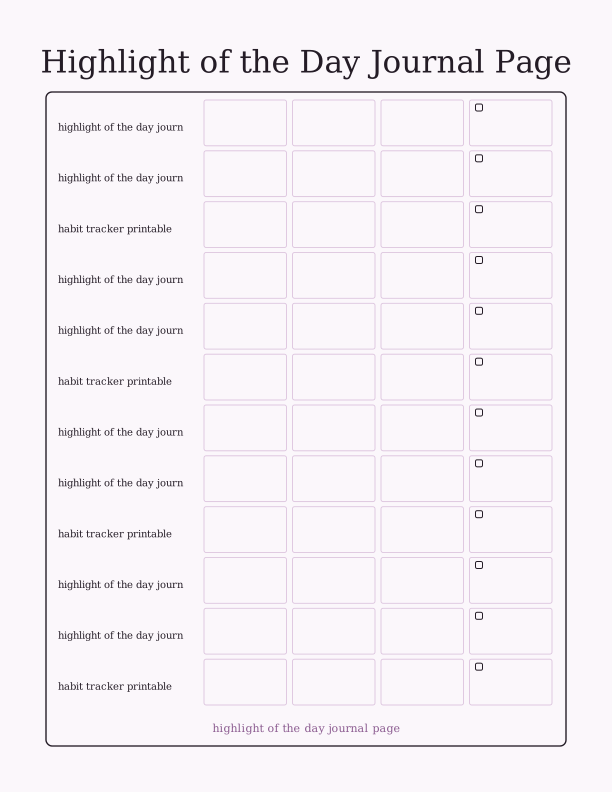
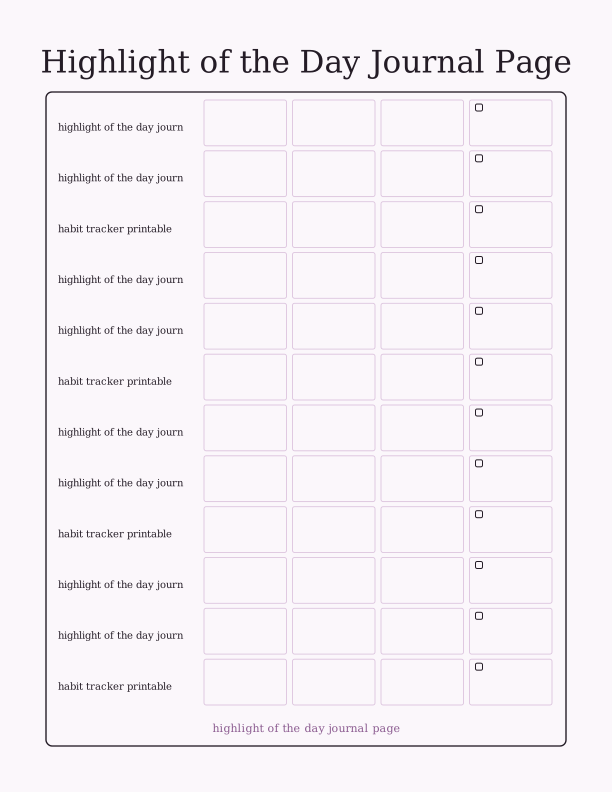
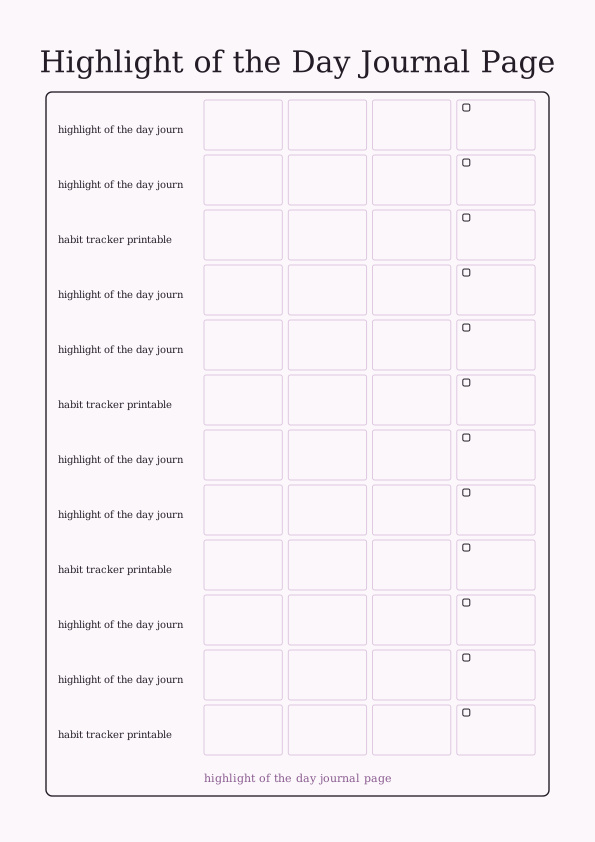
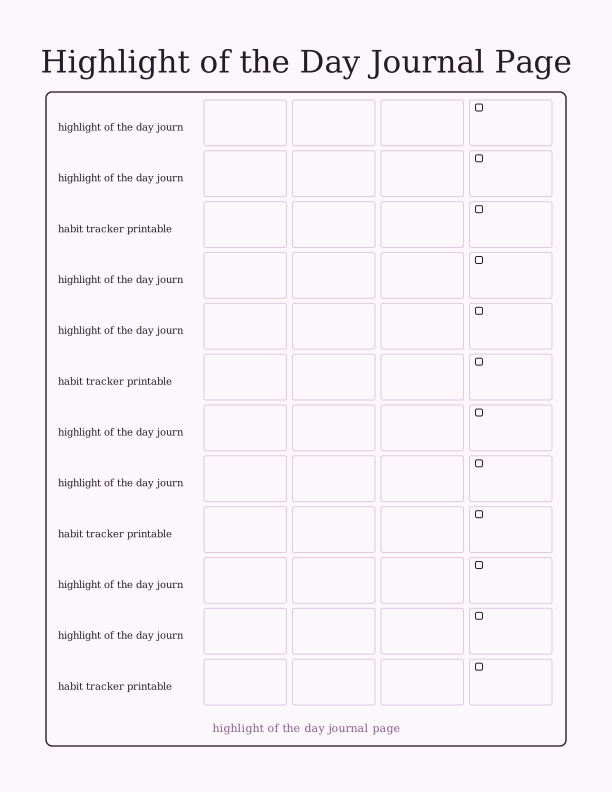
What the daily tracker page includes
The page centers on one wide writing line labeled for the day's highlight, sized so a full sentence fits without squeezing. Above it sit three shorter prompts for the date, a small mood or weather note, and one word that sums up the day. Below the main line you get a compact row of seven small circles, one for each weekday, so a single sheet carries a full week of highlights rather than one entry.
At the bottom of the sheet there is a narrow strip ruled into seven short boxes. These work as a simple habit tracker printable line, letting you tick sleep, water, walking, reading, or any single habit you want to watch alongside your daily highlight. The strip is deliberately short, around a quarter inch per box, so it never competes with the journal writing area.
Everything is set in a clean serif that stays readable at A5 scale, with roughly half-inch margins on all sides. There are no decorative frames crowding the text, which means a pencil, a fine-liner, or a fountain pen all work without smearing. The layout is intentionally plain so it photocopies and reprints without gray backgrounds eating your toner.
A5 journal printing
The file is built at A5, which measures 5.8 by 8.3 inches. That is half of A4 and close to half of US Letter, so the simplest way to print is to load A5 paper directly if your printer tray supports it. Most inkjet and laser models list A5 in the paper size menu, usually under a Europe or International grouping rather than the standard US sizes.
If you only keep Letter or A4 paper at home, choose the fit-to-page or scale-to-fit option and let the printer center the A5 artwork on the larger sheet. You will get wider white margins, which is fine because the design already has generous edges. Print at 100 percent, not enlarge, if you want the writing lines to stay at their intended height. A 24 lb bond or 90 gsm paper feeds cleanly and takes pencil well.
For a journal you intend to keep, try 32 lb or 120 gsm smooth paper. Heavier stock resists bleed-through from gel pens and lets you write on both sides. Set your printer to plain paper or normal quality rather than photo mode, since photo settings lay down extra ink that curls thin sheets. A trimmer or craft knife plus a steel ruler will square the edges after printing on Letter or A4.
How to write your daily highlight
Pick the moment before you go to bed, not while it is happening. Replaying the day for thirty seconds usually surfaces one thing that stands out, whether it was a good cup of coffee, a call from a friend, or finishing a task you had been avoiding. Write it as a single sentence in the main line, present tense, starting with the thing itself rather than the word today.
If nothing obvious comes, drop down a level. A highlight does not need to be big. The smell of rain on the sidewalk, a dog that waited by the gate, the first ripe tomato, a song that came on shuffle at the right time. Naming a small detail honestly is more useful over a year than forcing a grand entry every evening.
Use the one-word box first when you are short on time, then come back and expand it later if you want. Some people write the word during the day and the sentence at night. The date box matters more than it looks, because after a few months you will want to see how the seasons changed your entries. Keep the pen nearby so the ritual takes under two minutes.
Build a gratitude habit
A highlight page works better than a blank notebook for habit building because the space is finite. One line, one week, seven circles. There is no room to ramble, so the act stays short enough to survive a busy Tuesday. That low barrier is what turns a good intention into something you actually do on day forty as well as day four.
Pair the sheet with an existing anchor, such as brushing your teeth or setting your alarm. Stacking the new habit onto an old one removes the need to remember it. The seven-box habit strip at the bottom can hold that anchor habit, so you see at a glance whether the journaling happened. Filling the strip and the highlight line takes less time than scrolling a phone.
Keep finished sheets in a small binder, a clip, or an A5 six-ring planner. After a month you have roughly four pages and around thirty recorded moments. Read them back on a low day. The accumulated proof that ordinary weeks contain good things is the actual benefit, and it only shows up once you have a stack rather than a single entry.
Free tracker maker vs AI layouts
The free browser tool generates the A5 page instantly and costs nothing. You can change the prompt labels, swap the one-word box for a different field, rename the habit strip, and regenerate as many times as you like before printing. Nothing is saved to an account and no file has to travel anywhere, which keeps the workflow to a few clicks on the same device you print from.
The paid AI generator is for people who want the layout itself to change. You describe the headings, the style, and the mood in a text prompt, and it builds a custom journal page with your wording instead of the default set. That suits themed journals, classroom sheets, or a gift where the recipient's name and prompts are part of the design. Credits are the only paid element.
Use the free maker if you want a reliable daily sheet this week. Reach for AI generation when the standard page is almost right but you want different prompts, a decorative border, or a heading written in your own words. Both routes end with the same step: print at home on A5, Letter, or A4 and start writing tonight.
Make your own with the Tracker Page Maker
The Tracker Page Maker turns a blank sheet into a working log. Type a name, set how many rows and columns you need, and the tool draws checkbox rows or a shelf grid. Add optional column labels for dates, titles, ratings, or notes. Every change appears on screen as you type, so you can judge spacing before you print.

Exports are drawn on your device at 300 dpi on US Letter 8.5 x 11 in paper. Nothing you type is uploaded.
FAQ
Here are the questions readers ask most about printing and using the highlight of the day journal page, from paper size and printer settings to how the free maker differs from the AI layout tool.
Is the daily tracker free?
Yes. You can generate and print it in your browser for free.
How do I use the page?
Write one highlight from your day, then date the entry so you can look back later.
Can I change the prompts?
The free maker lets you edit the labels, and AI generation can design a custom journal layout.
Free tool, related designs, and printing help
This design sits in a collection of 5 trackers and planners pages. Start from the Tracker Page Maker above, then browse the full trackers and planners collection when you want a matching set.
PrintJoy runs on free tools plus optional credits for AI generation. Nothing on this page needs a subscription.