gift tags
Cup of Gratitude Favor Tag
Print a free cup of gratitude favor tag for coffee, tea, and staff appreciation gifts. Add a name and download a print-ready tag sheet.
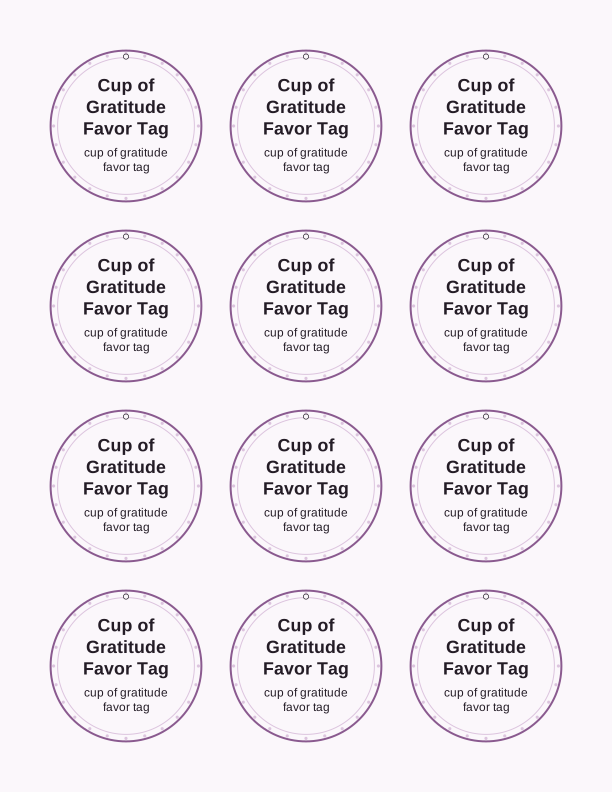
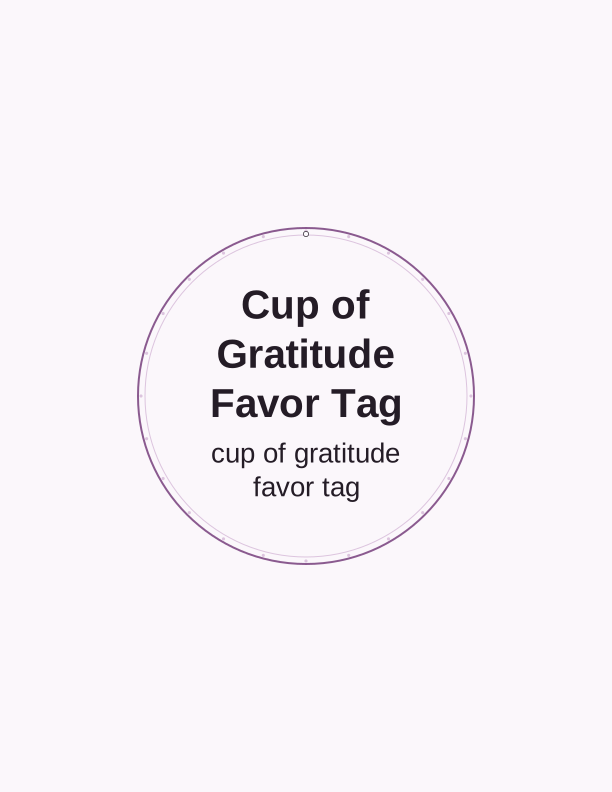
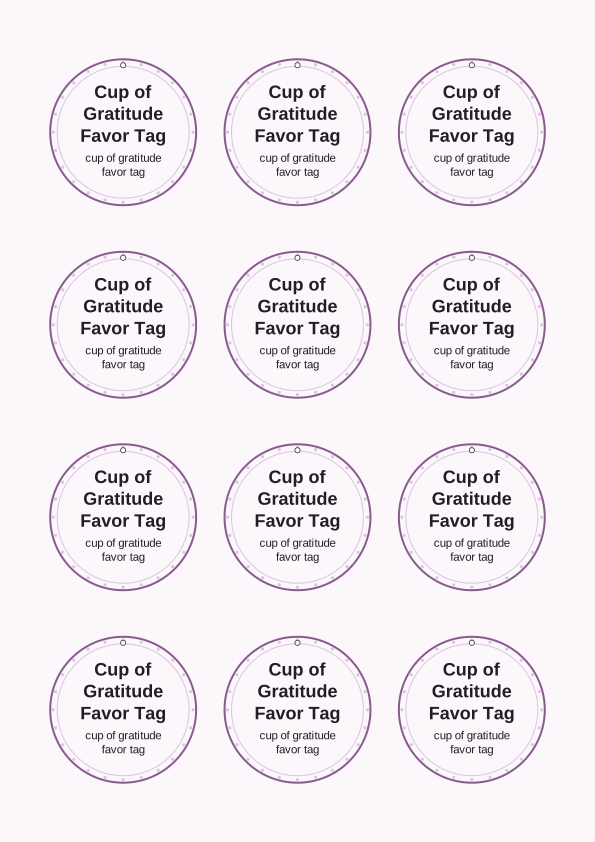
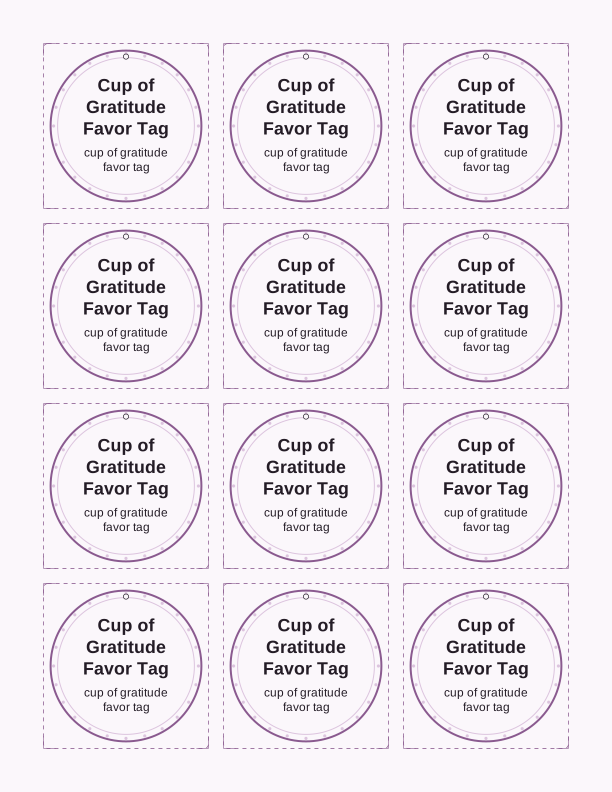
The enjoy a cup of gratitude tag
This cup of gratitude favor tag is a round tag built around a coffee cup line drawing with the words enjoy a cup of gratitude stacked beneath it. The artwork is centered with a generous margin, so a 2.5 inch circle punch lands cleanly around the cup without clipping the steam lines. PrintJoy made the sheet in US Letter and A4 so the same file works on either paper size without resizing.
The wording suits anyone who hands over a drink rather than a wrapped object. Teachers who keep a coffee maker in the classroom, nurses coming off a night shift, custodians, bus drivers, office admins, and volunteers all read it the same way. Because the message names the cup itself, you can pair the tag with a bag of beans, a box of tea sachets, a tin of cocoa, or a gift card tucked inside a mug.
The page is filed under the gift tag family, so the tag shares the same printing behavior as the rest of the collection: no bleed trim, no crop marks, no registration marks. What you see on screen is what comes off the tray. That matters when you are tagging forty staff members the night before an appreciation breakfast and cannot afford to trim each one by hand.
Tag sizes for coffee and tea gifts
The sheet lays out three sizes of cup of gratitude favor tags so you can tie the right one to a coffee mug or tea tin. The 2.5 inch round tag fits a standard circle punch and hangs well from a mug handle or a bakery box. The 2 inch round tag suits smaller tea tins and single-serve coffee pods bundled into a cello bag. A 3.5 inch round version is included for gift baskets where the tag needs to read from across a table.
If you are tagging a travel tumbler, use the 2.5 inch tag and thread the twine through the handle loop rather than tying it around the barrel, which slides. For a flat bag of ground coffee, the 3.5 inch tag lies flat against the front and hides the folded top seam. Tea sachets in a slim tin take the 2 inch size, and the tag can be taped to the lid with a glue dot instead of punched.
Heavier paper holds the round shape better. A 65 lb cardstock, roughly 176 gsm, is the lightest weight that still feels like a real tag rather than a sticker. Move to 80 lb or 110 lb cardstock, about 216 to 300 gsm, if the tag will hang free and get handled. Matte finish takes pen ink without smearing, which matters when you are writing names by hand.
How to print and attach the tags
Print at 100 percent, or Actual Size, and leave Fit to Page off. The tags are laid out to true measurement, so any automatic scaling shrinks your circles and your punch no longer matches. Choose Portrait orientation, plain paper setting for cardstock, and the highest quality your printer offers. If your printer has a rear feed or manual slot, use it for 80 lb and heavier sheets so the cardstock does not curl through the curve.
Cut with a 2.5 inch or 2 inch circle punch for speed, or a craft knife and a circle guide if you are making a handful. Scissors work fine; just turn the paper rather than the blades, and cut slightly outside the printed ring so the line disappears. A corner rounder on the 3.5 inch tag softens the edges if you cut that one square instead.
Punch a single 1/8 inch hole about a quarter inch in from the top edge, centered on the cup. Baker's twine, thin jute, narrow satin ribbon, or a length of cotton string all pass through. For mugs, loop the string through the handle and knot it; for bags, tie a bow at the folded top; for tea tins, a glue dot on the back is faster than punching forty holes.
Add a name or staff note
The free tag maker lets you type a name into the field below the cup and it prints on every tag on the sheet. Type Ms. Alvarez or Room 12, not a full address. Keep it to about eighteen characters so the text stays on one line inside the circle at the 2 inch size. Longer names push the type smaller, which is fine for a 3.5 inch tag but cramped on the small one.
Two layouts are available. The repeated-name sheet prints the same name on all tags, which is what you want when you are handing out identical gifts to a whole team. The varied sheet lets you enter a different name or a short note for each tag on the page, so a department of twelve can each get their own. Names save while the page is open, so you can print the sheet, edit the list, and print again.
Handwriting still works, and many people prefer it. Print the blank version, then write names with a fine-tip permanent marker or a gel pen in a color that contrasts with the cup outline. Leave the printed line of gratitude text untouched and put the name in the lower third of the circle, where there is empty space. A short note like thanks for the early mornings fits if you write small.
Free tag maker vs AI tag designs
The free tag maker adds a name to each cup-of-gratitude tag, sizes it for coffee or tea favors, and lays out a full sheet you print at home for staff appreciation. It adds names or short notes to the existing cup of gratitude artwork, lets you pick the tag size, and produces a print-ready sheet. There is no cost, no account, and no limit on how many sheets you print. You cannot change the cup drawing, swap the typeface, or move the words, because the layout is fixed to keep the circles aligned for punching.
The paid AI generator is for the times the fixed wording does not fit. You describe what you want in a sentence, for example a tag that thanks a pharmacy team with a tea cup and the phrase you keep us going, and it builds a custom tag set with new wording and a new arrangement. It uses credits rather than a flat price, and you can generate a full sheet sized for the same 2, 2.5, or 3.5 inch punches.
Choose the free maker for staff appreciation week, teacher gifts, volunteer thank-yous, and any event where you need consistent tags fast. Choose AI generation when the message has to name a specific department, a school mascot, or an inside phrase that would sound wrong on a generic sheet. Both paths end the same way: you print at home and cut the tags yourself.
Make your own with the Gift Tag Maker
Type a headline and an optional to/from line, then choose round or rectangular tags. Round tags are 2 by 2 inches; rectangular tags are 2 by 3.5 inches. Pick a color palette, preview the layout, and the tool tiles 12 tags per sheet. Everything is drawn in your browser, so your text never leaves your device and there is no account to create.

Exports are drawn on your device at 300 dpi on US Letter 8.5 x 11 in paper. Nothing you type is uploaded.
FAQ
These are the questions people ask most often when printing the cup of gratitude favor tag for a coffee, tea, or staff appreciation gift. If you are deciding between a punch and scissors, sizing tags for mugs, or working out whether the free maker covers your team, the answers below should settle it before you load the paper tray.
Is the gratitude tag free?
Yes. You can design and print it in your browser at no cost.
What do the tags suit?
Coffee cups, tea bags, gift cards, and other drink-themed thank you gifts.
Can I edit the message?
The free maker lets you change the wording, and AI generation can write a custom note.
Free tool, related designs, and printing help
This design sits in a collection of 31 gift tags pages. Start from the Gift Tag Maker above, then browse the full gift tags collection when you want a matching set.
PrintJoy runs on free tools plus optional credits for AI generation. Nothing on this page needs a subscription.