gift tags
Popcorn Appreciation Favor Tags
Print free popcorn appreciation favor tags with a no one is butter than you message for staff and teacher gifts. Download a tag sheet in the browser.
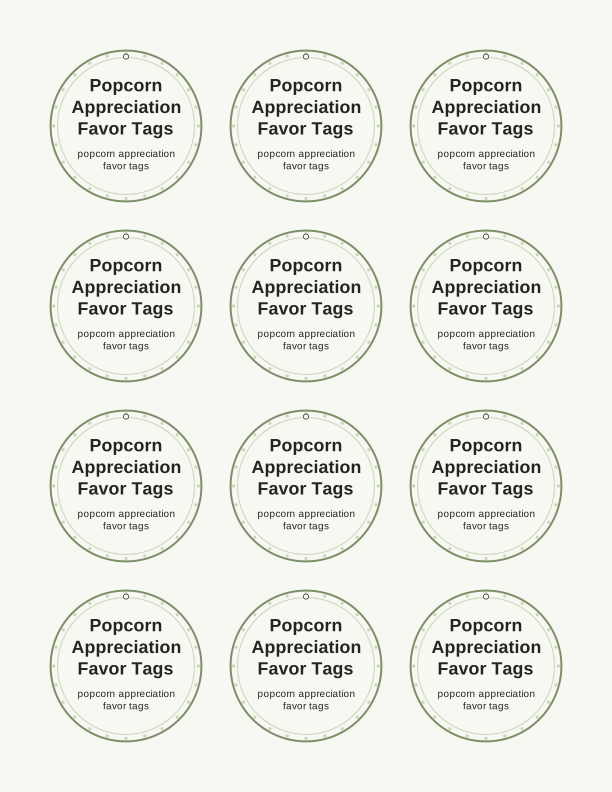
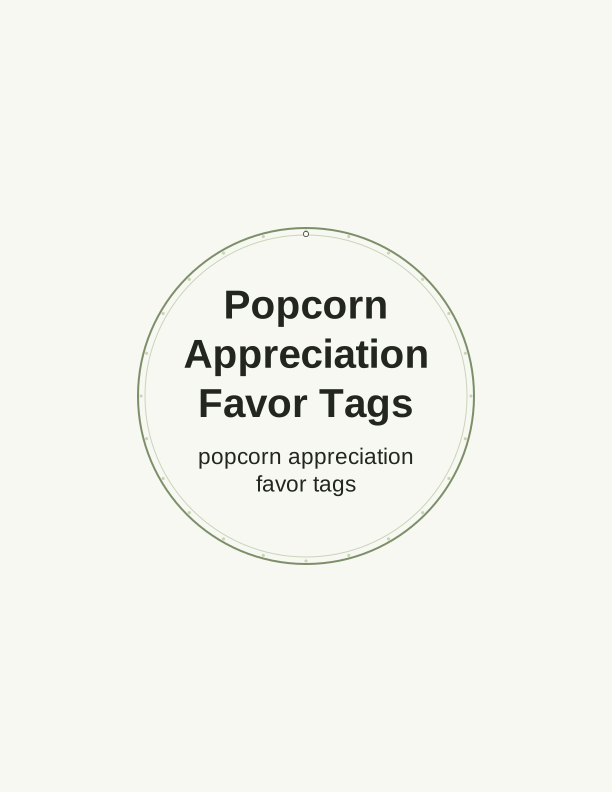
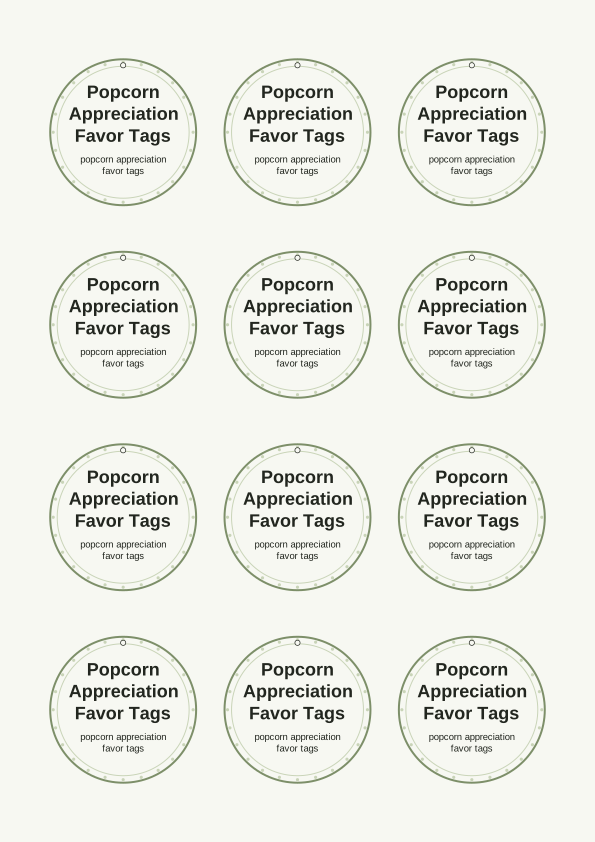
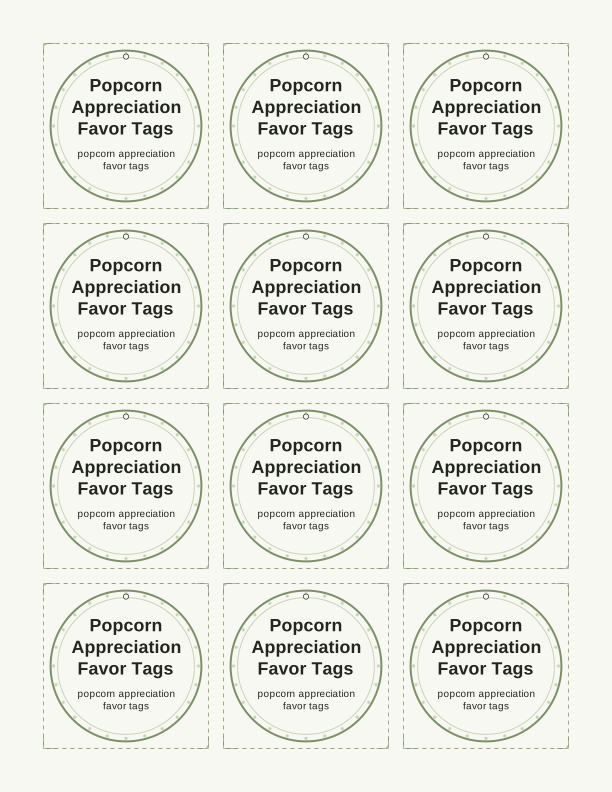
The no one is butter than you tag
The message on these popcorn appreciation favor tags is a straight-up pun: no one is butter than you. It lands on a tag shaped like a buttered popcorn box with the lettering running down the center panel, plus a few loose kernels drawn near the bottom edge. Staff, teachers, and volunteers get the joke in about two seconds, which is exactly what you want from printable favor tags handed out in a break room or at a classroom door.
Color stays in warm yellows and cream with dark outline work, so the tags read clearly at small sizes and still look fine on a mono laser printer. There is no background wash to chew through toner, and no thin hairline details that break up when you print at 300 dpi. That matters when you are running twenty or thirty tags for a whole team in one sitting.
Popcorn pairs with them naturally. Tape a tag to a microwave popcorn single-serve pouch, tie one around a cellophane bag of pre-popped corn, or clip one to a bag of caramel corn from a local shop. The pun also works for movie-night gift sets, church usher teams, hospital night shifts, and end-of-year teacher baskets where the snack is a small thank-you rather than the main gift.
Tag sizes for popcorn bags
Three sizes ship in the free sheet, and each one fits a different popcorn format. The large tag measures 3.5 by 2.4 inches and suits a full gift bag or a box of gourmet popcorn where the tag is the first thing someone sees. Medium runs 2.5 by 1.7 inches and is the one most people use on single-serve microwave pouches and small cellophane bags. The smallest, 2 by 1.3 inches, is sized for mini bags, party favor cups, and treat toppers on classroom handouts.
If you are tagging microwave pouches, the medium size is the safe choice. A standard pouch is roughly 4 by 5 inches flat, so a 2.5-inch tag leaves the popcorn brand visible while still being readable from a few feet away. For a 6-ounce bag of pre-popped corn, step up to the large tag so it does not get lost against the bag's own printing.
Popcorn boxes and tubs take the large tag best. Punch a hole in the top corner and run twine through the box handle, or tape the tag flat to the front panel with double-sided tape. For favor cups holding a handful of popped corn, the small tag wrapped around the cup with a rubber band or a strip of washi tape keeps everything upright and readable.
How to print and attach the tags
Print on 65 lb cardstock, which is about 176 gsm, if you want the tags to hold a crease and survive a stapler. Plain 20 lb copy paper works when you are taping tags flat to a bag and want to save the good paper. Heavier 80 lb cover, around 216 gsm, is worth it for any tag you plan to punch and hang, because the hole will not tear when the bag swings.
Load the sheet and set your printer to actual size or 100 percent. Turn off fit to page, since scaling shrinks the tag outlines and makes the cut lines wander. Choose portrait orientation, select plain or cardstock as the paper type, and pick the best or high quality setting if the tag has small type. Print one test sheet on copy paper before you run the cardstock.
Cut with a paper trimmer along the outer borders, then use detail scissors on the rounded corners if your sheet has them. A 1/8-inch hole punch handles the hanging tags; punch about a quarter inch in from the corner so the hole stays inside the printed edge. Attach with baker's twine, narrow ribbon, a mini clothespin, or double-sided tape for flat tags on boxes.
Add a name or team message
The free maker has a text field for personalizing each tag. Type a first name, a full name, or a short line like "Thanks for everything, Room 12" and it drops into the space under the main pun. You can also leave that area blank when you want one generic sheet for a whole staff room and prefer to write names by hand with a fine-tip marker after cutting.
For a team, a group line often works better than individual names. Something like "Third Floor Night Shift" or "Front Office Squad" printed on every tag keeps you from tracking who got which one. Classrooms can list the teacher's name and grade, volunteer coordinators can print the committee name, and anyone handing out tags at a staff meeting can add the year so people keep them on a desk.
Keep added text short. Under the main pun you have room for roughly three words at the large size and about five at the medium size before the letters start crowding the popcorn art. Save the sheet as a PDF once you are happy with it, then print as many copies as you need for the full group without retyping anything.
Free tag maker vs AI tag designs
The free browser tool does the practical work, and it does it without an account or a credit. You open the page, add a name or team line, choose large, medium, or small, and print a full sheet of popcorn appreciation favor tags printable at home on your own paper. Everything renders in your browser, so there is nothing to install and no file to hunt down later.
The paid AI generator is for when the standard pun is not quite right. Write a prompt describing your group, the occasion, and the tone you want, and it builds a custom tag design with new artwork and new wording instead of the no one is butter than you line. It also suits teams that want a matching set of tags across several snack gifts with one consistent look.
Using the generator costs credits, so it makes sense when you are printing for a large group or want a design you will reuse for years. For a quick batch of twenty tags for a teacher lunch, the free sheet is faster. Start free, see how the size and layout work with your popcorn bags, and move to AI only if you need a different message or a fresh illustration.
Make your own with the Gift Tag Maker
Type a headline and an optional to/from line, then choose round or rectangular tags. Round tags are 2 by 2 inches; rectangular tags are 2 by 3.5 inches. Pick a color palette, preview the layout, and the tool tiles 12 tags per sheet. Everything is drawn in your browser, so your text never leaves your device and there is no account to create.

Exports are drawn on your device at 300 dpi on US Letter 8.5 x 11 in paper. Nothing you type is uploaded.
FAQ
These are the questions people ask most about printing and using these popcorn appreciation favor tags, from paper choice to sizing a tag for a microwave pouch. If you are tagging a whole staff or class, the answers below cover the parts that trip people up on the first print run.
Are the popcorn favor tags free?
Yes. You can design and print them in your browser at no cost.
What do they pair with?
A bag or box of popcorn, tied with ribbon or string.
Can I change the wording?
The free maker lets you edit the tag line, and AI generation can write custom wording.
Free tool, related designs, and printing help
This design sits in a collection of 31 gift tags pages. Start from the Gift Tag Maker above, then browse the full gift tags collection when you want a matching set.
PrintJoy runs on free tools plus optional credits for AI generation. Nothing on this page needs a subscription.