gift tags
Nativity Gift Tags Printable
Print free nativity gift tags with carols and Bible verses for holiday gifts and favors. Choose a design and download a tag sheet in the browser.
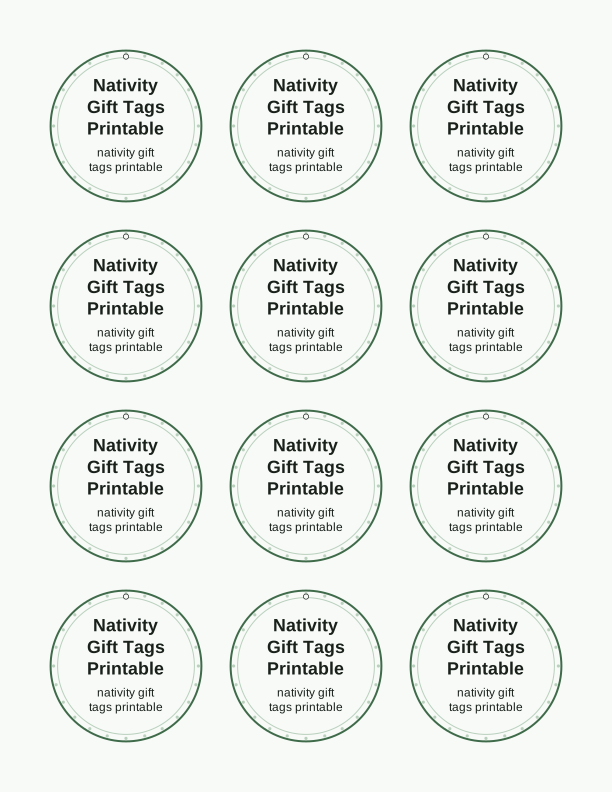
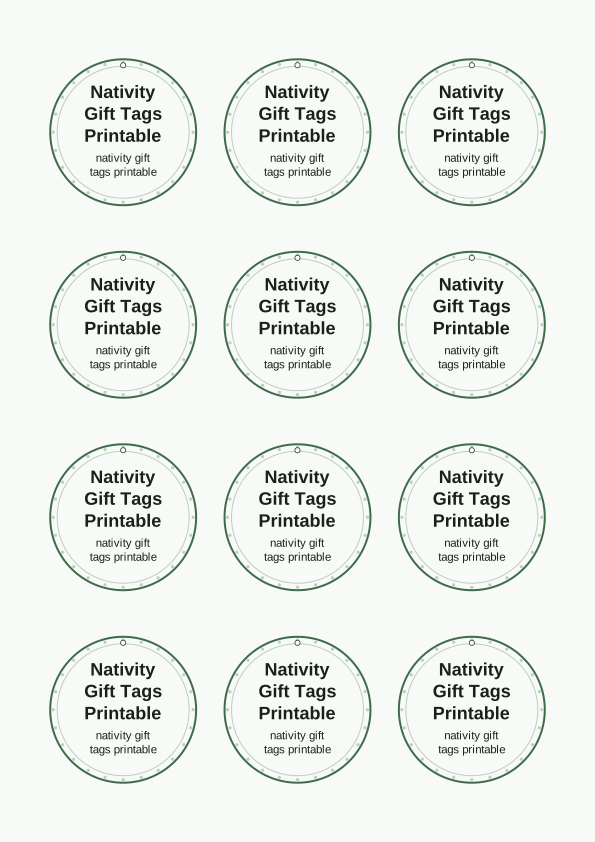
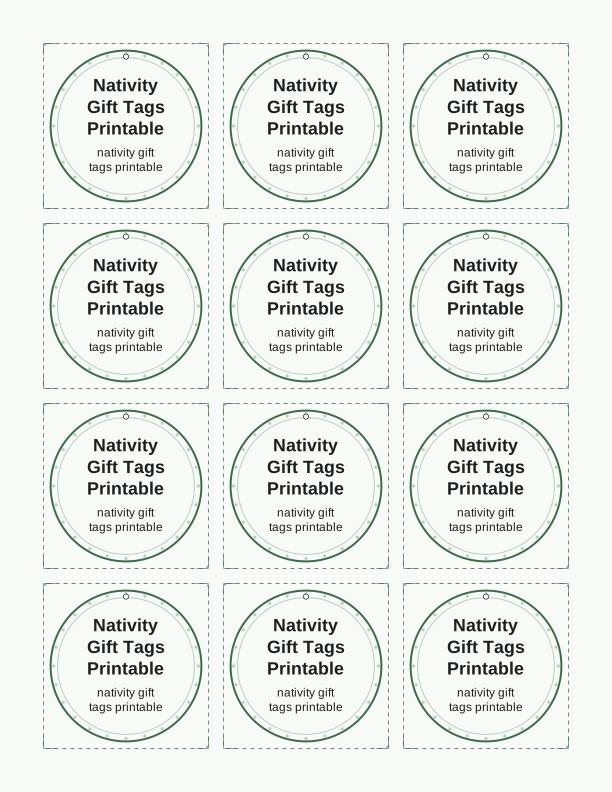
The nativity tag designs and verses
Each tag in this set pairs a hand-drawn nativity scene with a line from a carol or a verse from the Christmas story. You will find a manger with a star overhead, three wise men following the light, a shepherd with his flock, and an angel announcing the news. Under the art, the typography leaves room for a short carol phrase such as "Away in a Manger" or "O Holy Night," and for Bible text like Luke 2:11 or Isaiah 9:6.
The verses stay short on purpose. A tag measuring 2 by 3.5 inches cannot hold a full passage, so we use a single phrase that reads clearly at a glance. The carol tags work well on gifts for neighbors and teachers, while the Bible verse tags suit church favors, Sunday school treats, and presents for grandparents who keep the reason for the season at the center of the tree.
Because this is a printable rather than a pre-printed product, the designs are not fixed. The free browser tool lets you pick a tag and keep the verse as it is, swap the wording for another line from the set, or leave the back blank. The paid AI generator on PrintJoy can draw new art and write fresh verse text when you want something that does not match the standard sheets.
Tag sizes and sheet layout
Every sheet is laid out for US Letter and A4 paper, so it works with whatever your home printer already holds. You can choose a full-page run of one design or a mixed sheet with several nativity scenes across it. The most common tag sizes are 2 by 3.5 inches, 2.5 by 3.5 inches, and a slim 1.5 by 4 inch bookmark style. The layout tool shows the tag outlines on screen before you print, so you can confirm the count per page.
A standard Letter sheet holds nine tags at 2 by 3.5 inches or six tags at 2.5 by 3.5 inches. The slim bookmark layout fits five per page. Cardstock in the 80 to 110 lb range, which is about 216 to 300 gsm, gives the tags enough body to hang straight without curling at the corners. If you plan to tie them with ribbon, heavier stock keeps the hole from tearing.
For a softer look, print on 65 lb cover stock and punch a single hole at the top center. If you want to write a longer message on the back, use a lighter 32 lb paper so a pen does not bleed through. The tag outlines are marked with light gray crop guides, which makes trimming easy with a paper trimmer or a craft knife and a steel ruler.
How to print and attach the tags
Set your printer to the actual paper size you loaded, then choose the highest quality setting your model offers. On most inkjet printers, the photo or best quality mode gives the deeper colors that make the stable scene and the star stand out. If you use a laser printer, select cardstock or heavy paper in the media menu; that slows the rollers and reduces smudging on the coated surface.
Cut on the gray guide lines with a trimmer for straight edges, or use scissors if you prefer a slightly softer corner. A standard 1/8 inch hole punch is the right size for most ribbon and twine. For a cleaner finish, punch the hole before you tie the tag, then thread 12 to 18 inches of ribbon, baker's twine, or thin jute through and knot it once at the top of the gift.
You can also attach these nativity gift tags with double-sided tape on a wrapped box, a mini clothespin on a kraft paper bag, or a small safety pin on a fabric gift bag. For favor tags on cookies, hot cocoa packets, or small ornaments, punch two holes and run the twine through both so the tag lies flat against the package.
Add names or a short message
The free tag maker includes a text field for the recipient's name. You can type a first name, a family name, or a short line such as "For Grandma" or "Merry Christmas, Sam." The tool places the text inside the tag without covering the nativity art or the verse, and it lets you choose a serif or script typeface for a traditional Christmas look. The name appears on every tag in the sheet, so one run covers all your gifts.
If you want the tag to carry a message as well, the maker has a second small text area for a sentence of up to about twenty characters. That is enough for "With love," "From our family," or a year. The back of the tag is left blank on purpose, which gives you room to write a longer note by hand after printing. A fine-tip permanent marker or a gel pen in gold or silver works well on cardstock.
The AI tag designs can also add a name, and because the generator writes the artwork from your prompt, it can build the text into the illustration itself rather than placing it on top. That is useful for a set where the name is part of the design, such as a tag shaped like a star with the recipient's name in the center.
Free tag maker vs AI tag designs
The free tag maker is available in your browser and does not require an account. It lets you select from the nativity designs already on the page, choose a size, add a name or short message, and print a sheet. You can make as many sheets as you like at no cost, which makes it a good fit for a classroom, a church group, or a large family gift list. The free tool works with the existing carols and verses.
The paid AI generator on PrintJoy uses credits and creates a custom tag set from a text prompt. That is where you can describe a new illustration, ask for a different verse, or request a style such as watercolor, line art, or vintage woodcut. The generator returns a full sheet you can print at home, and you can adjust the prompt if the first result is close but not quite right.
Use the free maker when you want the nativity gift tags printable quickly and you are happy with the designs shown. Use the AI generator when you need artwork that does not already exist in the set, such as a tag for a specific church event or a matching favor tag for a baptism or Christmas pageant. Both paths end with a PDF you print yourself, so the paper and printer settings are always yours to choose.
Make your own with the Gift Tag Maker
Type a headline and an optional to/from line, then choose round or rectangular tags. Round tags are 2 by 2 inches; rectangular tags are 2 by 3.5 inches. Pick a color palette, preview the layout, and the tool tiles 12 tags per sheet. Everything is drawn in your browser, so your text never leaves your device and there is no account to create.

Exports are drawn on your device at 300 dpi on US Letter 8.5 x 11 in paper. Nothing you type is uploaded.
FAQ
These are the questions readers ask most about the nativity gift tags printable, from paper choices to adding names and using the AI generator. If your question is about a specific printer setting, the tag maker page shows the recommended options before you print.
Are the nativity gift tags free?
Yes. You can design and print them in your browser for free.
What's on each tag?
Each design pairs a nativity scene with a carol line or Bible verse.
Can I add names?
The free maker has editable name fields, and AI generation can write a custom verse line.
Free tool, related designs, and printing help
This design sits in a collection of 31 gift tags pages. Start from the Gift Tag Maker above, then browse the full gift tags collection when you want a matching set.
PrintJoy runs on free tools plus optional credits for AI generation. Nothing on this page needs a subscription.