gift tags
Over the Hill Gag Gift Tag
Print a free over the hill gag gift tag for a funny milestone birthday gift. Add a name and download a print-ready tag sheet in the browser.
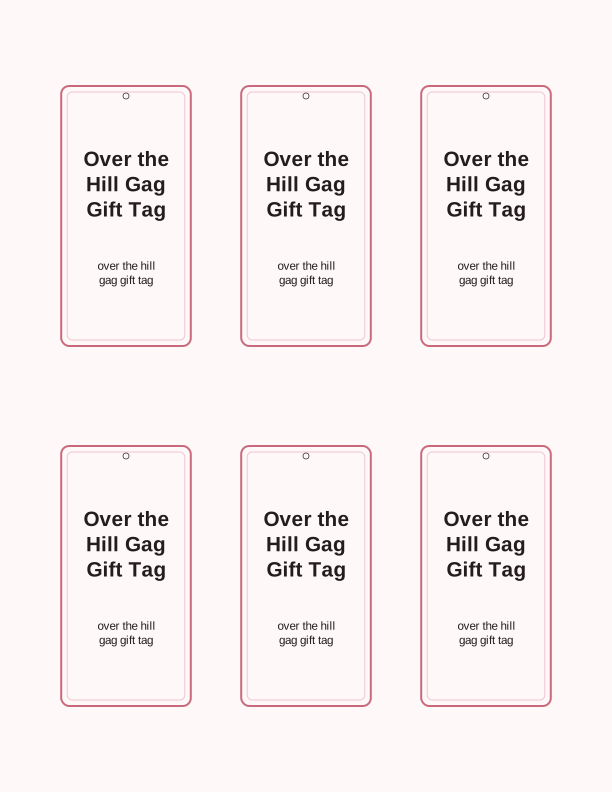
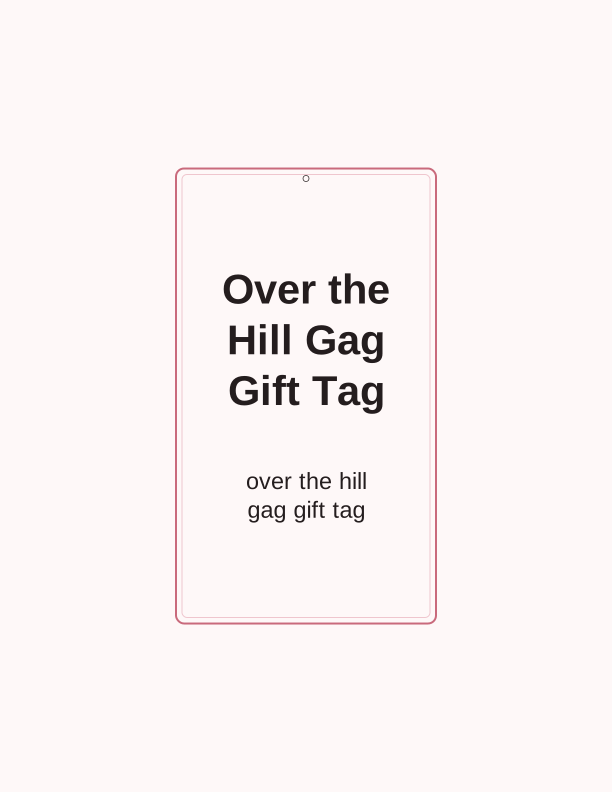
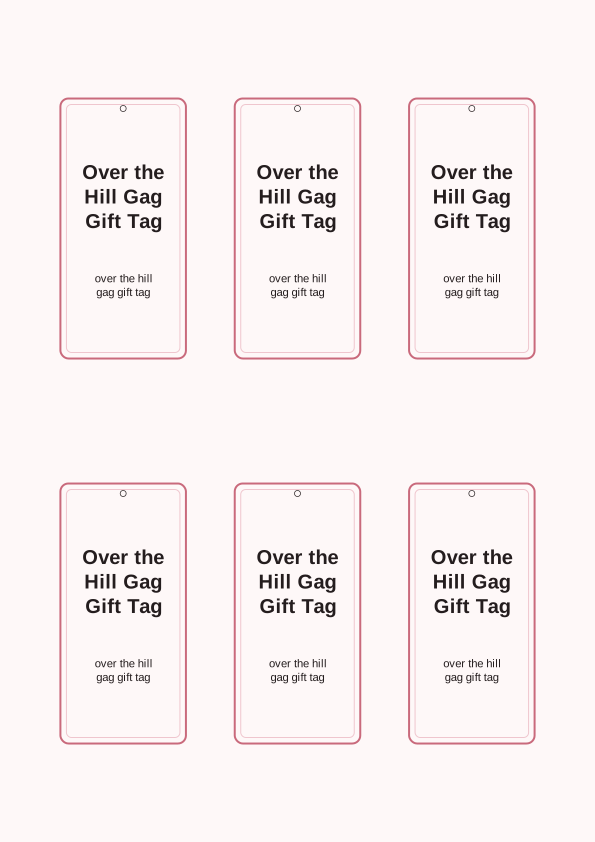
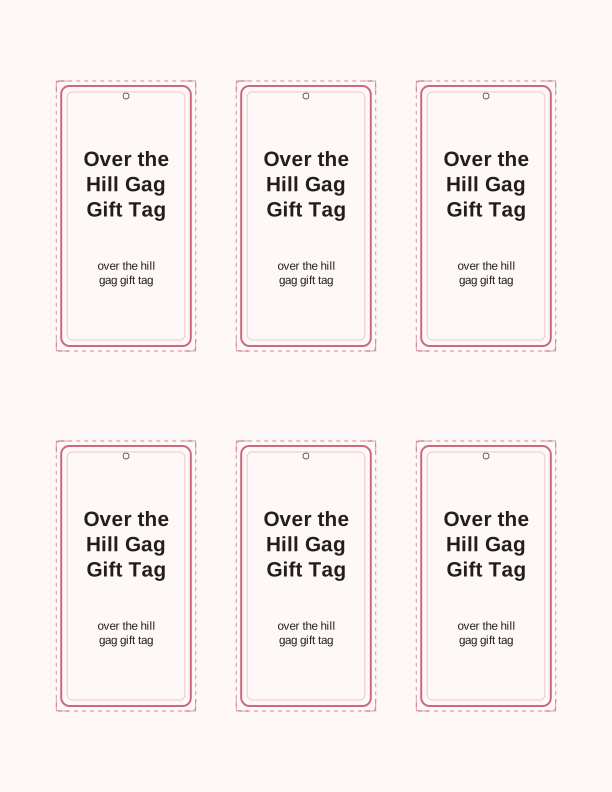
The over the hill gag tag design
This tag opens with a pile of oversized capsules and a mock prescription label that reads like a joke dosage for turning another decade older. The artwork is drawn in clean black linework with room to color it in, so it prints crisply on a mono laser printer and still looks sharp on an inkjet. Nothing is pre-filled with a year or an age, which means you can print the same sheet for a 40th, a 50th, or a 60th without re-downloading anything.
The default layout is a US Letter sheet with eight tags, each measuring 3.5 by 2 inches once trimmed. The same file also fits A4, with copies scaled to 89 by 51 mm so the proportions stay identical. Each tag has a narrow border that doubles as a cutting guide, and a 0.2-inch margin sits outside it so home printers with tight feed rollers still keep the whole edge on the page.
Because it is a gag, the humor has to land at a glance. The pill bottle and the crossed-out birthday candle are the two visual anchors, so the layout keeps them large and centered. If you plan to shrink the tag for a small favor bag, the bottle still reads clearly at 2.5 by 1.5 inches, though the tiny text inside the label becomes a texture rather than a word.
Tag sizes for gag gifts
Most over the hill gag gifts are either a bottle, a box of adult vitamins, or a single joke item that would look silly in wrapping paper. For a wine or liquor bottle, cut the 3.5 by 2 inch tag and punch a 3/16 inch hole in the top-left corner, then loop baker's twine around the neck. That size sits flush against a standard 750 ml bottle without covering the label.
For a small box or a gift bag, drop to the 2.5 by 1.5 inch size and print a full sheet of 12. A tag that small suits a pair of reading glasses, a jar of prunes, or a gag walking cane. If the present is a shirt, print the 3 by 1.75 inch tag and thread a safety pin through the punched hole instead of string.
Cardstock matters more than color for a tag that hangs on a bottle. A 65 lb (176 gsm) cover stock holds a crisp edge and does not curl when the twine pulls on it. If you only have 20 lb (75 gsm) copy paper, glue two sheets back to back with a glue stick before trimming; the laminated tag feels sturdier and hides the printer's show-through on the back.
How to print and attach the tag
Open the sheet in your browser, set the printer to Actual Size or 100 percent, and turn off Fit to Page. Fit to Page is the single most common reason a 3.5 inch tag comes out at 3.2 inches and then refuses to line up with a pre-punched tag. Print a single test copy on plain paper first, hold a ruler to the border, and only then load the cardstock.
For color inkjet printing, choose the Matte Photo or Plain Paper setting rather than Glossy. The tag has fine lines around the pill label, and glossy profiles tend to smear them on cheaper paper. For a mono laser, choose Cardstock or Heavy and feed one sheet at a time through the manual slot. Give the sheet a full minute to cool before touching the toner, because heavy stock stays warm.
Cutting goes faster with a guillotine trimmer than with scissors. Cut the outer rectangle first, then the internal gutters, so the blade has a straight edge to follow. A 1/8 inch corner rounder softens the four points and keeps them from snagging on twine. Punch the hole 1/4 inch down from the top edge and 1/4 inch in from the side; that offset keeps the tag hanging straight on a bottleneck.
Add the birthday age and name
The free maker lets you type a first name into the blank line above the prescription label, and a two-digit age such as 40, 50, or 65 into the dosage field. The name renders in a bold script that stays legible at the smallest 2.5 inch size, while the age stays in a heavier block face so it reads from across a table. There is no character limit, but short names look best.
If you want the tag to say something other than the default line, you can rewrite the mock dosing instructions in the same text box. People often change it to a running joke about the birthday person's hobby, such as a bedtime of nine o'clock or a daily allotment of two naps. The change saves to the current sheet only, so you can make a second version for a different guest without losing the first.
Names with accents print correctly because the browser embeds the font on export. Before you commit to a full sheet, preview at 100 percent on screen and check that the longest name does not run into the bottle illustration. If it does, drop the tag to the next size down or shorten the name to a first initial and a last name.
Free tag maker vs AI tag designs
The free over the hill gag gift tag printable covers the usual case: you get the pill bottle artwork, a sheet of tags at three sizes, and text fields for the age and name. Everything runs in the browser, so the file is ready to print in a minute or two and no account is needed. The layout is fixed, which means the result always looks like the sample on this page.
The paid AI generator is for when you want a different illustration or a custom punchline. You type a prompt, spend credits, and the generator returns a new tag design with fresh art and wording matched to the occasion. That is useful for a specific hobby, a workplace joke, or a milestone like 70 that needs a line other than the standard dosage gag.
Credits are the only thing the AI tool charges for; the free maker stays free. A reasonable workflow is to print the free version first, see how it looks on your cardstock, and then use AI credits only if you want the artwork changed. You are never required to use the generator to print an over the hill gag gift tag from this page.
Make your own with the Gift Tag Maker
Type a headline and an optional to/from line, then choose round or rectangular tags. Round tags are 2 by 2 inches; rectangular tags are 2 by 3.5 inches. Pick a color palette, preview the layout, and the tool tiles 12 tags per sheet. Everything is drawn in your browser, so your text never leaves your device and there is no account to create.

Exports are drawn on your device at 300 dpi on US Letter 8.5 x 11 in paper. Nothing you type is uploaded.
FAQ
These are the questions people ask most often before printing the over the hill gag gift tag, from paper weight and hole placement to whether the free maker can handle a name with an accent mark.
Is the gag gift tag free?
Yes. You can design and print it in your browser at no cost.
What gifts does it suit?
Funny milestone birthday gifts, joke boxes, and gag presents.
Can I change the message?
The free maker lets you edit the text, and AI generation can write a custom joke line.
Free tool, related designs, and printing help
This design sits in a collection of 31 gift tags pages. Start from the Gift Tag Maker above, then browse the full gift tags collection when you want a matching set.
PrintJoy runs on free tools plus optional credits for AI generation. Nothing on this page needs a subscription.