signs and certificates
Back to School Breakfast Sign
Print a free back to school breakfast sign with a rise and shine message for your first day celebration. Add a name and download it in the browser.
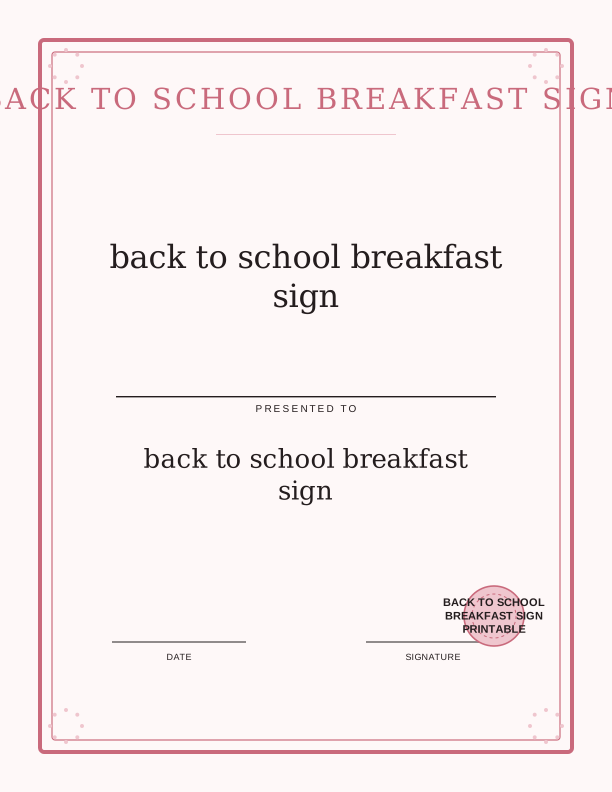
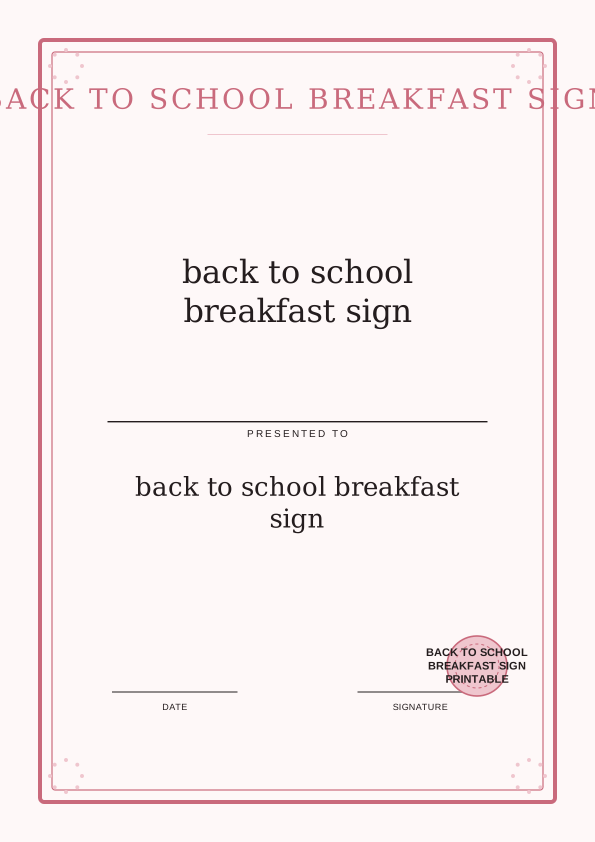
The rise and shine breakfast sign
The first morning of a new school year moves fast, and this back to school breakfast sign gives the table a focal point before the bus arrives. The design prints the words rise and shine in a warm, rounded lettering style that reads clearly from across the kitchen. It is sized at 8x10 inches so it stands up in a standard picture frame without a custom mat.
Set it between the pancake stack and the fruit bowl, or prop it against the back of a kitchen chair. The cheerful message works for a quiet family breakfast at 6:45 a.m. as well as a weekend brunch before the first day of kindergarten. Because the artwork is made to print at home, you can run a fresh copy every year as your child moves up a grade.
Teachers and room parents use the same file for a classroom welcome breakfast, where students eat together before the bell. The 8x10 proportion leaves breathing room around the message, so nothing feels crowded next to name cards or a printable award waiting on the same table.
Two designs included
Two distinct layouts come with the page so you can match the mood of your morning. The first leans on a bright sunburst behind the wording, which suits a family that likes bold color on the breakfast table. The second is quieter, with a simple border and a softer palette that works well for a classroom or a neutral dining room.
Both designs keep the rise and shine message centered and the margins even, so trimming is forgiving if you cut by hand with a craft knife and a steel ruler. Print one of each and decide at the table, or run design one for the kids and design two for the grown-ups' coffee station. The pair also gives you a backup if a sheet jams halfway through.
Color and ink coverage differ between the two, which matters on a home printer. The sunburst design uses more cyan and yellow, while the bordered design uses less ink and dries faster on plain paper. If you plan to laminate the sign for reuse, the lighter design shows fewer roller marks.
Print sizes and framing ideas
The sign is built for 8x10 inches, a frame size sold at most craft and department stores. Print on US Letter at 100 percent scale, or on A4 with fit to printable area selected, and the proportions hold. For a sturdier sign that stands on its own, feed 65 lb cardstock or 80 lb cover stock through the rear tray and set the paper type to cardstock.
If you want a larger display for a classroom door, print the file at 200 percent on 11x17 tabloid paper and trim to 16x20. A standard 8x10 frame with a 5x7 opening also works if you crop the message tighter with scissors. Tape the sheet to a cabinet, clip it to an easel, or slide it into a clear acrylic stand on the buffet.
Matte photo paper at 200 gsm gives the colors a soft finish and cuts down on glare from a kitchen window. Glossy paper looks punchier in photos, so use it if you plan to take first-day pictures at the table. A thin white border left on the sheet reads as intentional when you skip a frame entirely.
Add a name or class label
The free browser tool lets you type a child's name, a family surname, or a class label straight onto the sign before printing. Keep it short. First names work best, and a line like Mrs. Alvarez's Class or Room 12 fits neatly under the main message. The name field updates on screen so you can see the spacing before you commit to paper.
Type in title case rather than all capitals if you want the name to feel friendly, or use all caps when the sign doubles as a label for a classroom station. You can leave the field blank and handwrite the name later with a fine-tip marker, which is handy when several children share one sign or when a last-minute guest joins breakfast.
A named sign pairs well with a printable award given at the same meal. Set the award beside the plate, let the child read their name on the breakfast sign, then hand over the certificate for a first-day photo. The two pieces together make the morning feel like an occasion rather than a rushed school run.
Free sign maker vs AI designs
The free sign maker runs in your browser and covers the essentials. Choose design one or design two, type a name or class label, check the preview, and print. No account is needed and the file stays open while you adjust the text, so you can try a nickname and change your mind. This is the fastest route when school starts tomorrow and you simply need a sign on the table.
Paid AI generation is for families and teachers who want artwork the two included designs do not offer. You describe what you want in a prompt, for example a sign with a school bus, a stack of books, or a woodland animal theme, and the generator builds a new version with fresh art and wording. It uses credits, and each generation produces a new result you can print.
Neither option ships anything or arrives by email. Everything prints on your own printer at home, on the paper you already have. Start with the free maker for a reliable 8x10 sign today, and reach for AI generation when the celebration calls for custom art that matches a party theme or a specific classroom color scheme.
Make your own with the Certificate and Sign Maker
This free tool lets you create a custom certificate or sign in minutes, right in your browser. Type a name, an award or sign title, a date, and an optional issuer line. Then choose a border and a seal to match the occasion. Whether you need a Santa Nice List certificate, an elf adoption certificate, a first day of kindergarten sign, or Easter bunny bait tags, you can make it here without any design software.

Exports are drawn on your device at 300 dpi on US Letter 8.5 x 11 in paper. Nothing you type is uploaded.
FAQ
These answers cover the questions readers ask most about the back to school breakfast sign, from paper choice and print scaling to adding a name with the free maker. If you are printing the sign tonight for a morning celebration, start here.
Is the breakfast sign free?
Yes. You can design and print it in your browser for free.
How many designs are included?
The maker offers two sign designs you can print at 8x10.
Can I add a name?
The free maker has an editable text field for a name or class label.
Free tool, related designs, and printing help
This design sits in a collection of 5 signs and certificates pages. Start from the Certificate and Sign Maker above, then browse the full signs and certificates collection when you want a matching set.
PrintJoy runs on free tools plus optional credits for AI generation. Nothing on this page needs a subscription.