signs and certificates
First Day of Kindergarten Sign
Print a free first day of kindergarten sign for back to school photos and celebrations. Add the school year and download it in the browser.
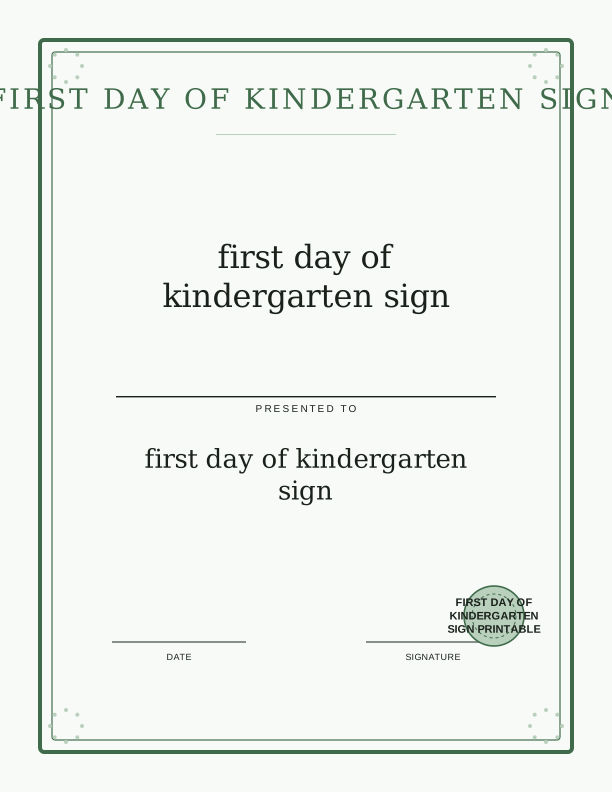
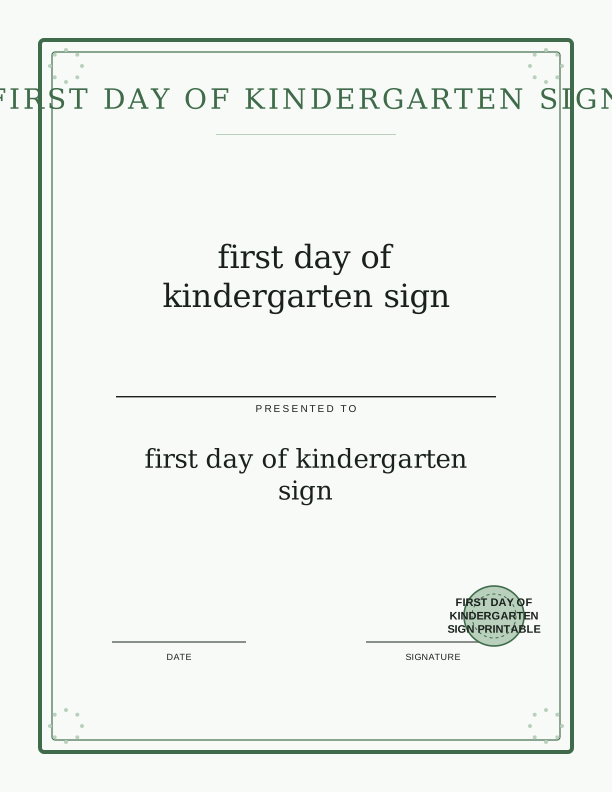
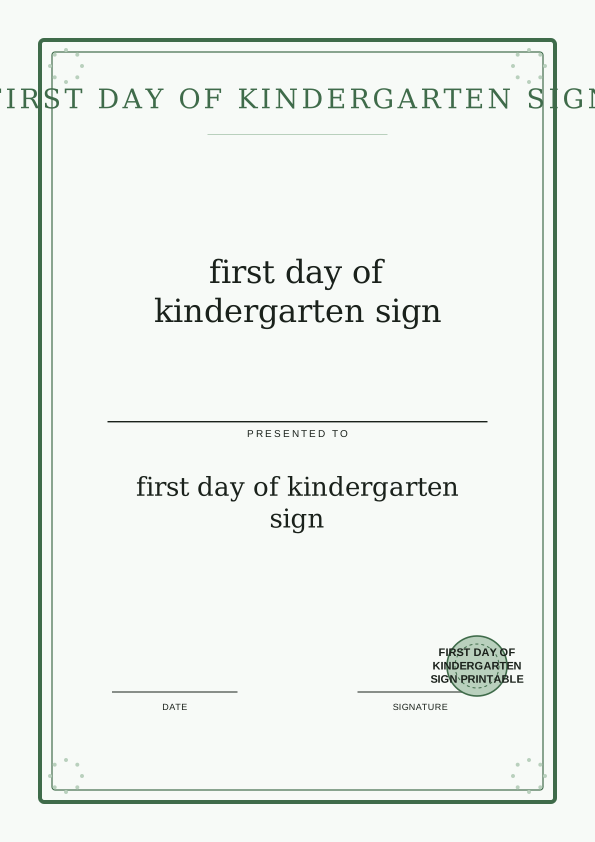
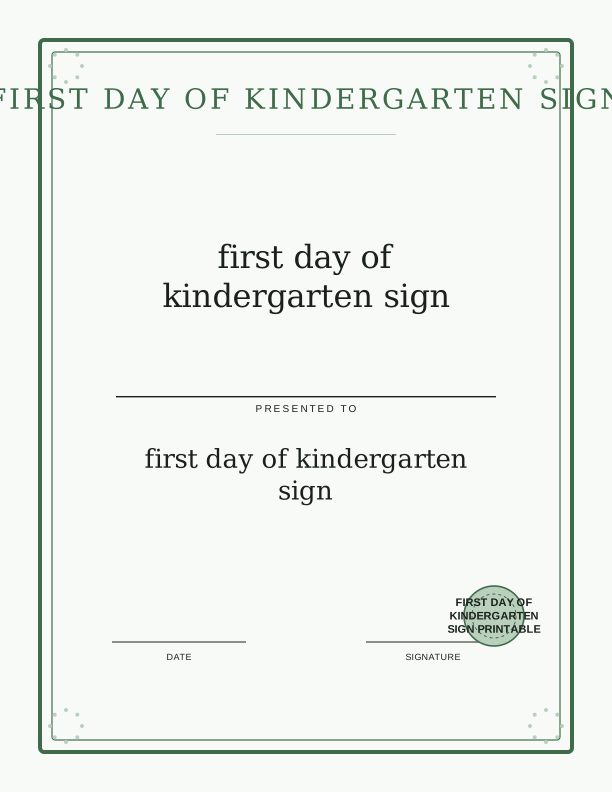
What the first day sign says
The headline reads First Day of Kindergarten in a thick, rounded letter style that stays readable when a phone camera pulls back to fit the whole child. Underneath sits a short line to fill in by hand: the school year, printed as 2026 to 2027. A soft band across the bottom leaves room for a name written in marker, so the same sheet works for a sibling starting kindergarten three years from now.
The corners carry small schoolhouse and pencil drawings, kept light enough that they do not compete with the words. There is no glitter, no photographic background, and no dark color block behind the text, because all three of those fight with afternoon window light in a hallway. If you want a version with different art, the AI generator can rebuild the sign around a theme you describe, such as space or a garden. The printable award style used on this page matches the certificates elsewhere in the signs and certificates collection, so a kindergarten sign and a completion certificate can hang on the same wall without clashing.
Everything sits inside a half-inch margin, which matters if your printer refuses to print borderless. Nothing important touches the trim edge. That also gives you a clean line for a paper trimmer if you want to shave the white border down to a neat quarter inch before framing or taping it to a door.
Sizes for photos and frames
The sign is built to print on US Letter at 8.5 by 11 inches and on A4 at 210 by 297 millimeters, so choose the paper size in your browser dialog before you hit print. A full sheet is the right call for a porch photo where the child holds it with both hands at chest height. Trim it to 8 by 10 inches and it drops straight into the most common photo frame, which is handy when the shot ends up on a grandmother's shelf.
For a tighter portrait, print at 50 percent and you get a sign close to 5.5 by 8.5 inches, an easy size for a four- or five-year-old to hold without covering their face. Print at 25 percent and you have a small card around 4.25 by 5.5 inches that fits a wallet or slips into a lunchbox on the first day. Enlarging past 11 by 17 inches is possible through a print shop, but at home stick to Letter or A4; upscaling on a desktop printer usually softens the letter edges.
Paper choice changes how the sign photographs. A 65 lb cardstock, roughly 176 gsm, holds flat in small hands and will not curl at the corners the way 20 lb copy paper does after ten minutes of gripping. Matte finish is the safer pick, since glossy stock throws a bright reflection from a flash or a window directly into the camera.
How to print and pose the sign
Open the sign in your browser, set the paper size and orientation to portrait, and choose Actual Size or 100 percent scale rather than Fit to Page. Fit to Page is the setting that quietly shrinks a sign by six or seven percent and leaves a wide white frame around the art. Set print quality to Best or High, and if your printer offers a borderless option, leave it off so the margin stays predictable.
Give the ink a full two minutes to set before anyone touches the sheet, especially on cardstock. When you cut, a guillotine trimmer gives the straightest edge, but a craft knife against a metal ruler on a cutting mat works fine. Scissors are the last resort; they wobble on an eleven-inch cut and the wobble shows in photos.
For the picture itself, stand the child about two steps in front of a plain wall, a closed front door, or a hedge that is not backlit. Shoot at eye level with the child rather than from adult height, and take three frames: one holding the sign, one walking toward the camera, and one close shot of the sign alone. That last frame pairs well with a printable award or a completion certificate you print the following spring, since both share the same clean layout.
Add the school year and name
The year line on this sign is set up for the 2026 to 2027 school year, printed with the two years separated by the word to, which reads naturally whether you say it aloud or write it on a calendar. If your district labels the year differently, the browser tool lets you type the exact text you want in the year field before printing.
The name space is deliberately left blank so handwriting can do the work. A fine-tip permanent marker in black or navy looks clean at any size, and it dries fast enough to avoid smudging when a five-year-old grabs the sheet. If you would rather type the name, the free maker accepts a first name and prints it in the same rounded style as the headline, which keeps the sign looking like one design instead of two.
Print two copies before the first morning. Kindergarteners sit on signs, spill juice on them, and fold them into backpacks, and a spare copy in a drawer means you are not reprinting at 7:40 a.m. while a bus idles at the corner. Keep a copy unfilled as a template for a younger sibling's first day later on.
Free sign maker vs AI designs
The free browser tool does three things well: it sets the school year, it adds a first name in the same letter style as the headline, and it prints the sign at Letter or A4 without any account or cost. Nothing you make in the free tool is saved to a library; you generate the sheet, print it, and close the tab.
The paid AI generator takes a written prompt and builds a new sign around it, with original artwork, a different letter style, and a longer keepsake layout that can include the school name, the teacher, or a short line about how the morning went. You spend credits when you generate, and you can print the result at home the same way. It is the better route when you want the sign to match a birthday theme or a nursery color scheme rather than the standard schoolhouse art.
Most families use the free sign for the photo and the AI version for a framed keepsake they add to each year. Both print on the same paper, at the same sizes, with the same margin, so what you learn about your printer the first time carries over to every sign you make after it.
Make your own with the Certificate and Sign Maker
This free tool lets you create a custom certificate or sign in minutes, right in your browser. Type a name, an award or sign title, a date, and an optional issuer line. Then choose a border and a seal to match the occasion. Whether you need a Santa Nice List certificate, an elf adoption certificate, a first day of kindergarten sign, or Easter bunny bait tags, you can make it here without any design software.

Exports are drawn on your device at 300 dpi on US Letter 8.5 x 11 in paper. Nothing you type is uploaded.
FAQ
These are the questions families ask most often about the first day of kindergarten sign, from paper choice to what the free tool can and cannot change. If your question is about printing at home, start with the paper size setting in your browser dialog.
Is the first day sign free?
Yes. You can design and print it in your browser for free.
Can I change the school year?
Yes. The free maker has an editable year field so you can reuse the sign.
What size should I print?
An 8x10 format is a good fit for photos, and you can export a larger size for framing.
Free tool, related designs, and printing help
This design sits in a collection of 5 signs and certificates pages. Start from the Certificate and Sign Maker above, then browse the full signs and certificates collection when you want a matching set.
PrintJoy runs on free tools plus optional credits for AI generation. Nothing on this page needs a subscription.