Free browser tool · no account
Card and Tag Maker
Free browser-based tool to make folded cards, flat cards, and gift-card holders. Type your message, pick a theme, and print at home.
The Card and Tag Maker turns your own words into a printable card or tag in a few minutes. Type a message for a birthday, thank you, or holiday, then choose a folded card, a flat card, or a gift-card holder. Pick a theme color and the tool draws a letter-size sheet with fold and cut marks. Everything is laid out on your device, so nothing is uploaded and no account is needed.
Use it for quick greetings, gift tags, or a card that holds a gift card. The tool prints on US Letter or A4 at 300 dpi, so text and marks stay crisp. Export a PDF to print now or a PNG to keep for later. The free version covers everyday cards and tags; a paid AI generator is available for fully custom artwork when you want a bespoke illustration or layout.
Use the Card and Tag Maker
- Step 1Type your message and choose a card type.
- Step 2Select a theme color for the design.
- Step 3Preview the sheet with fold and cut marks.
- Step 4Export as PDF or PNG, then print.
%20scale(1.5)%20translate(-50%20-50)%22%20fill%3D%22none%22%20stroke%3D%22%23e85d4e%22%20stroke-width%3D%223.2%22%20stroke-linecap%3D%22round%22%20stroke-linejoin%3D%22round%22%3E%3Ccircle%20cx%3D%2250%22%20cy%3D%2250%22%20r%3D%227%22%2F%3E%3Cpath%20d%3D%22M50%2043%20C34%2026%2022%2040%2036%2050%20C22%2060%2034%2074%2050%2057%22%2F%3E%3Cpath%20d%3D%22M50%2043%20C66%2026%2078%2040%2064%2050%20C78%2060%2066%2074%2050%2057%22%2F%3E%3Cpath%20d%3D%22M43%2050%20C26%2034%2040%2022%2050%2036%20C60%2022%2074%2034%2057%2050%22%2F%3E%3Cpath%20d%3D%22M43%2050%20C26%2066%2040%2078%2050%2064%20C60%2078%2074%2066%2057%2050%22%2F%3E%3Cpath%20d%3D%22M50%2057%20L50%2092%22%2F%3E%3C%2Fg%3E%3Ctext%20fill%3D%22%231c1c1e%22%20font-family%3D%22Georgia%2C%20'Times%20New%20Roman'%2C%20serif%22%20font-size%3D%2218%22%20text-anchor%3D%22middle%22%3E%3Ctspan%20x%3D%22306%22%20y%3D%22499.94%22%3E%3C%2Ftspan%3E%3C%2Ftext%3E%3Cpath%20d%3D%22M%20153%20396%20L%20459%20396%22%20stroke%3D%22%23e85d4e%22%20stroke-width%3D%220.6%22%20stroke-dasharray%3D%224%204%22%2F%3E%3Ctext%20x%3D%22165%22%20y%3D%22391%22%20font-family%3D%22Helvetica%2C%20Arial%2C%20sans-serif%22%20font-size%3D%227%22%20fill%3D%22%23e85d4e%22%3EFOLD%3C%2Ftext%3E%3Crect%20x%3D%2234%22%20y%3D%22616%22%20width%3D%22180%22%20height%3D%22116%22%20rx%3D%224%22%20fill%3D%22%23fffaf6%22%20stroke%3D%22%231c1c1e%22%20stroke-width%3D%221%22%2F%3E%3Cpath%20d%3D%22M%2046%20650%20L%20202%20650%20M%2046%20692%20L%20202%20692%22%20stroke%3D%22%23e85d4e%22%20stroke-width%3D%220.8%22%20stroke-dasharray%3D%224%203%22%2F%3E%3Ctext%20x%3D%22124%22%20y%3D%22724%22%20text-anchor%3D%22middle%22%20font-family%3D%22Helvetica%2C%20Arial%2C%20sans-serif%22%20font-size%3D%228%22%20fill%3D%22%231c1c1e%22%3E%3C%2Ftext%3E%0A%3C%2Fsvg%3E)
Exports are drawn on your device at 300 dpi on US Letter 8.5 x 11 in paper. Nothing you type is uploaded.
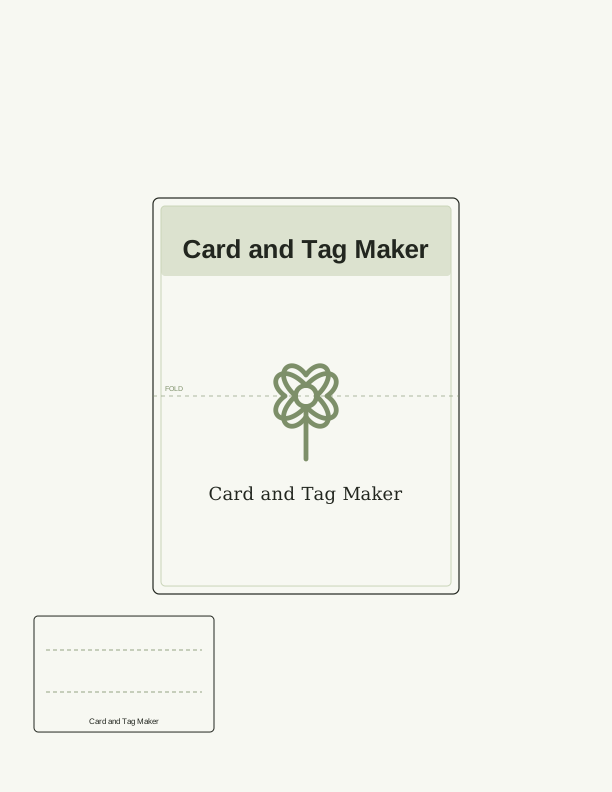
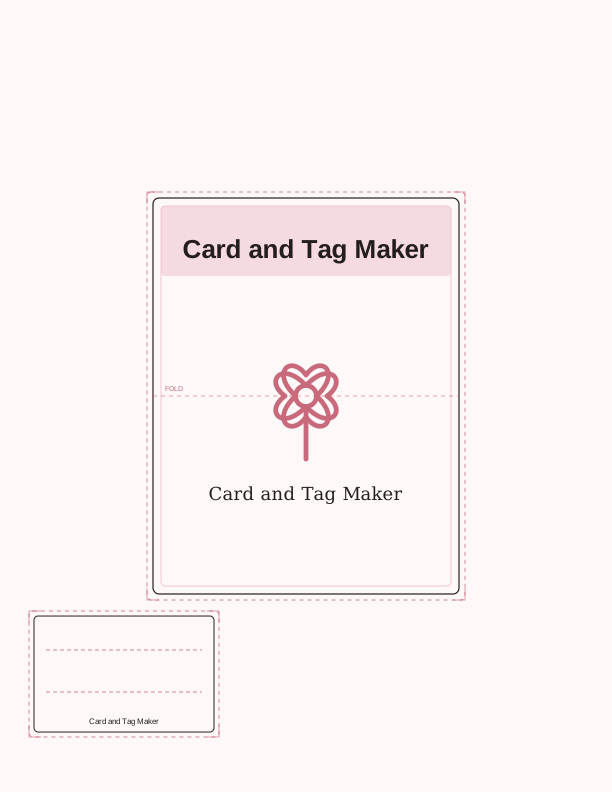
What You Can Make and How the Controls Work
The tool handles three formats: a folded card, a flat card, and a gift-card holder. Folded cards print on one sheet with a center fold line; flat cards are single panels; gift-card holders include a pocket and slot sized for a standard gift card. Type your message into the text field, then use the theme color picker to match a birthday, holiday, or thank-you palette. The preview updates as you type.
The layout engine places your text and adds fold and cut marks to the sheet. You can adjust the message length and switch formats without starting over. Everything is drawn in your browser, so the preview matches the printed output. When you are ready, export a PDF for printing or a PNG for saving. The free tool is built for quick, everyday cards and tags.
Paper, Sizing, and Printer Settings
The tool defaults to US Letter but you can switch to A4 before exporting. Both sizes are generated at 300 dpi, which is print-ready for home printers. The sheet includes fold and cut marks to guide trimming and scoring. Use a standard paper weight like 65 lb cardstock for folded cards and gift-card holders; plain paper works for flat cards and tags. The marks are light gray so they disappear after cutting.
When you print, choose Actual Size or 100% scale in your printer dialog and set the paper size to match your selection. Do not use Fit to Page, which can shrink the layout and misalign the marks. Print a test page on plain paper first to check margins, then print the final on cardstock. The exported PDF and PNG keep the 300 dpi resolution, so any print service will produce the same result.
Free Browser Tool vs. the Paid AI Generator
The free Card and Tag Maker runs entirely in your browser and covers the everyday job: a typed message, a theme color, and a print-ready sheet with fold and cut marks. There is no cost, no account, and nothing is uploaded. It is the right choice when you need a card or tag quickly and want to control the text and layout yourself. Export options are PDF and PNG at US Letter and A4.
The paid AI generator is for when you want a fully custom design from a written prompt, such as a bespoke illustration or a layout that goes beyond text and color. It uses credits and creates artwork based on your description. The free tool remains available for standard cards and tags; the AI option is for custom artwork only.
FAQ
Is my text or personal information uploaded?
No. The Card and Tag Maker runs entirely in your browser. Your message, theme color, and format choices are processed on your device and are never sent to a server. The page does not upload your text, and there is no account or sign-in. When you close the tab, the data is gone.
What paper sizes are supported?
The tool exports at US Letter (8.5 by 11 inches) and A4 (210 by 297 mm), both at 300 dpi. You can switch sizes before exporting. The layout includes fold and cut marks sized for the selected paper. Print at 100% or Actual Size and match the paper in your printer to avoid scaling.
Can I edit the text after I export?
Yes. The text is editable in the tool until you export. If you need changes after exporting, return to the tool, edit your message, and export a new PDF or PNG. The free tool does not save your work between sessions, so keep the exported file if you want to reuse it.
Designs built with this tool
Every cards and invitations page below can be reproduced in the Card and Tag Maker. Open one to see sizes, wording and printing notes, then bring your own text back here.
The Card and Tag Maker is free forever. Credits only apply when you ask the AI generator to draw something new.