gift tags
Sports Treat Tags Taste the Victory
Print free sports treat tags with a taste the victory message for team snacks, candy gifts, and competition celebrations. Download a tag sheet.
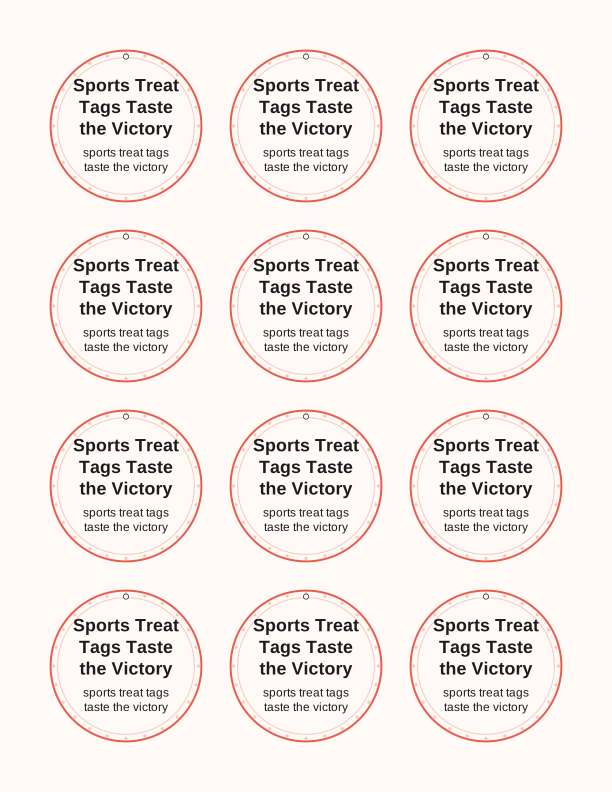
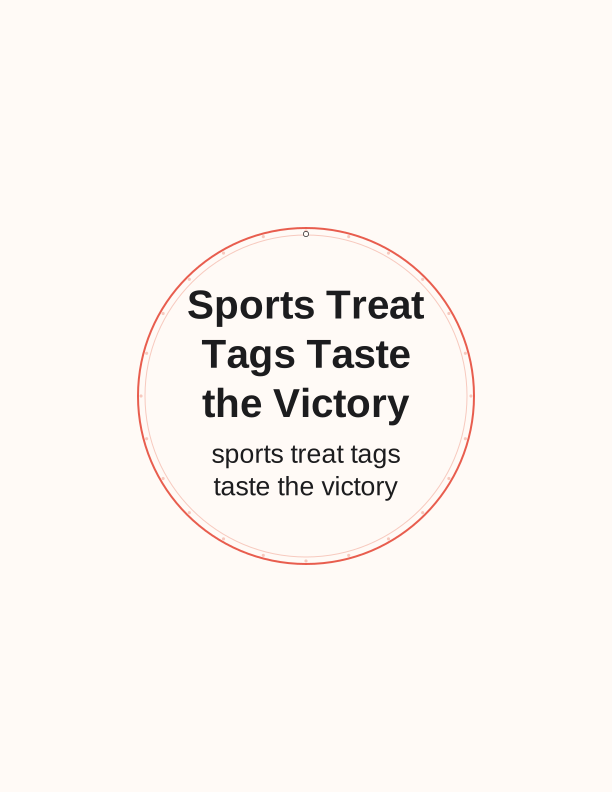
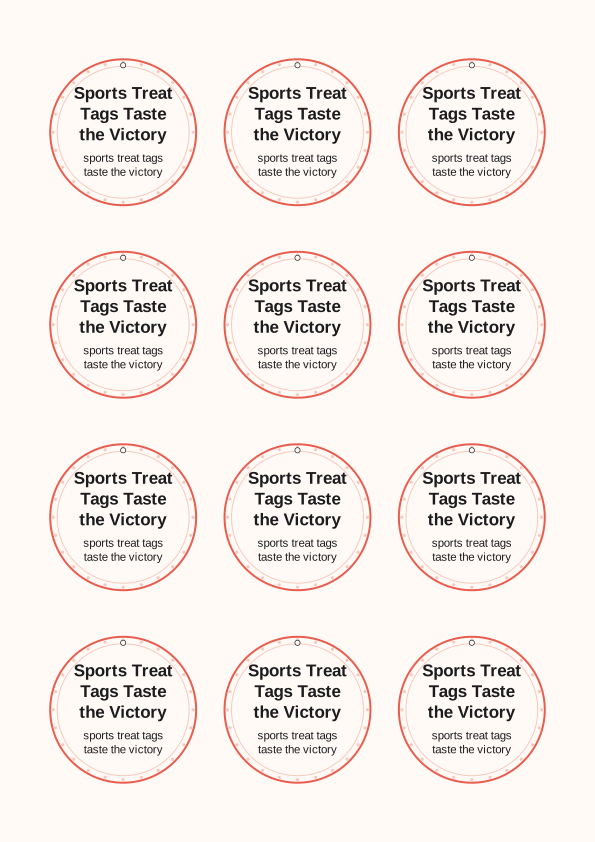
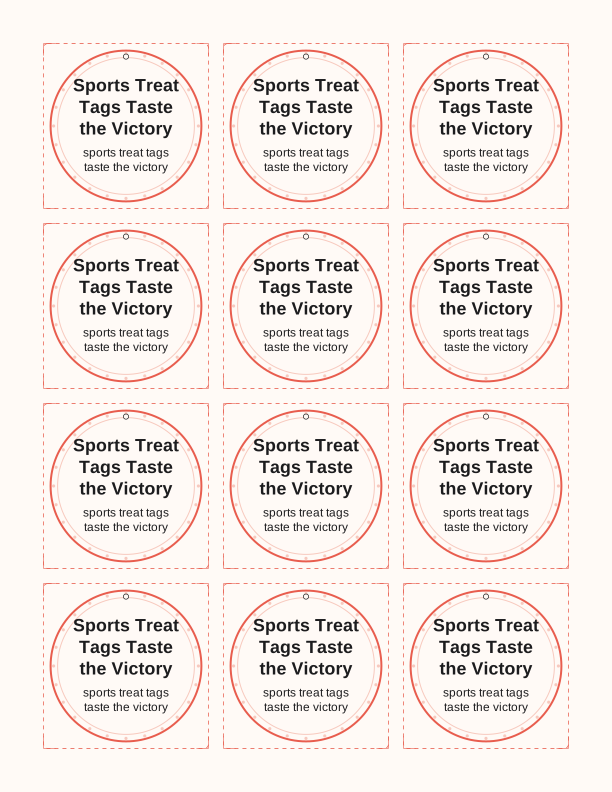
The taste the victory tag design
Each tag carries the line taste the victory in a bold athletic face, set above a simple icon drawn from whichever sport the sheet is built around. Baseball, soccer, basketball, football, and track versions all live on the same page, and the free maker swaps the mark without changing the wording. Tags print edge to edge inside a thin dashed border so you can cut a clean rectangle or follow the shape, whichever your scissors handle better.
The default sheet lays six tags on US Letter at 3.5 by 2 inches, and the A4 version drops to the same measurements so a metric printer produces an identical cut line. Colors stay flat and ink-light on purpose. A tag that soaks half a cartridge is a tag nobody reprints, and team parents run these sheets dozens of times a season, sometimes the night before a tournament.
Because this is a gift tag template rather than a finished card, the back stays blank. That empty side is where a coach writes the final score, a parent stamps a team logo, or a player signs a first name. Nothing on the front competes with your handwriting, and nothing on the back is pre-printed that you would have to cover up with a sticker.
Tag sizes for candy bags
Three stocked sizes cover nearly every treat you will pair with these sports treat tags taste the victory printables. The 2 by 3.5 inch tag matches a standard folded thank-you card and fits a quart zip bag without drooping. The 2.5 by 4 inch tag suits a full-size candy bar or a cellophane bag of gummy bears. The smallest option, 2 by 2 inches, is made for lollipops, fun-size bars, and the little bags of popcorn teams hand out after a win.
Punch position matters more than size. A single 1/8 inch hole centered 3/8 inch below the top edge keeps a tag hanging straight on curling ribbon. Two holes set 1.5 inches apart turn the same tag into a fold-over that staples around a bag's gathered neck, which is the faster method when you are filling forty bags in a gym lobby. Test one before you commit to the whole sheet.
Heavier candy needs heavier paper. A 3.5 ounce tag stocks fine for a lollipop, but a bag holding a full soda or a heavy chocolate bar will bow a lightweight sheet. Print on 65 lb cardstock, roughly 176 gsm, and the tag holds its shape in a cooler or a duffel bag. Matte cardstock also takes gel pen and marker far better than a glossy photo sheet, which smears.
How to print and attach the tags
Set your printer to actual size, or 100 percent, and turn off any fit-to-page option. Scaling is the single most common reason a tag punches off center, because the printer quietly shrinks the sheet by a few percent and your hole lands on the artwork. Choose plain paper or cardstock as the media type, and if the sheet feeds crooked, load one page at a time through the manual slot instead of the tray.
For cutting, a trimmer with a guide rail gives you straight edges on the 2 by 3.5 inch tags in about two passes each. Scissors work fine on curved sport icons if you cut outside the dashed line and clean up the corners afterward. A corner rounder on the four points turns a homemade tag into something that looks store-bought, and it takes maybe ten seconds per tag once you get a rhythm.
Attachment comes down to what you already own. Curling ribbon through a single punched hole reads formal and works well for coach gifts. Baker's twine or thin jute suits a rustic team snack basket. For bulk, run a strip of double-sided tape down the back of the tag and press it onto a bag front, which is faster than tying anything and survives a car ride to the field.
Add the team or player name
The free maker includes a text field for a team name, a player name, or both, and it sits below the taste the victory line rather than replacing it. Keep it to about twenty characters and the type stays legible at the 2 by 2 inch size. Longer names push the line smaller, which is fine for a coach gift but hard to read on a fun-size candy tag in a crowded dugout.
You can also run the tags without any name at all. Plenty of teams hand out a mixed bag where every treat gets the same message, and a nameless tag means you are not sorting forty bags by roster. If you do want names, the maker lets you set one name per tag so a single printed sheet serves an entire roster instead of one child.
Number jerseys are worth considering alongside names. A tag reading taste the victory with a number 12 underneath identifies the player instantly at a glance and takes less horizontal space than a full name. Coaches who collect tags for a season-end scrapbook tend to prefer the number version, since it stacks neatly on a page without ragged text edges.
Free tag maker vs AI tag designs
The free maker in your browser handles the practical jobs well. It changes the sport icon, sets tag size, adds a team or player line, and produces a print-ready PDF you download and print yourself. No credits, no account, no limit on how many sheets you run. If all you need is a clean set of sports treat tags taste the victory printables for Saturday's game, the free tool finishes the job in a few minutes.
AI generation costs credits and is for the sheet the free tool cannot build. That means a custom color palette pulled from your school's actual colors, a mascot drawn to your description, a specific event line like a regional championship date, or a tag shaped like a hockey puck or a running shoe rather than a rectangle. You type a prompt, credits are spent, and you get a design matched to that request.
Worth knowing before you spend: generated tags still print at home on the same US Letter and A4 sheets and cut with the same tools. Nothing about the paid route changes how the tag reaches a candy bag. The credits buy the artwork, not delivery, and no one ships anything to you. Start with the free maker, and reach for AI when the design itself is the part that is missing.
Make your own with the Gift Tag Maker
Type a headline and an optional to/from line, then choose round or rectangular tags. Round tags are 2 by 2 inches; rectangular tags are 2 by 3.5 inches. Pick a color palette, preview the layout, and the tool tiles 12 tags per sheet. Everything is drawn in your browser, so your text never leaves your device and there is no account to create.

Exports are drawn on your device at 300 dpi on US Letter 8.5 x 11 in paper. Nothing you type is uploaded.
FAQ
These are the questions team parents ask most about the taste the victory tag sheet, from paper weight to whether the team name has to appear on every tag. If you are printing a candy gift or a post-game snack bag, start here.
Are the sports treat tags free?
Yes. You can create and print them in your browser at no cost.
What events do they suit?
Team snacks, testing days, tournaments, and end-of-season celebrations.
Can I add a team name?
The free maker has an editable field for a team or player name.
Free tool, related designs, and printing help
This design sits in a collection of 31 gift tags pages. Start from the Gift Tag Maker above, then browse the full gift tags collection when you want a matching set.
PrintJoy runs on free tools plus optional credits for AI generation. Nothing on this page needs a subscription.