gift tags
Boo Here is a Treat Tags
Print free boo here is a treat tags for candy bags, classroom favors, and neighborhood Halloween surprises. Download a tag sheet in the browser.
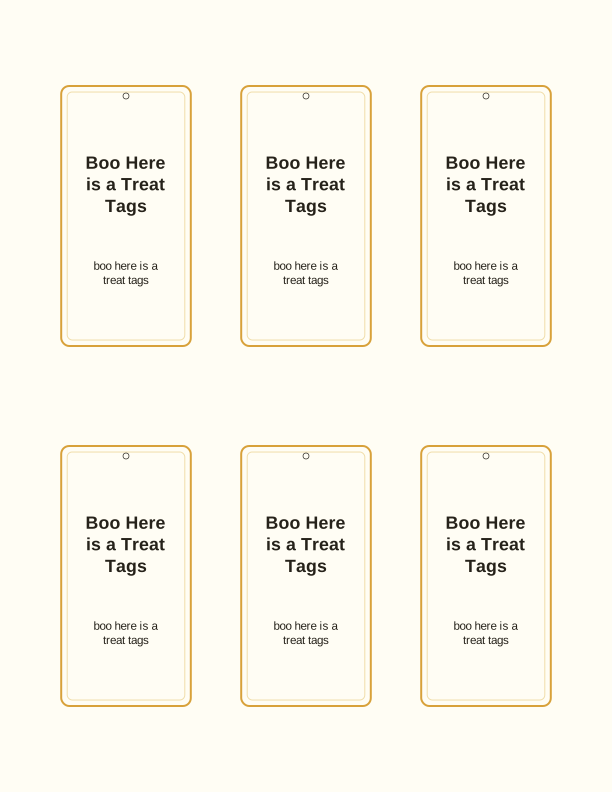
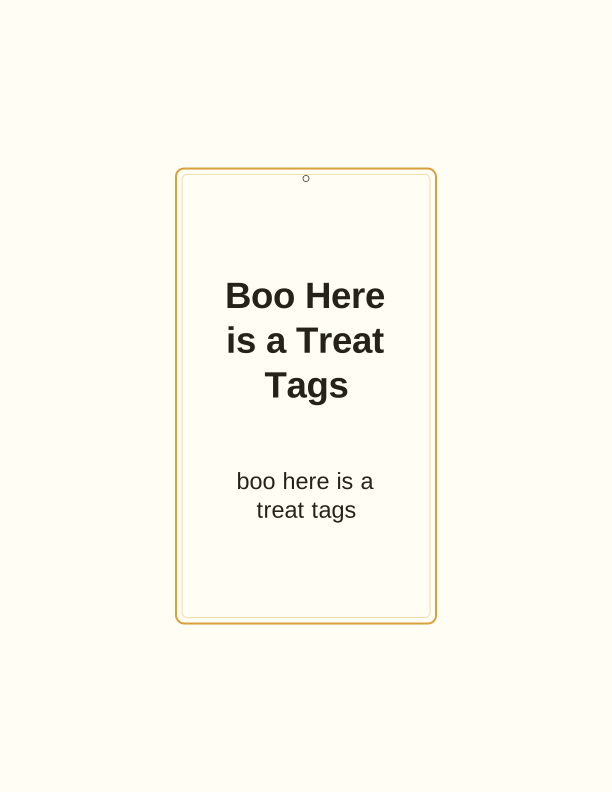
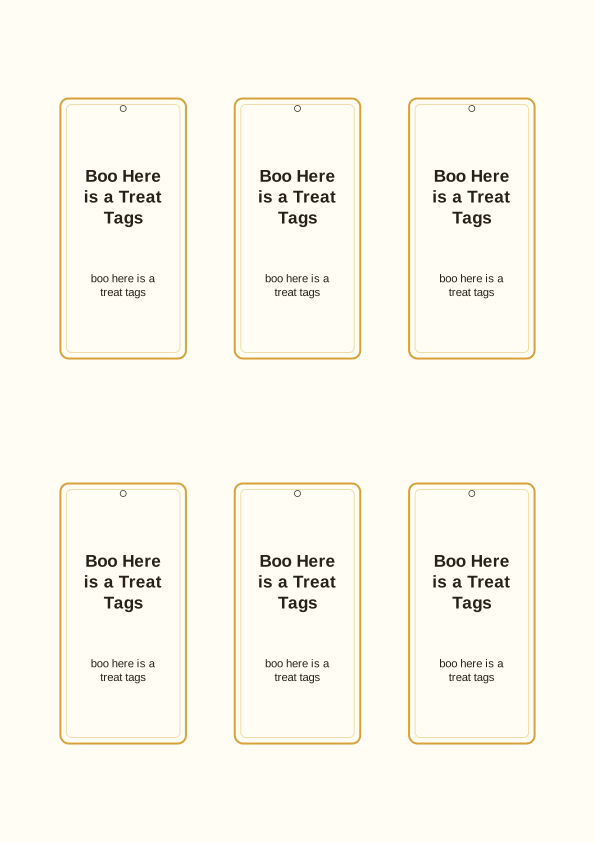
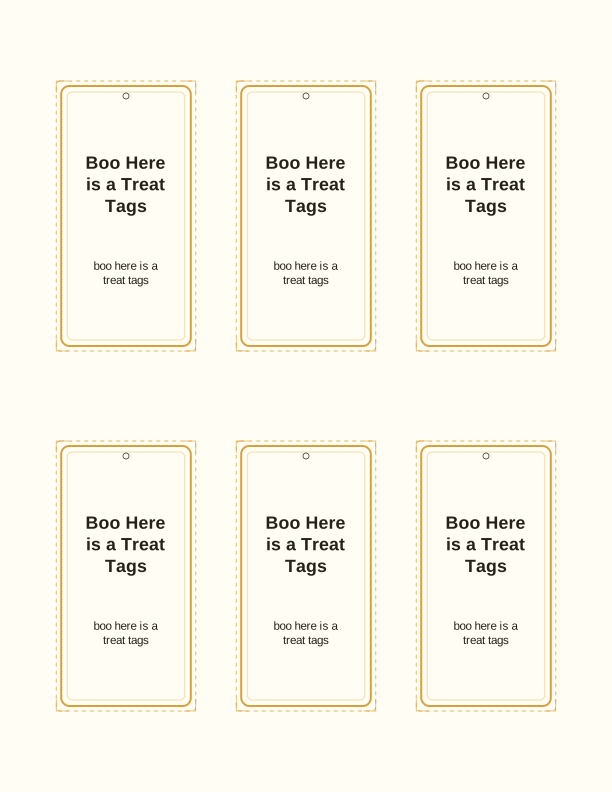
The boo here is a treat tag design
Each boo here is a treat tag pairs the phrase "boo here is a treat" with a friendly ghost, a wrapped candy, and a scattering of tiny stars. The lettering is chunky and rounded so it stays readable at two inches across, which matters when a tag is taped to a sandwich bag and seen from a few feet away. Artwork sits inside a thin dashed border you can follow with scissors.
The sheet holds eight tags on US Letter and eight on A4, arranged in two columns with roughly a quarter inch of white space between them. That gap gives you room for a paper trimmer or a steady scissor line without slicing into the next tag. Colors stay light on ink: soft orange, charcoal, and a hint of purple, so a home inkjet will not soak the page.
Because this is a gift tag template rather than a finished card, the back is left blank. Flip a tag over and you have clean space for a to-from line, a short handwritten note, or a name you write in yourself. Nothing on the front is dated, so the same sheet works for a classroom party, a trunk-or-treat table, or a bowl left on the porch.
Tag sizes for candy bags
The boo here is a treat tags printable comes in three cut sizes on the same download: about 3.5 by 2 inches for a quart or gallon candy bag, about 2.5 by 1.5 inches for a snack-size bag of gummy worms or a juice box, and about 2 by 1.25 inches for a lollipop stick or a single wrapped chocolate. Choose the size before you print, since each one lays out on its own sheet.
Match the size to the bag, not the other way around. A 3.5 inch tag hangs neatly from the folded top of a paper lunch bag tied with yarn. A 2.5 inch tag fits across the front of a zip-top snack bag without covering the candy. The smallest size is the one that threads onto a stick or a twist tie.
If you plan to punch a hole, keep the hole at least a quarter inch in from the edge so the paper does not tear when the bag is carried. Standard single-hole punches work fine on 24 lb bond. Heavier 65 lb cardstock holds up better on treat bags that will be handed out and swung around at a school party.
How to print and attach the tags
Print at 100 percent, or "Actual size," and turn off any "fit to page" or "scale to fit" setting in your print dialog. Those options shrink the tags by a few percent, which is enough to throw off a punched hole or a pre-cut line. Choose portrait orientation on US Letter or A4 with plain paper at 20 lb so the boo here is a treat tags print at full size before you cut them out for candy bags. For color, set the quality to Normal rather than Draft so the ghost outline stays crisp.
For sturdy tags, feed 65 lb cardstock, which is about 176 gsm, through a rear or straight paper path if your printer has one. If the printer only takes paper from a bottom tray, 45 lb cardstock at roughly 120 gsm bends around the rollers more easily. Matte finish takes pen and marker well; glossy cardstock resists smudging but ink needs a minute to dry.
Attach with what you already have. A stapler across the folded top of a bag is fastest. Curling ribbon threaded through a punched hole looks tidier for a party favor. Tape a tag flat to the front of a zip-top bag if you want the ghost visible at a glance. For a lollipop, wrap the tag around the stick and secure the ends with a small piece of clear tape.
Use them for class or neighborhood treats
These tags suit a class of about twenty to thirty kids. Print four sheets and you have thirty-two tags, which covers a typical elementary classroom with a few spares for the child who arrives late or the sibling who tags along. Kindergarten through third grade tends to enjoy the ghost art most, but the joke lands with older kids too when it is stapled to a full-size candy bar.
For a neighborhood surprise, tape a tag to a small bag of candy and leave it on a doorstep, then let the recipient pass it along. The wording is generic enough for that. If you are hosting a trunk-or-treat table, print the 2.5 inch size and clip tags to juice boxes or pretzel packs so the non-candy option looks just as intentional as the chocolate.
Teachers can use the blank backs for allergy notes or a room number, and room parents can write a short thank-you to the family who donated supplies. Because each sheet repeats the same eight designs, a whole grade level looks uniform without anyone ordering printed tags. Print extra and keep a stack in a drawer for next October.
Free tag maker vs AI tag designs
The free Boo Here Is a Treat tag maker runs in your browser with nothing to install, letting you type a name onto each Halloween candy tag and print a full sheet on your home printer for nothing. Pick a size, type a name into the field, and the sheet updates before you print. It handles one short line per tag, which is enough for "To: Mia" or "From the Reyes family." You can print as many sheets as you need, and you never enter payment information to use it.
Paid AI generation is for the parts the free tool does not touch. It can produce a fresh tag set with different art, a longer custom message such as a party address or a thank-you line, or a wording change like "boo here is a treat" swapped for something themed to your event. It draws on credits rather than a flat free run, so use it when you want a design that is not the standard sheet.
Most people print the free sheet for a normal Halloween and only reach for AI generation when they are matching a party theme, printing for a large event, or want the text written for them. Try the free maker first. If the size and the name field cover what you need, you are done in a couple of minutes.
Make your own with the Gift Tag Maker
Type a headline and an optional to/from line, then choose round or rectangular tags. Round tags are 2 by 2 inches; rectangular tags are 2 by 3.5 inches. Pick a color palette, preview the layout, and the tool tiles 12 tags per sheet. Everything is drawn in your browser, so your text never leaves your device and there is no account to create.

Exports are drawn on your device at 300 dpi on US Letter 8.5 x 11 in paper. Nothing you type is uploaded.
FAQ
Here are the questions readers ask most about the boo here is a treat tags, from picking a size to getting the color right on a home printer.
Are the boo treat tags free?
Yes. You can create and print them in your browser at no cost.
What can I attach them to?
Candy bags, small favors, and Halloween treat baskets.
Can I add a name?
The free maker has editable name fields, and AI generation can write custom wording.
Free tool, related designs, and printing help
This design sits in a collection of 31 gift tags pages. Start from the Gift Tag Maker above, then browse the full gift tags collection when you want a matching set.
PrintJoy runs on free tools plus optional credits for AI generation. Nothing on this page needs a subscription.