gift tags
Good Luck Testing Treat Tags
Print free good luck testing treat tags with a put your best foot forward message for students on testing day. Download a tag sheet in the browser.
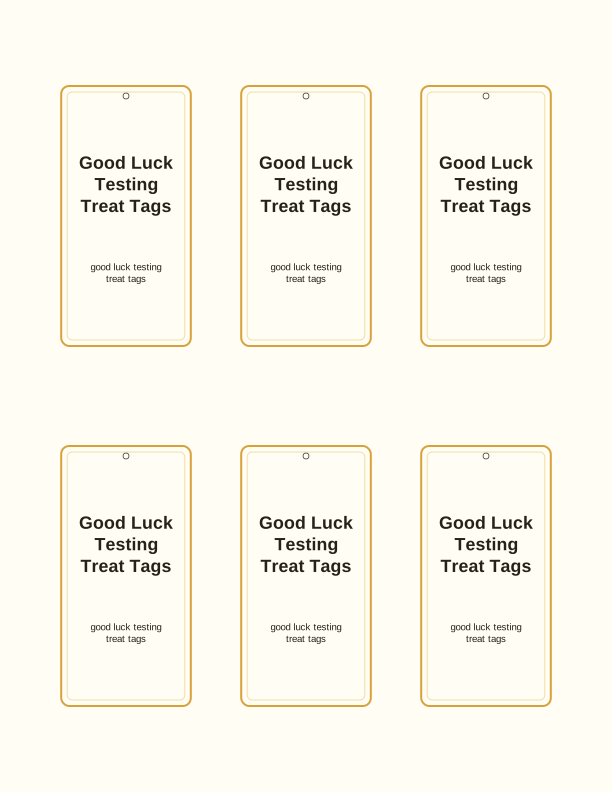
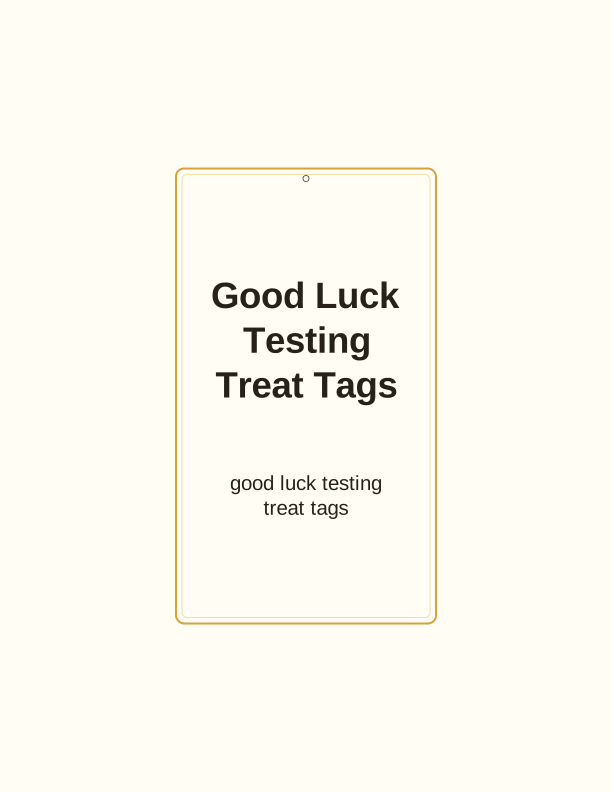
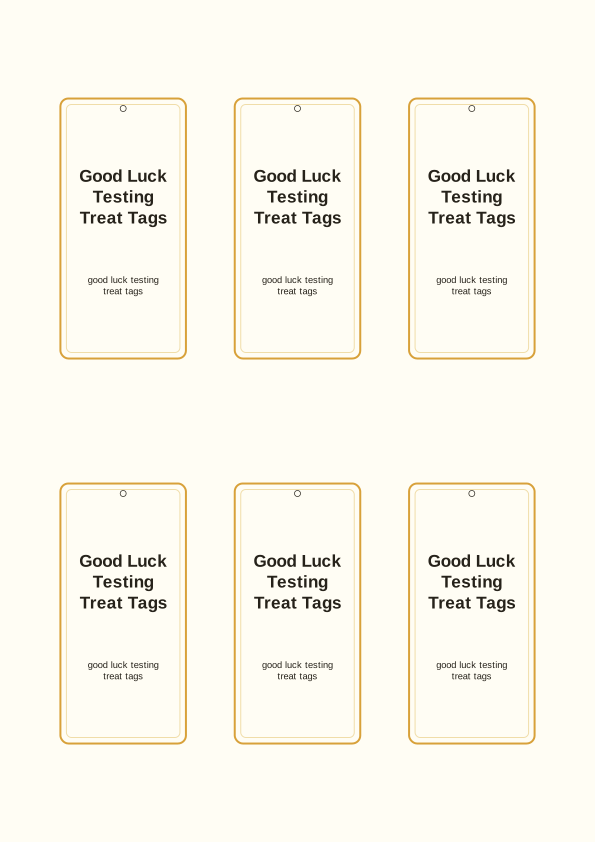
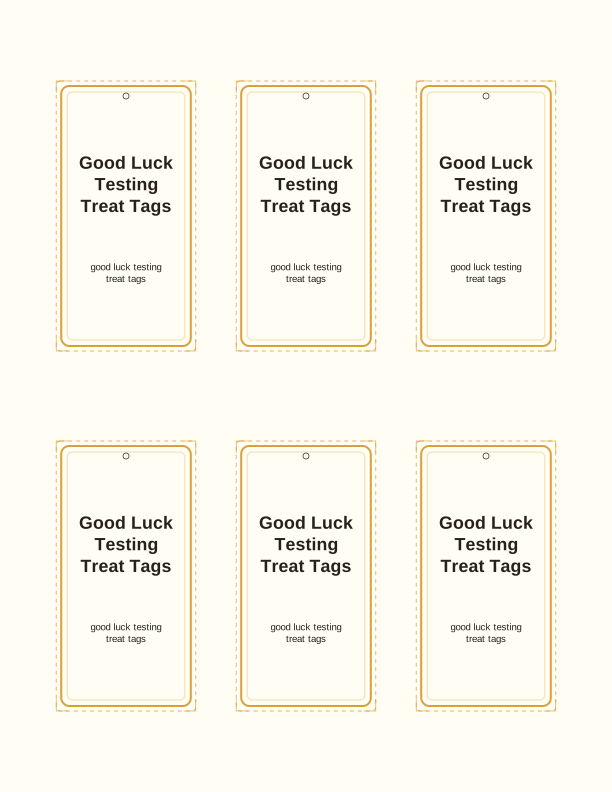
The put your best foot forward tag
Each tag carries a cheerful shoe graphic with the line put your best foot forward, sized to sit on a banana, a clementine, or a granola bar. The artwork is drawn in flat, high-contrast colors so it still reads clearly when printed small, and the message doubles as a joke on the fruit itself. Print a sheet for a third-grade class, a middle school advisory group, or a single student who needs a boost.
The free tag maker on this page lets you type a student name into the blank line before printing. Names appear in a plain sans-serif face at a size that stays legible at two inches wide. Leave the field empty if you are tagging a whole classroom and want to hand-write names later, or fill in a teacher's name for a colleague's testing week gift.
Because the message is about feet and fruit, the tag pairs naturally with a banana or a pair of dried fruit snacks. Nothing on the sheet mentions a specific grade, exam, or school, so you can use the same design for a state assessment week, a spelling test, or a piano recital. That reusability is the point: one print run covers several occasions across a school year.
Tag sizes for fruit and snack gifts
The default sheet prints tags at about 2 by 3 inches, which wraps a standard banana without sliding. A second size sits at roughly 1.5 by 2.25 inches for clementines, mini boxes of raisins, and fun-size granola bars. Both sizes repeat across a single US Letter or A4 page, and the free maker lets you pick one size per sheet rather than mixing them, so your cuts stay even.
If you are tagging a heavier snack, print the larger size on 65 lb cardstock, about 176 gsm, and the tag will hold its shape when tied with ribbon. For fruit that will sit in a lunch bag all morning, standard 20 lb multipurpose paper, about 75 gsm, works fine and curls less around a curved peel. Matte cardstock takes pencil and pen better than glossy, in case a student wants to add a doodle.
A 2-inch tag on a banana covers roughly a third of the fruit's side, so the message stays visible when the banana lies flat in a desk caddy. Clementine tags read best on the smaller cut because the curve is tighter. Test one print on plain paper before you run a class set, then adjust the scale in your printer dialog by a few percent if a tag feels loose.
How to print and attach the tags
Open the tag maker in your browser, type any names, choose the size, and send the sheet to your home printer. Set the paper type to cardstock or plain paper to match what you loaded, and choose Actual Size rather than Fit to Page so the measurements stay accurate. Print one test sheet before committing a full ream, especially if your printer has a habit of scaling PDFs.
Cut the tags with a guillotine trimmer for straight edges, or a craft knife and metal ruler if you only need a dozen. A 1/8-inch hole punch at the top center leaves room for baker's twine, thin ribbon, or a small plastic clip. If you are attaching to a banana, thread the twine under the stem and knot it at the back so the tag hangs against the peel instead of the counter.
For classroom sets, punch all the holes first, then cut the sheet into strips and finally separate each tag. That order saves time and keeps the punch aligned. Store finished tags in a zip bag with the twine so nothing curls overnight. If you plan to hand them out at the door, pre-thread the twine and stack the tags in a shallow tray for a fast morning pass-out.
Motivate students on testing day
Testing mornings are quiet and tense, and a small object with a name on it breaks that mood faster than a speech. A tag reading put your best foot forward on a snack gives a student something to hold and something to read while the room settles. Teachers often place one on each desk before students arrive, so the first thing a child sees is their own name in print.
The message also works as a light pun for classes that have been talking about effort and practice. You can pair the tag with a short note on the back, or leave it blank and let students write one encouragement for a classmate the day before. Fourth and fifth graders tend to enjoy the swap; older students usually prefer the tag paired with a granola bar and no group activity attached.
Counselors, tutors, and test coordinators can use the same sheet for small groups in a resource room. Print a batch at the start of the week, write names in pencil so tags can be reassigned if a schedule changes, and keep a few blanks on hand for students who join late. The sheet costs almost nothing to reprint, which makes last-minute additions painless.
Free tag maker vs AI tag designs
The free tag maker is a browser tool that does three things well: it adds a name, sets the tag size, and lays the sheet out for printing. You get the put your best foot forward artwork, the shoe graphic, and the exact dimensions described above. No account, no credit, no waiting, and you can reprint the same sheet as many times as you need.
The paid AI generator is for when you want a different message or a different look. You type a prompt, such as a tag for a fifth-grade science test with a rocket and the phrase you've got this, and the generator writes the encouragement line and designs a matching tag. It uses credits, and the result is a new design rather than an edit of the free sheet.
Most teachers will find the free sheet enough for a class set. The AI route makes sense when you are matching a specific classroom theme, when you want several different messages across one testing week, or when you need a tag for a subject the free design does not mention. Try the free maker first; upgrade only if the message needs to be custom.
Make your own with the Gift Tag Maker
Type a headline and an optional to/from line, then choose round or rectangular tags. Round tags are 2 by 2 inches; rectangular tags are 2 by 3.5 inches. Pick a color palette, preview the layout, and the tool tiles 12 tags per sheet. Everything is drawn in your browser, so your text never leaves your device and there is no account to create.

Exports are drawn on your device at 300 dpi on US Letter 8.5 x 11 in paper. Nothing you type is uploaded.
FAQ
Here are answers to the questions teachers and parents ask most about printing these good luck testing treat tags at home, from paper choice to attaching them to fruit. If you are weighing the free maker against a custom tag design, the last section above covers that difference in detail.
Are the testing treat tags free?
Yes. You can create and print them in your browser for free.
What treats do they suit?
Fruit, granola bars, or small snack bags handed out before a test.
Can I add a student's name?
The free maker has editable name fields, and AI generation can write an encouraging note.
Free tool, related designs, and printing help
This design sits in a collection of 31 gift tags pages. Start from the Gift Tag Maker above, then browse the full gift tags collection when you want a matching set.
PrintJoy runs on free tools plus optional credits for AI generation. Nothing on this page needs a subscription.