gift tags
Soda-lightful Staff Appreciation Tag
Print a free soda-lightful appreciation tag for staff, employee, and volunteer gifts. Add a name and download a print-ready tag sheet in the browser.
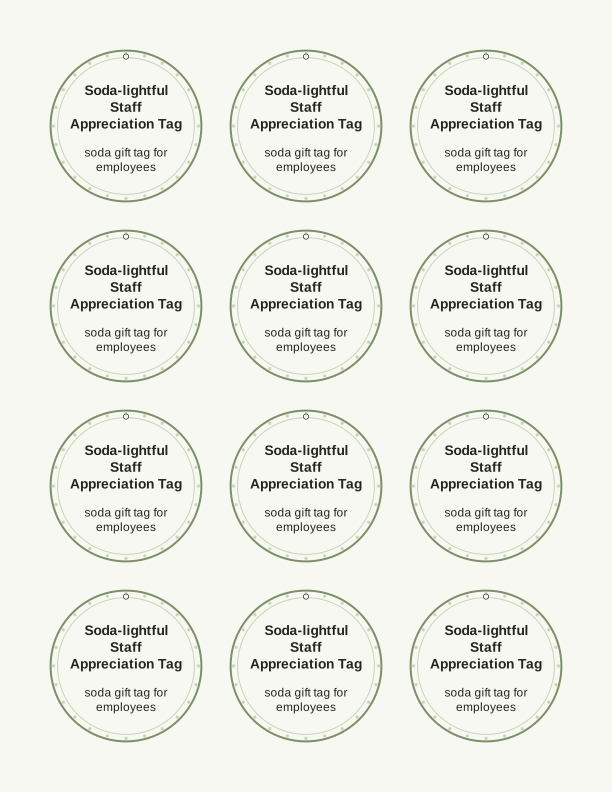
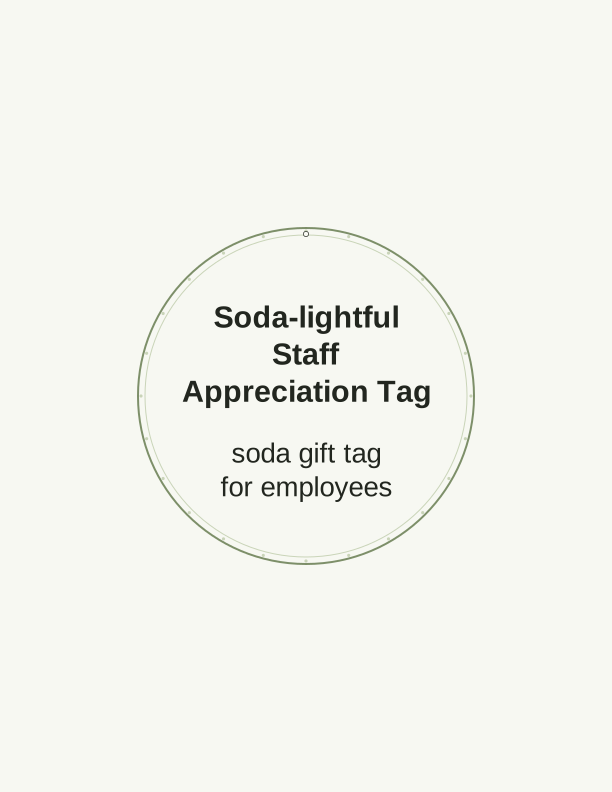
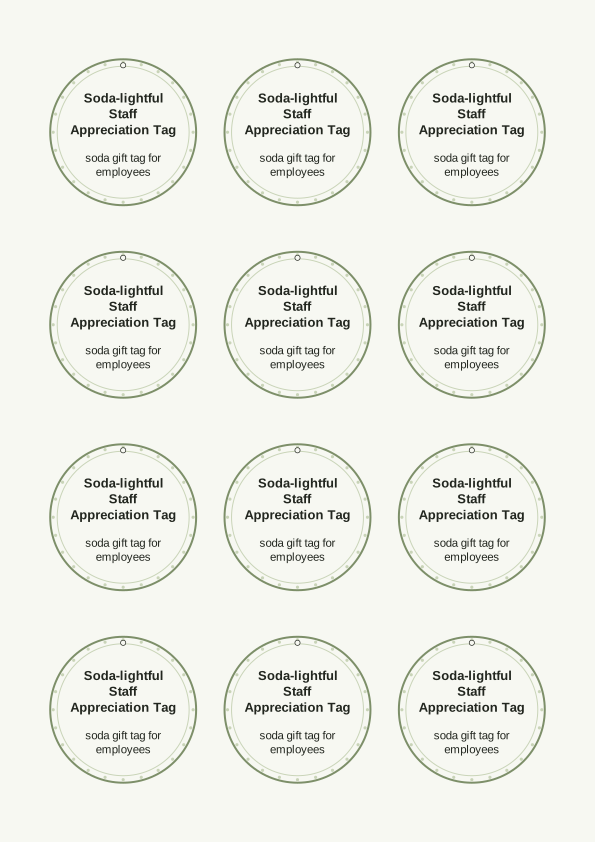
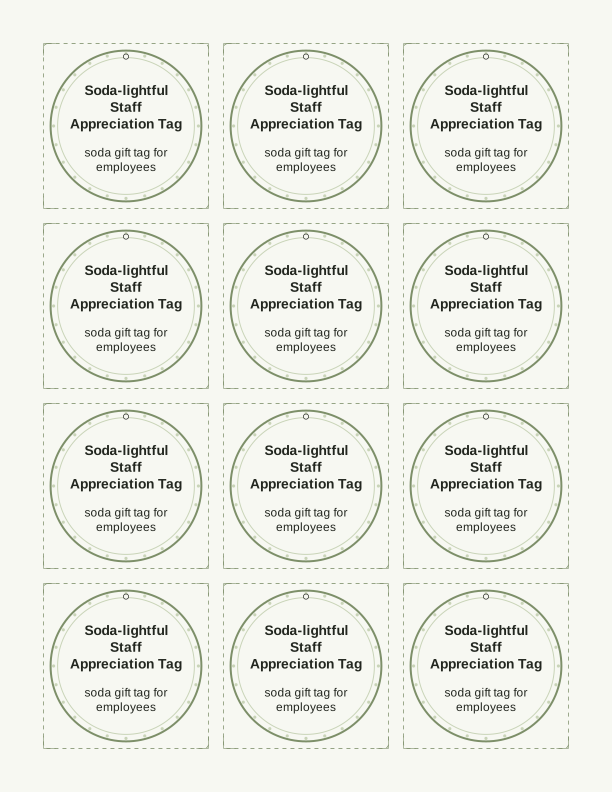
The soda-lightful tag message
Soda-lightful is a pun that works on a card and on a can. The free printable gift tag carries the line with a fountain cup or a fizzy can drawn beside it, and a blank strip underneath where you write or type a name. The wording lands best as a small thank-you rather than a formal award, so it suits a break room, a nurses' station, a school office, or a volunteer table where the gift is one cold drink and nothing more.
Because the joke is light, the tag works for almost any adult recipient. Pair it with a single can of root beer for a crossing guard, a bottle of cream soda for a retiring coworker, or a six-pack for a team that just finished a long week. The tag is about the gesture, not the price, which is exactly why it survives the awkwardness of workplace gift-giving rules.
Teachers, coaches, church volunteers, and hospital staff all read the same line the same way. If you need a soda gift tag for employees across several departments, print one sheet and everyone gets an identical tag, so no one feels singled out and no one gets a different message. That consistency is the point of a staff-wide appreciation tag.
Tag sizes for cans and bottles
Three sizes are set up on the sheet. A 2 inch by 3.5 inch tag is the standard luggage-tag proportion and hangs well from a 12 ounce can with a ribbon through the hole. A 2.5 inch square tag sits flat on a bottle neck when you punch one corner and run twine through it. A 3.5 inch by 5 inch tag is the largest and gives you room for a longer note plus a signature.
If you are tagging slim cans, use the 2 by 3.5 inch size and punch the hole about a quarter inch in from the top edge. For wide-mouth bottles with a cap, the square tag reads better because it does not flip over. For a gift bag holding a six-pack, the 3.5 by 5 inch tag carries the most handwriting without crowding the artwork.
Nothing about the sizes is fixed by the printer. US Letter and A4 both print the same three tags on one page, and you can scale the sheet to 90 percent if your punch or your ribbon needs a slightly smaller hole margin. Print a test page on plain copy paper first, hold it against your can, and adjust before you commit to cardstock.
How to print and attach the tags
Use 65 lb to 80 lb cardstock, which is roughly 176 gsm to 216 gsm, so the tag holds its shape on a bottle neck without curling. Matte cardstock takes pen and marker better than glossy, and it does not show fingerprints the way a coated sheet does. Set your printer to Actual Size rather than Fit to Page, choose the cardstock or heavy paper media type, and print one test sheet before running a full batch.
Cut on the trim lines with a paper trimmer for straight edges, or use detail scissors if you are cutting close to the drawing. A standard 1/8 inch hole punch gives a clean opening for ribbon, baker's twine, or a thin elastic loop. If you are attaching to a can, thread the ribbon through the tab, tie a single knot, and trim the tails so they do not drag in the drink.
For bottles, wrap twine twice around the neck and knot it at the front, then slide the tag onto one tail before tying the bow. For gift bags, punch two holes at the top of the tag and run ribbon through both so it hangs straight. A small piece of double-sided tape behind the tag keeps it from spinning when the bag is carried.
Add a name or team note
The free tag maker opens in your browser and lets you type a name, a short line, or both before you print. The name field fits about fourteen characters at the default size, so first names and initials work best. If you want to add a team note, use the wider 3.5 by 5 inch tag and keep the line to roughly sixty characters so it stays on one row.
For a group, type the team name once and print the whole sheet, or leave the strip blank and handwrite names with a fine-tip permanent marker. Handwriting is slower but it reads warmer on a small tag, and it lets you add a private joke that a printed sheet cannot. Colored gel pens show up well on matte cardstock and do not bleed through at this weight.
Some offices prefer a generic tag with no name at all so the gift can be handed out at random. Leave the strip empty, print the sheet, and stack the tags loose beside a cooler of cans. That setup works for a break room table where people help themselves, and it removes the job of matching names to drinks.
Free tag maker vs AI tag designs
The free browser tool does one job well. It places your name or short note on the soda-lightful tag, keeps the three sizes intact, and sends a print-ready sheet to your home printer. There is no cost and no account needed, and you can print as many sheets as your cardstock allows. Use it when the standard artwork and wording already fit your group.
The paid AI generator adds custom design work. You describe your team, department, event, or inside joke, and it builds a tag set with new wording and artwork instead of the single fixed layout. This is the route when you want a different slogan, a specific color scheme to match a team, or a set of several related tags for one event.
AI generation uses credits, so it makes sense when you are printing for a large group or you want something you cannot get from the standard tag. For a handful of cans on a Friday afternoon, the free maker is faster. Both paths print on the same cardstock at the same three sizes, and both come out of your own printer.
Make your own with the Gift Tag Maker
Type a headline and an optional to/from line, then choose round or rectangular tags. Round tags are 2 by 2 inches; rectangular tags are 2 by 3.5 inches. Pick a color palette, preview the layout, and the tool tiles 12 tags per sheet. Everything is drawn in your browser, so your text never leaves your device and there is no account to create.

Exports are drawn on your device at 300 dpi on US Letter 8.5 x 11 in paper. Nothing you type is uploaded.
FAQ
These are the questions people ask most often before printing a soda-lightful tag for a staff or volunteer gift. If your situation is not covered here, the free tag maker on this page is the quickest way to see how a name or note will fit before you print a full sheet.
Is the soda-lightful tag free?
Yes. You can design and print it in your browser at no cost.
What do the tags attach to?
A can or bottle of soda, or a small drink-themed gift bag.
Can I change the wording?
The free maker lets you edit the tag text, and AI generation can write custom wording.
Free tool, related designs, and printing help
This design sits in a collection of 31 gift tags pages. Start from the Gift Tag Maker above, then browse the full gift tags collection when you want a matching set.
PrintJoy runs on free tools plus optional credits for AI generation. Nothing on this page needs a subscription.