gift tags
Bubbling with Excitement Gift Tag
Print a free bubbling with excitement gift tag to welcome students back to school. Add a name and download a print-ready tag sheet in the browser.
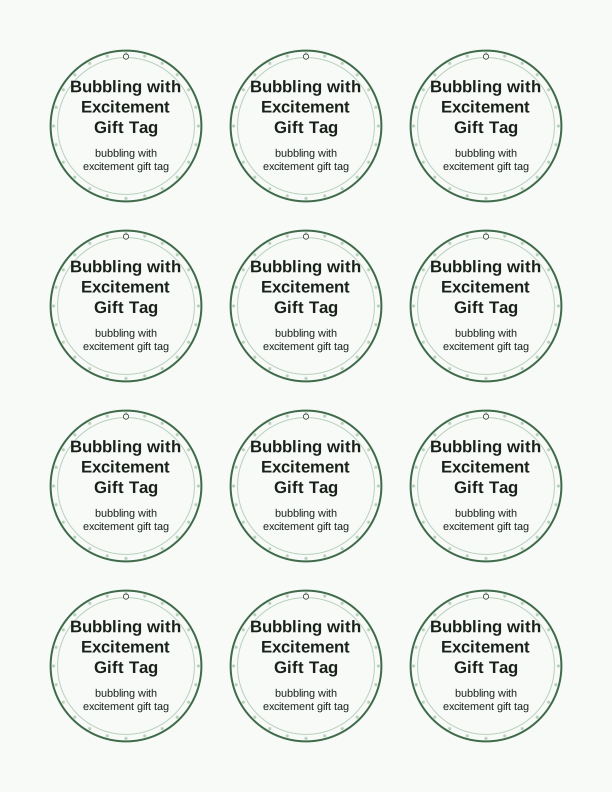
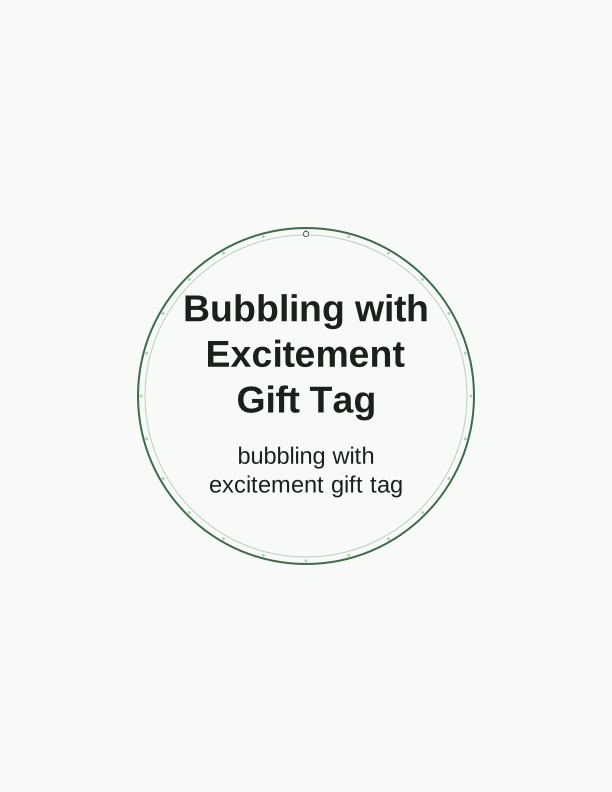
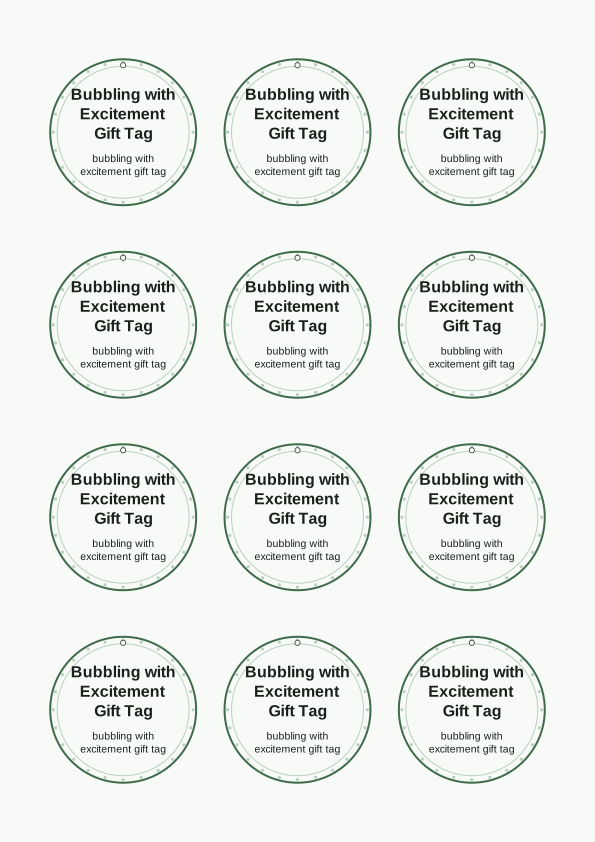
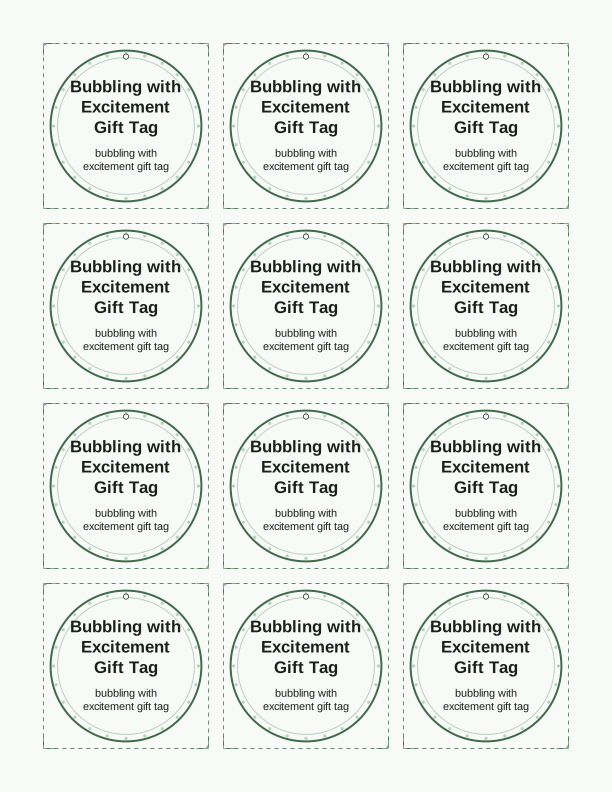
The bubbling with excitement tag message
This tag leads with the phrase "bubbling with excitement," set in a rounded display face above a little bubble wand and a few floating circles. The wording works for the first day of school, a meet-the-teacher night, or a classroom welcome bag, because it reads as a friendly greeting rather than an instruction. The free tag maker on this page adds the student's name in a script line beneath the message, and you can leave that line blank if you prefer to handwrite it in gel pen after printing.
The bubble idea gives you an obvious gift pairing: a mini bottle of bubbles, a bubble wand, or a pack of bubble gum. A four-ounce bottle of bubbles sits neatly beside a tag trimmed to three inches wide. Because the message is short, it stays readable at small sizes, which matters when you are cutting thirty tags for a full class. Print on 65 lb cardstock and the tag holds its shape without curling at the corners.
Teachers often write the student's first name on the front and a short note on the back, such as a room number or a supply-list reminder. The back of the tag is left unprinted on purpose. That gives you a clean surface for a hand-stamped star, a sticker, or a small return-address label. If you want the message to do more work, the paid AI generator can rewrite it into a longer welcome sentence.
Tag sizes for welcome gifts
The template gives you three preset sizes: 2 x 3.5 inches, 3 x 4 inches, and 4 x 6 inches. The smallest suits a pencil, a lollipop, or a single bubble bottle tied with baker's twine. The middle size is the classroom default and fits a snack bag or a small notebook. The largest works when the tag is the gift itself, such as a card tucked into a clear cellophane bag of school supplies.
Each size keeps the same proportions, so the bubble artwork never stretches. If you are printing a sheet for a class of twenty-four, choose the 2 x 3.5 inch layout and you will get twelve tags per US Letter sheet with narrow margins left for trimming. A4 works the same way, though the sheet holds a few more because the page is taller. Trim with a guillotine cutter for straight edges or scissors if you are working at the kitchen table.
A 110 lb index cardstock, roughly 200 gsm, is the sweet spot for tags you plan to tie onto gifts. Heavier stock feels premium but resists a hole punch. Lighter 32 lb paper is fine if you laminate the tags first. Punch the hole about a quarter inch in from the top edge and centered, then thread ribbon, jute, or a plastic zip tie through the opening.
How to print and attach the tags
Open the tag sheet in your browser and print at 100 percent scale, not "fit to page." Choose Actual Size in the print dialog so the 2 x 3.5 inch tag stays exactly that size. Select plain paper or cardstock as the media type, and set quality to Best if your printer supports it. The bubble lines are fine, so a draft setting will leave them looking soft and gray rather than crisp.
Inkjet printers handle this design well because the artwork uses light blue and white space. If you use a laser printer, run a single test sheet first to confirm the toner does not flake at the fold line. Let the sheet sit for a minute before cutting, especially on glossy stock, so the ink has time to set. A bone folder run along the score line gives you a clean fold if you print the folded version.
Tie the tag with a double knot rather than a bow if the gift is going into a backpack, since bows come undone in transit. For a no-tie option, punch two holes and thread a pipe cleaner through both, then twist. Pair the tag with a mini bubble bottle, a pack of fruit snacks, or a new pencil, and the whole welcome gift comes together for less than the cost of a greeting card.
Add the teacher or class name
The name field sits under the main message and accepts up to about eighteen characters before the text scales down. Type the student's first name, or use it for the teacher instead, such as "Mrs. Alvarez" or "Room 12." Kindergarten teachers often print one master sheet with the class name and handwrite each child's name, which saves a reprint when a new student arrives mid-week.
Font choice matters more than you might expect at this size. The rounded sans default reads well from a distance, but the hand-lettered option feels warmer for younger children. Avoid thin script at 2 x 3.5 inches, since the loops close up on a home printer. If you want the name in a color, pick a dark navy or charcoal rather than yellow or pale pink, both of which fade on white cardstock.
You can also leave the name blank and print a stack, then fill them in with a fine-tip marker as you assemble gifts. That approach works well for a parent volunteer boxing up thirty bags the night before the first day. Print a spare sheet, because a misfeed or a smeared line costs you one tag, not the whole run.
Free tag maker vs AI tag designs
The free tag maker on this page runs in your browser and costs nothing. You can type a name, pick one of the three sizes, switch the font, and print a full sheet at home. No account is needed and nothing is sent to your inbox. What the free tool does not do is change the artwork itself, so the bubble wand and the "bubbling with excitement" wording stay as designed.
The paid AI generator is for the times you want a different look. Describe what you have in mind, such as a tag shaped like a bubble with a space-themed message for a fifth-grade class, and the generator creates a custom design using credits. It is useful when you want a matching set across several grade levels or a message that runs longer than the fixed line allows.
Most teachers start with the free version, print a test sheet, and only move to the AI generator if the standard wording does not fit the occasion. Both routes produce a print-ready sheet you run on your own printer. Nothing ships, and nothing arrives by email; the file leaves your browser and goes straight to the paper tray.
Make your own with the Gift Tag Maker
Type a headline and an optional to/from line, then choose round or rectangular tags. Round tags are 2 by 2 inches; rectangular tags are 2 by 3.5 inches. Pick a color palette, preview the layout, and the tool tiles 12 tags per sheet. Everything is drawn in your browser, so your text never leaves your device and there is no account to create.

Exports are drawn on your device at 300 dpi on US Letter 8.5 x 11 in paper. Nothing you type is uploaded.
FAQ
Here are the questions teachers and parents ask most about the bubbling with excitement gift tag, from paper choice to whether the name field can be left empty. Each answer applies to the free tag sheet on this page.
Is the welcome tag free?
Yes. You can design and print it in your browser for free.
What do the tags attach to?
Bubbles, a small treat, or a welcome gift bag for the first day.
Can I change the wording?
The free maker lets you edit the tag text, and AI generation can write a custom welcome message.
Free tool, related designs, and printing help
This design sits in a collection of 31 gift tags pages. Start from the Gift Tag Maker above, then browse the full gift tags collection when you want a matching set.
PrintJoy runs on free tools plus optional credits for AI generation. Nothing on this page needs a subscription.