gift tags
Easter Peeps Treat Tags
Print free Easter treat tags with a sweet treats for my favorite peeps message for class gifts and spring favors. Download a tag sheet in the browser.
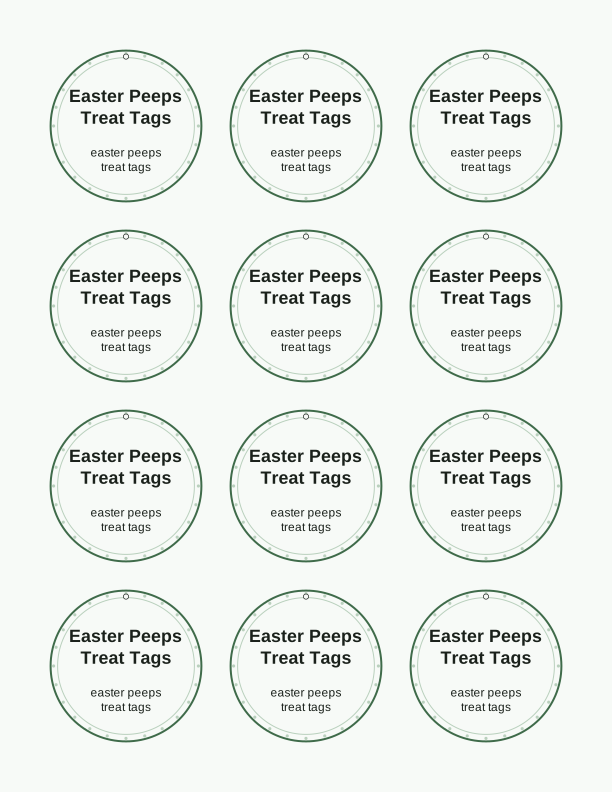
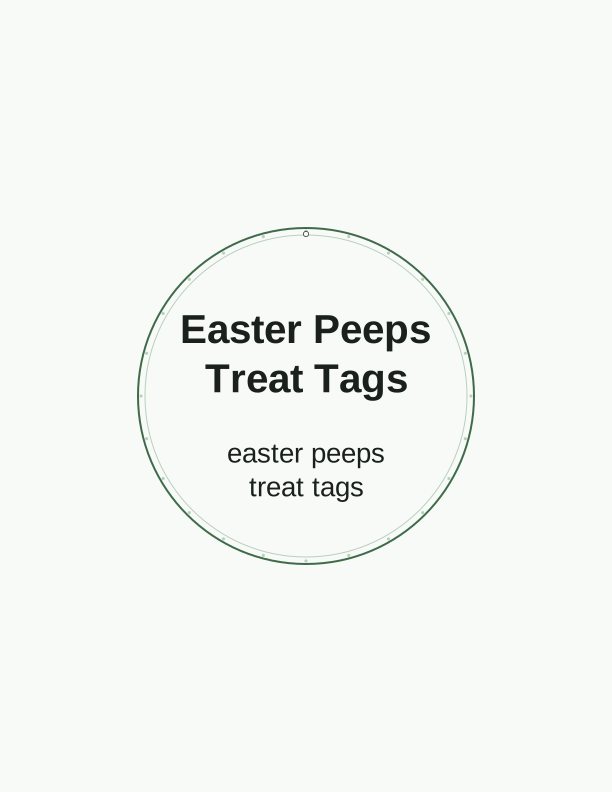
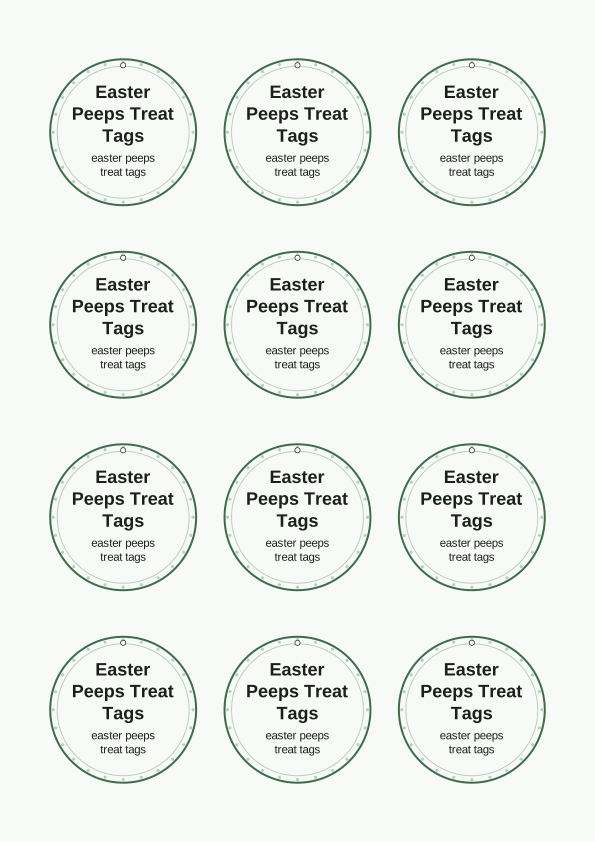
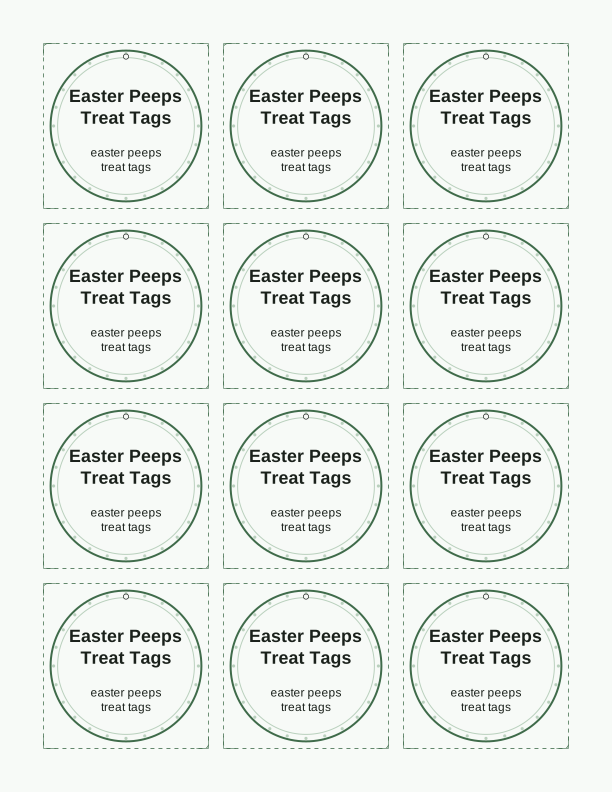
The sweet treats for my favorite peeps tag
This tag reads sweet treats for my favorite peeps in a soft rounded lettering style with a row of chick and bunny shapes along the bottom edge. The sheet arrives as a standard US Letter PDF, so the tag prints crisply on any home inkjet or laser printer at actual size. Colors stay pastel, so a plain white 24 lb or 28 lb paper keeps the artwork bright instead of muddy.
Each tag carries the full message, so you can cut one tag per treat bag without needing a second label. The bottom margin is left open for a handwritten name, a classroom number, or a short note. If you want the tags on cardstock, use 65 lb to 110 lb cover stock; the cards will not curl on a bag of jelly beans or a wrapped chocolate egg.
Because the design leans on spring colors, it pairs naturally with pastel ribbon, plastic eggs, and small cellophane bags of candy. You can print the same sheet again for a second batch of favors, since the file does not expire and does not have a print limit. Everything is made by PrintJoy and printed by you at home, on A4 as well as Letter.
Tag sizes for candy bags
The default size prints at 2.5 inches wide by 3.5 inches tall, which is roughly a business card. That size slips into a sandwich-size bag topper, hangs neatly from a ribbon loop on a small treat sack, and still leaves room for a name written in marker. For larger candy bags, choose the 3.5 inch by 5 inch option.
Mini tags come in at 1.5 inches by 2 inches. These suit tiny favors: a single chocolate egg, a stack of Peeps marshmallow chicks, or a lollipop stick. They also work as place cards at an Easter brunch. The maker lets you swap sizes before you print, and the sheet re-lays out the tags automatically so the page stays full.
When you pick a size, think about how the tag will attach. A 2.5 inch tag on a 4 inch ribbon loop sits flat. A 5 inch tag on a thin string swings and can tear the punched hole. Cardstock plus a 1/8 inch hole punch, placed about a quarter inch in from the top edge, keeps any size hanging cleanly.
How to print and attach the tags
Set your printer to actual size or 100 percent, not fit to page, or the dimensions will shrink. Choose the best or high quality setting and plain paper in the driver, even if you load cardstock, because heavyweight cardstock often needs the rear feed tray. Print one test sheet before you print a class set.
Let the ink dry for a minute, then cut with a guillotine trimmer or sharp scissors. A paper trimmer gives straight edges on the 2.5 by 3.5 inch tags, and a corner rounder softens the points so they do not stab through a plastic bag. If you skip lamination, a light coat of clear matte spray keeps colors from smudging on humid spring days.
Attach with a hole punch and curling ribbon, or skip the punch and use double-sided tape on the back of the tag. Tape works best on flat bag toppers and boxed treats. For candy bags tied with twine, thread the twine through the punched hole and knot it behind the tag so the printed side faces out.
Add a name or class list
The free maker includes an editable name line. Type a student's first name, a nickname, or a short phrase, and the tag refreshes on screen before you print. You can change the wording on each tag one at a time, which is handy when a class list runs to twenty-five names and you want each bag labeled.
For a full class, keep the sheet organized by printing one name per row. Load 65 lb cardstock, type the names, and print the whole set in one pass. Letter paper holds nine of the 2.5 inch tags per sheet, so a class of twenty-seven students takes three sheets. A4 holds a slightly different count, and the maker adjusts the grid for you.
If handwriting is easier, leave the name field blank and write names after cutting. That route suits a Sunday school group or a neighborhood egg hunt where the guest list changes. Names in a dark fine-tip marker read clearly against the pastel background, and the space above the message is wide enough for a first name and last initial.
Free tag maker vs AI tag designs
The free tag maker is a browser tool with no cost and no account. It lets you type a name, switch among the three tag sizes, and print the sweet treats for my favorite peeps sheet on Letter or A4. The wording and artwork stay as designed. If you want a quick, consistent set of easter peeps treat tags printable from your own printer, this covers it.
The paid AI generator does something different. Describe the tag you want, like a tag with a watercolor chick and the phrase hoppy Easter, and it builds a custom design and wording instead of filling in a name. Credits are used per generation. That option suits a party with its own theme, a co-op class, or a tag that needs a different animal or message.
One practical split: use the free gift tag template for the standard Peeps message across many bags, then spend a credit only when you need a design the free sheet does not offer. Both paths print at home on the same paper and settings. Neither one ships anything, and neither sends the file by email.
Make your own with the Gift Tag Maker
Type a headline and an optional to/from line, then choose round or rectangular tags. Round tags are 2 by 2 inches; rectangular tags are 2 by 3.5 inches. Pick a color palette, preview the layout, and the tool tiles 12 tags per sheet. Everything is drawn in your browser, so your text never leaves your device and there is no account to create.

Exports are drawn on your device at 300 dpi on US Letter 8.5 x 11 in paper. Nothing you type is uploaded.
FAQ
Common questions about printing, sizing, and naming these Easter treat tags are answered below. If you are deciding between the free tag maker and a custom AI design, the last answer covers that choice.
Are the Easter treat tags free?
Yes. You can design and print them in your browser for free.
What do they pair with?
Marshmallow chicks, candy bags, or small spring gifts for classmates.
Can I edit the message?
The free maker lets you change the tag line, and AI generation can write custom wording.
Free tool, related designs, and printing help
This design sits in a collection of 31 gift tags pages. Start from the Gift Tag Maker above, then browse the full gift tags collection when you want a matching set.
PrintJoy runs on free tools plus optional credits for AI generation. Nothing on this page needs a subscription.