gift tags
We Would Crumbl Without you Tag
Print free we would crumbl without you tags for cookie gifts and teacher, staff, or volunteer appreciation. Add a name and download the sheet.
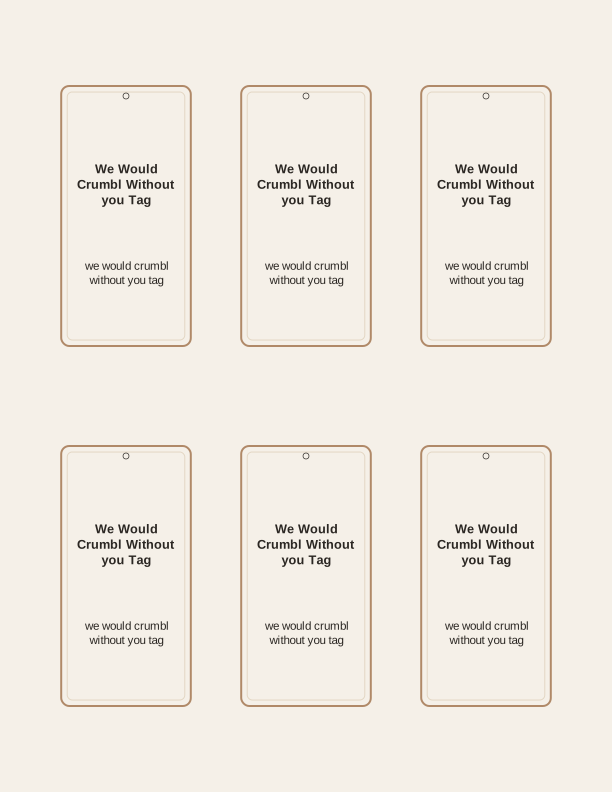
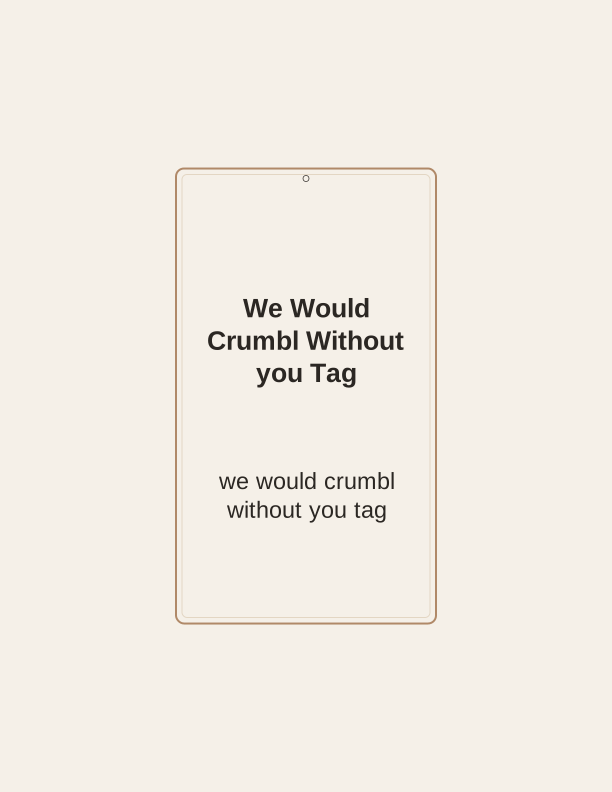
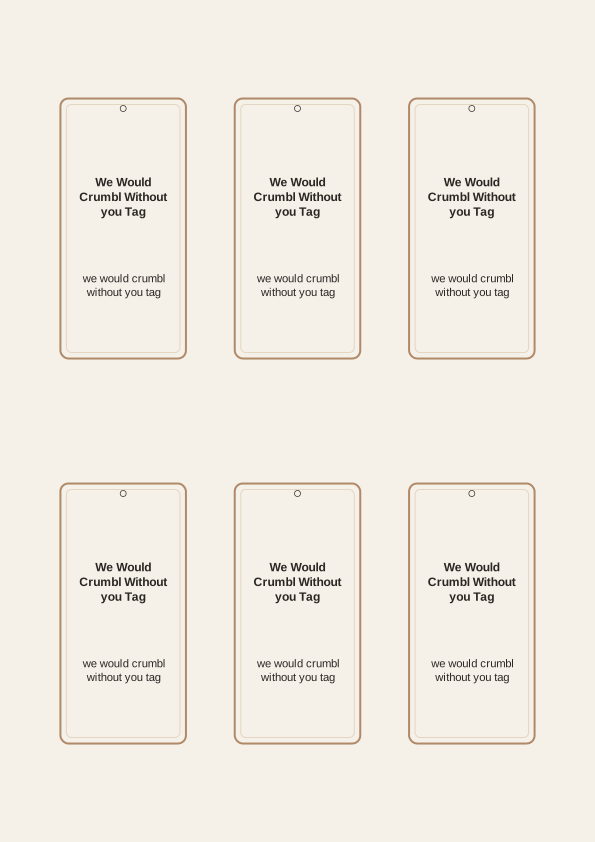
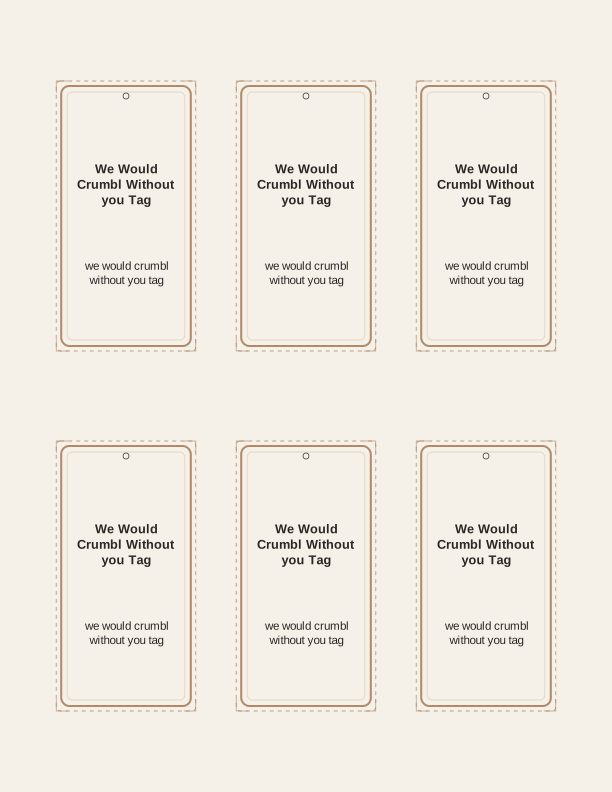
The we would crumbl without you tag
This tag gives a box of cookies the one thing a bakery box usually lacks: a note that says who it is for and why. The we would crumbl without you tag printable carries a soft, crumbly-edged cookie graphic and the line "We would crumbl without you" set in a rounded, friendly face. It reads as a joke to anyone who has stood in a cookie line and as plain thanks to anyone who has not.
The design stays warm on purpose. The cookie shape is drawn as a bitten round with a few crumbs, not a brand mascot, so the tag works on homemade chocolate chip, a bakery assortment, or a tin of shortbread. Nothing on the tag names a store, so you can hand it to a teacher, a nurse, a bus driver, or the neighbor who took in your packages.
Each tag prints with a small punched circle at the top for string or ribbon. It is a true printable gift tag, which means it comes out of your printer on your paper and gets cut and tied by you. That is the whole point here: a personal, low-cost tag that matches the cookies you already planned to give.
Tag sizes for cookie boxes and bags
The tag maker offers three working sizes. The large tag measures 3.5 by 2.5 inches and suits a bakery box lid or a gallon-size gift bag that needs a bold message across the front. The medium tag is 2.75 by 1.75 inches, a good fit for a clear cellophane bag of six cookies or a small kraft box tied with twine. The small tag is 2 by 1.25 inches, sized for favor bags, single cookies in wax paper, or a stack of cookies wrapped in parchment.
Match the size to the weight of the paper. A 65 lb cardstock (about 176 gsm) holds up on a bag handle and stays flat in a box. If you want a stiffer tag that can stand a little handling, use 80 to 110 lb cardstock, roughly 216 to 300 gsm, and skip the printer's photo setting. Standard US Letter and A4 both work, and you can fit more small tags per sheet than large ones, so print a full sheet even if you only need a few.
For gift bags with a wide handle, punch the hole slightly higher than the printed circle so the tag hangs straight instead of tipping forward. For boxes, tape a medium tag to the lid with double-sided tape or loop it around the ribbon. For party favors, the small size is the quiet one: it labels the bag without turning a cookie into a wrapped present.
How to print and attach the tags
Print at 100 percent scale, or Actual Size, so the tag dimensions stay true. Turn off Fit to Page or Shrink to Fit, which quietly rescales the sheet and shrinks the punch hole along with it. Choose Matte or Cardstock in your printer's paper menu rather than Photo, since the tag is a graphic-and-text design and does not need the extra ink a photo profile lays down.
Cut on the outer solid line with a paper trimmer for straight edges, or use scissors if you prefer the slightly softer look of a hand-cut tag. A 1/8-inch hole punch fits the printed circle neatly; a standard single-hole punch also works and leaves a slightly wider opening. If you are making a batch for a whole staff room, cut one tag, punch it, and tie it to a cookie before you cut the rest.
Attach with baker's twine, thin satin ribbon, or narrow jute. Run the string through the hole, around the box or bag handle, and tie a simple bow. A dot of double-sided tape on the back of the tag keeps it from twisting when the bag is carried. If the cookies are going into a lunchbox, tape the tag flat to the container lid so it survives the trip.
Add the recipient's name
The free tag maker lets you type a name into the space below the main line. The name prints in a clean handwritten-style face that sits comfortably under "We would crumbl without you." You can add a first name, a first name and last initial, or a short label like "Room 4" or "Front Desk" if you are tagging several boxes at once and do not know everyone's first name.
Keep names short so they do not crowd the cookie graphic. A name up to about fourteen characters fits the medium tag cleanly; longer names look better on the large tag. If you are printing for a team and want each tag to feel personal, fill the name field once, print, then change the name and print again. It is a quick way to make six tags that are all slightly different.
You can also leave the name line blank. A stack of blank tags is useful when you are handing out cookies at a table, a bake sale, or a volunteer sign-in, and the giver can write the name in pen afterward. The tag still carries the message even with nothing written on the line.
Free tag maker vs AI tag designs
The free browser tool does the straightforward job well. It opens this cookie tag, lets you add a name, choose large, medium, or small, and print a full sheet at home on US Letter or A4. There is no account and no credit needed. That covers teachers, staff, volunteers, coaches, and anyone else you want to thank with a box of cookies this week.
The paid AI generator is for people who want a different tag entirely, not just a name in the same layout. You describe the occasion and the wording in a prompt, and it designs a custom tag set with new art and new copy. It uses paid credits, so it is the right step when the standard cookie message does not fit the event or when you need a matching look for a larger gift.
If you simply need a stack of we would crumbl without you tags for the staff lounge, use the free tool and print a dozen. If you are building something more specific, like tags for a retirement cookie table or a set that swaps the phrase for your own thank-you line, the AI generator is what turns the request into a printable sheet.
Make your own with the Gift Tag Maker
Type a headline and an optional to/from line, then choose round or rectangular tags. Round tags are 2 by 2 inches; rectangular tags are 2 by 3.5 inches. Pick a color palette, preview the layout, and the tool tiles 12 tags per sheet. Everything is drawn in your browser, so your text never leaves your device and there is no account to create.

Exports are drawn on your device at 300 dpi on US Letter 8.5 x 11 in paper. Nothing you type is uploaded.
FAQ
Common questions about printing and using the We Would Crumbl Without You Tag. These cover paper, sizing, names, and the difference between the free tag maker and the paid AI generator.
Are the cookie appreciation tags free?
Yes. You can design and print them in your browser for free.
What gifts do the tags suit?
They pair perfectly with cookies, baked goods, or a cookie shop treat.
Can I personalize a whole batch?
Yes. The maker prints several tags per sheet so you can label every gift.
Free tool, related designs, and printing help
This design sits in a collection of 31 gift tags pages. Start from the Gift Tag Maker above, then browse the full gift tags collection when you want a matching set.
PrintJoy runs on free tools plus optional credits for AI generation. Nothing on this page needs a subscription.