gift tags
Christmas Treat Bag Toppers
Print free Christmas treat bag toppers for cookie bags, candy favors, and holiday gifts. Choose a size and download a topper sheet in the browser.
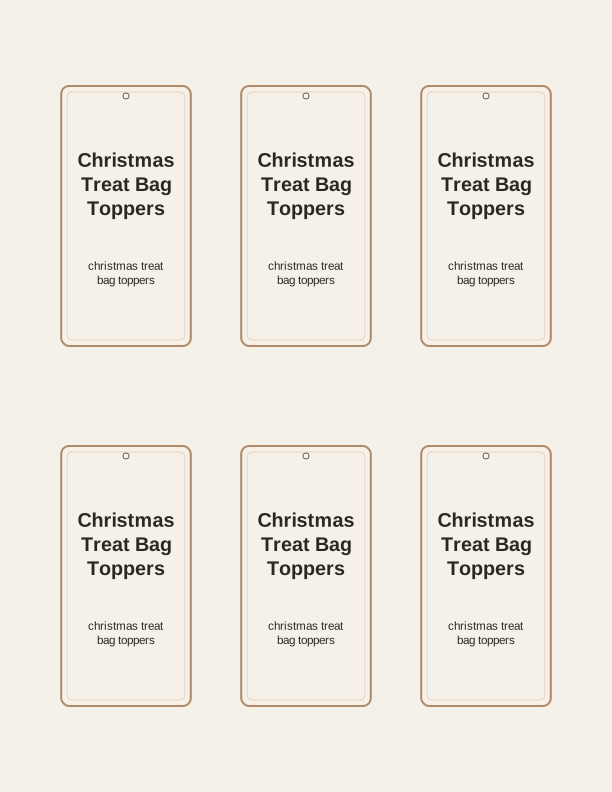
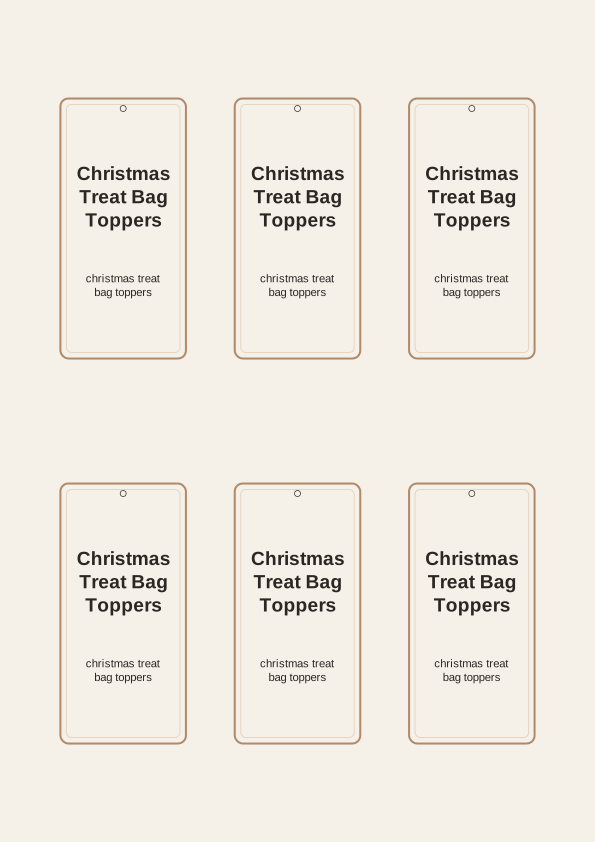
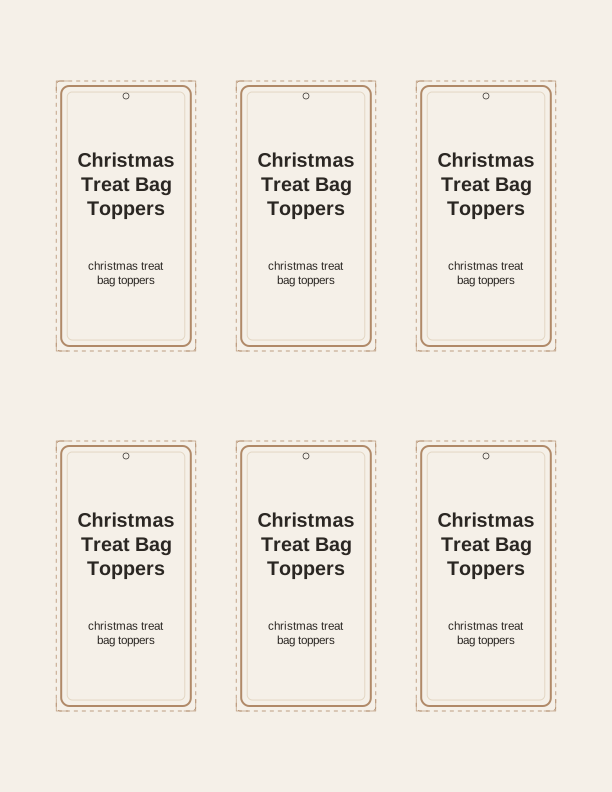
The Christmas treat bag topper designs
Each sheet on this page folds over the top of a filled bag, so the design reads on both the front and back of the closure. You will find candy-cane stripes, snowy pine trees, gingerbread figures, knit-sweater patterns, and simple script that says things like Merry Christmas and Happy Holidays. The art is drawn by PrintJoy and laid out for a home printer, not for a commercial press.
Every topper prints on a single sheet with cut lines between the pieces, so one pass through the printer gives you a full set for a classroom party or a batch of neighbor gifts. The trim line sits just outside the artwork, leaving a small border that hides slightly uneven scissor work. Colors stay bold on plain paper, and the lighter backgrounds keep the ink from soaking through thin sheets.
Because the pieces are flat until you fold them, you can print a few sheets in October and store them in a folder without the toppers curling or creasing. They stack neatly with your other printable gift tags for the season. Print extra if you plan to add a tag to the outside of a gift bag as well as the topper itself.
Topper sizes for common bags
The maker lets you set the finished width before anything prints. A 4-inch-wide topper fits the standard 4-by-9.5-inch cellophane treat bag sold for candy, and a 5-inch topper covers the 5-by-11-inch bag used for cookies and small baked gifts. For sandwich-size zip bags, choose a 6.5-inch topper so the fold clears both side seams with room to staple.
If you are bagging something wider, such as a stack of six cookies in a 7-inch bag, set the width to match the bag opening rather than guessing from the artwork. The height of the fold is separate: a 2-inch fold gives a sturdy flap on a paper bag, while a 1.5-inch fold looks tidier on slim candy bags. Print one test topper on scrap paper before you commit a full sheet.
Paper weight matters more than most people expect. In the US, 65 lb cardstock, about 176 gsm, is the sweet spot: stiff enough to stand up when folded, thin enough to feed through most home printers. A4 users can look for 160 to 200 gsm cardstock. Plain 20 lb copy paper works, but the flap will flop forward once the bag is full.
How to fold and staple the toppers
Print your sheet on cardstock, then cut along the trim lines with a craft knife and ruler or a pair of detail scissors. Score the fold line by running a bone folder or the back of a spoon along it before you bend the card. A scored fold sits flat against the bag instead of cracking the printed surface, which matters on darker designs.
Fill the bag first, leaving about an inch of clear plastic above the contents, then fold the topper over the top so the front and back halves line up. Hold the bag closed with one hand and press the fold down with the other. Two staples, placed about a half inch in from each side edge, hold the topper and keep the bag sealed at the same time.
For a no-staple finish, punch two holes through the fold with a 1/8-inch hole punch and thread narrow ribbon through both, tying it at the back. Tape works but can peel off cellophane. If the bag is heavy, add a small piece of double-sided tape under the fold before stapling so the topper cannot slide sideways.
Add a name or short message
The message field sits inside the topper artwork, so whatever you type prints as part of the design rather than as a separate label. Short lines work best: a first name, a class name, or a phrase such as Thanks for coming or Made with love. Keep it under about a dozen characters per side if you want the text to stay large and readable from across a table.
You can personalize individual toppers when you need place settings at a holiday dinner or named favors for a class party. Type one name, print the sheet, then change the field and print again for the next child. For a mixed set, put a greeting on the front and a name on the back so the folded topper shows both when the bag is picked up.
Leaving the message blank is a valid choice, especially for a tray of treats set out at a party where guests grab and go. Choose a design with a strong central shape if you plan to write names by hand with a fine-tip marker. Pencil is easier to correct, but a metallic gel pen holds up better on dark backgrounds.
Free topper maker vs AI designs
The browser maker is free and needs no account. Pick a design, set the width, type a message, and print. Everything happens on the sheet in front of you, and the result is a standard PDF-style layout you send to your own printer at US Letter or A4. Nothing is mailed or emailed to you, because the topper is made on your device and printed by you.
The paid AI generator is for themes the ready-made set does not cover. Describe what you want, such as woodland animals in scarves or a color scheme matching a specific party, and the tool builds a new topper set with fresh art and matching wording. It runs on credits, so you spend them only when you generate a custom version rather than a stock design.
Most people start with the free maker and move to AI when they need a name, mascot, or color palette that the standard designs cannot produce. Both routes end the same way: a sheet you cut, fold, and staple over your treat bags. Choose based on how close the ready-made art already is to what you have in mind.
Make your own with the Gift Tag Maker
Type a headline and an optional to/from line, then choose round or rectangular tags. Round tags are 2 by 2 inches; rectangular tags are 2 by 3.5 inches. Pick a color palette, preview the layout, and the tool tiles 12 tags per sheet. Everything is drawn in your browser, so your text never leaves your device and there is no account to create.

Exports are drawn on your device at 300 dpi on US Letter 8.5 x 11 in paper. Nothing you type is uploaded.
FAQ
A few questions come up often when people print these toppers for the first time, mostly about bag sizes, paper, and how the free maker and credits work. If your question is about folding or stapling, the sections above cover the details step by step.
Are the treat bag toppers free?
Yes. You can create and print them in your browser at no cost.
What size bags do they fit?
The maker offers several widths so you can match the topper to your bag.
Can I add a message?
The free maker has an editable text field, and AI generation can write custom wording.
Free tool, related designs, and printing help
This design sits in a collection of 31 gift tags pages. Start from the Gift Tag Maker above, then browse the full gift tags collection when you want a matching set.
PrintJoy runs on free tools plus optional credits for AI generation. Nothing on this page needs a subscription.