gift tags
Christmas Story Snack Mix Tags
Print free Christmas story snack mix tags that pair each snack with part of the nativity story. Generate a tag sheet in the browser.
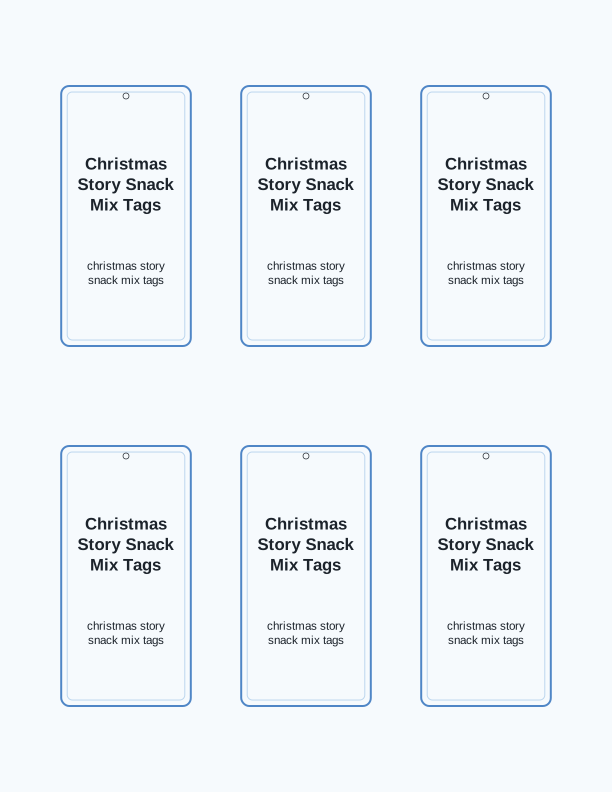
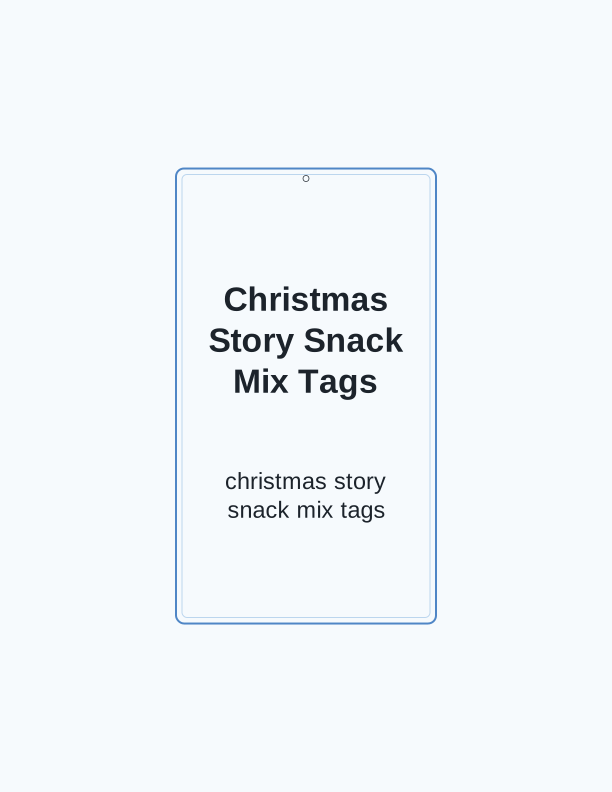
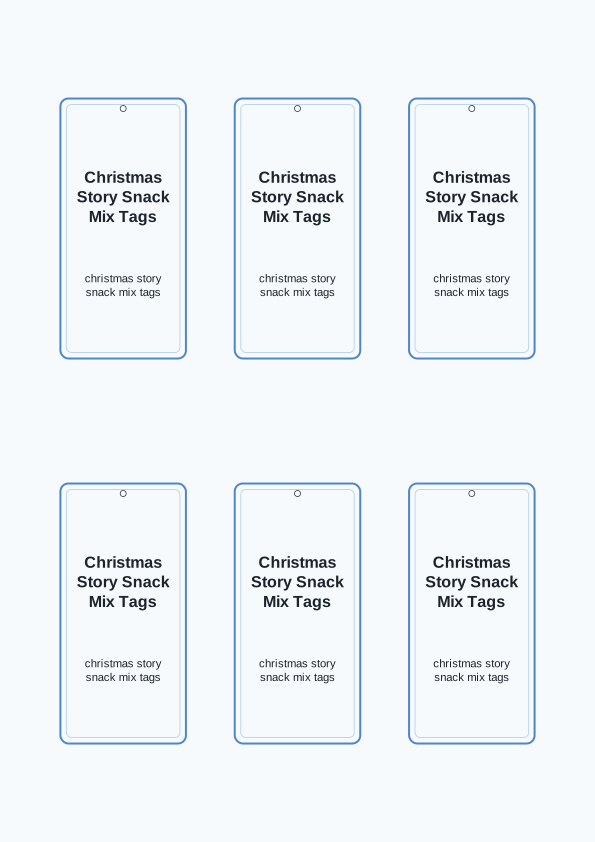
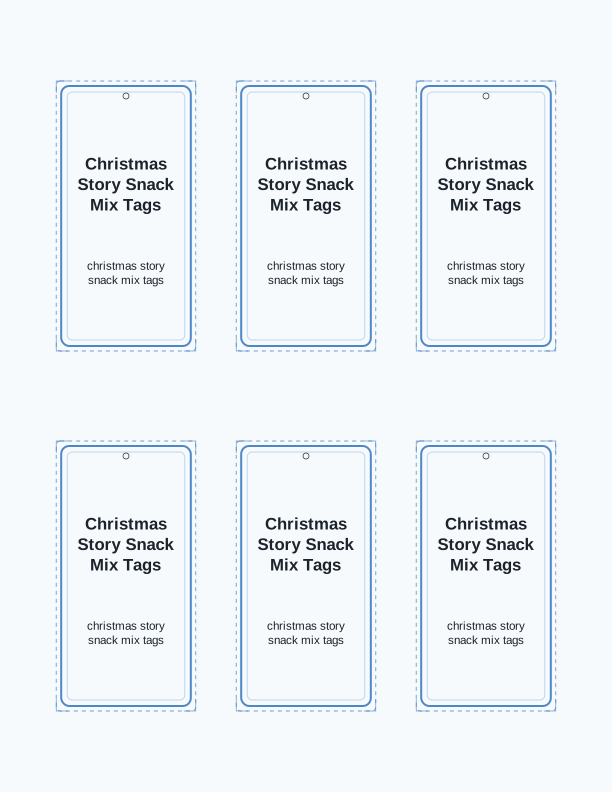
The Christmas story snack mix tag
Each tag on this sheet labels a bag of snack mix with the part of the nativity story its ingredients represent. A tag reads like a small story card: a line of narrative, then the snack that stands for it. The wording is editable in the free tag maker, so you can tighten a phrase or swap a snack without starting over. Print on US Letter or A4 and each tag lands at the size you chose.
The design is built around a single sheet that holds several matching tags, so one print run covers a whole class, a Sunday school group, or a batch of neighborhood gifts. The layout keeps the nativity connection on the front of the tag, where the recipient sees it before the bag is opened. Nothing about the file is fixed in stone; the maker exists so you can adjust before you print.
How the snack mix tells the story
The mix uses everyday snack ingredients as story markers. A star-shaped pretzel or cereal piece stands for the star over Bethlehem. Shredded wheat or chow mein noodles suggest the straw of the manger. A few chocolate chips become the dark night sky, and a small round candy can be the world the story reaches. Each one is ordinary food, which is what makes the retelling land with kids.
The tag explains those pairings in plain language, so a parent or teacher does not have to improvise. You can read a tag aloud while the bag is handed out, then let the children find each ingredient as it comes up. This works well for ages four through ten, and it holds up in a classroom, a children's church hour, or a family Advent evening at the kitchen table.
Because the story text sits on the tag rather than in a separate booklet, the bag and the explanation travel together. That matters when you are handing out twenty-five bags at a party and cannot gather everyone to listen. The recipient reads at their own pace, eats the mix, and gets the nativity sequence a second time through taste.
Tag sizes for treat bags
Small tags suit sandwich bags and folded paper pouches. Print them at around 2 by 3.5 inches and they sit neatly on a standard 4 by 6 inch cellophane bag without covering the contents. Medium tags, roughly 2.5 by 4 inches, fit quart-size zip bags and small kraft paper sacks. Large tags at about 3.5 by 5 inches give you room for a longer story line and work on gallon bags or gift boxes.
The maker lets you set the size before you print, so you can match the tag to whatever bag you already bought instead of buying bags to match the tag. If you are filling 4 ounce favor bags, the small size is usually enough. For a teacher gift or a family tin, the large size reads better from across a room and gives the nativity line some breathing space.
One sheet of US Letter or A4 holds several tags at any of these sizes, so a single print covers a small group. Heavier paper helps here. Cardstock in the 65 to 80 lb range, roughly 176 to 216 gsm, holds a crease and does not curl when you punch a hole near the top edge. Standard 20 lb copy paper works if you plan to tape rather than hang.
Print and attach the tags
Set your printer to actual size so the tag dimensions stay true. Turn off any fit-to-page or shrink-to-fit option, choose the paper type that matches what is loaded, and print one test sheet on plain paper before you commit the cardstock. Check the story line for readability at arm's length, then run the rest on your heavier stock using the rear or manual feed tray if your printer has one.
Cut with a trimmer or a sharp craft knife and a steel ruler along the crop marks. Scissors work, but straight edges look better when twenty tags sit side by side on a table. A 1/8 inch hole punch near the top corner takes baker's twine, narrow ribbon, or a small ball of yarn. For bags, a strip of double-sided tape across the back of the tag holds it flat and keeps the story readable.
Twine tied through the hole lets the tag hang from a bag handle or a mason jar rim. Washi tape across the top edge gives a faster finish for large batches and lets the tag sit at an angle. If you are attaching to a wrapped box, use a glue dot on the back and press for a few seconds. A standard hole punch is fine; the 1/8 inch size is easier to thread.
Free tag maker vs AI tag designs
The free tag maker in your browser does the practical work. You type the story lines and snack names, pick a tag size, choose a sheet layout, and print the finished page at home. It is free every time, with no credits spent, and it is the right tool when you already know what you want the tags to say and just need them laid out correctly on the page.
AI generation uses paid credits and adds a step the free tool does not attempt. You describe your event, your snacks, and the tone you want, and the generator writes a custom nativity story that matches your specific mix and designs tags around that text. This is useful when you are building a mix for a particular group and want the wording to reflect it, such as a youth retreat or a co-op class.
A sensible approach is to start with the free maker, print one sheet, and see how the tags look in your hand. If the standard story works, you are finished and nothing was spent. If you want a different story than the one on the page, or a design that matches your mix ingredient by ingredient, the AI generator is what produces that. Both paths end at your own printer.
Make your own with the Gift Tag Maker
Type a headline and an optional to/from line, then choose round or rectangular tags. Round tags are 2 by 2 inches; rectangular tags are 2 by 3.5 inches. Pick a color palette, preview the layout, and the tool tiles 12 tags per sheet. Everything is drawn in your browser, so your text never leaves your device and there is no account to create.

Exports are drawn on your device at 300 dpi on US Letter 8.5 x 11 in paper. Nothing you type is uploaded.
FAQ
These are the questions that come up most often when people print these Christmas story snack mix tags, from paper choice to which snacks pair with each part of the story. The answers below cover the free printable favor tags, the size options in the maker, and how AI generation differs.
Are the snack mix tags free?
Yes. You can generate and print them in your browser at no cost.
What do I pair the tags with?
A themed snack mix where each ingredient stands for part of the Christmas story.
Can I edit the story text?
The free maker lets you adjust the wording, and AI generation can write a custom version.
Free tool, related designs, and printing help
This design sits in a collection of 31 gift tags pages. Start from the Gift Tag Maker above, then browse the full gift tags collection when you want a matching set.
PrintJoy runs on free tools plus optional credits for AI generation. Nothing on this page needs a subscription.