gift tags
Snowman Gift Tag Printable
Print a free snowman gift tag with a do you want to build a snowman message for Christmas gifts and treat bags. Download a tag sheet in the browser.
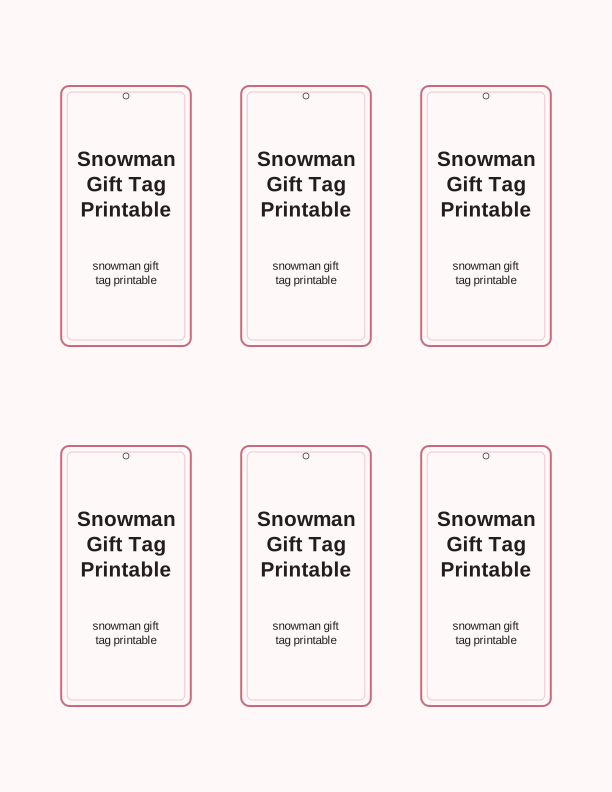
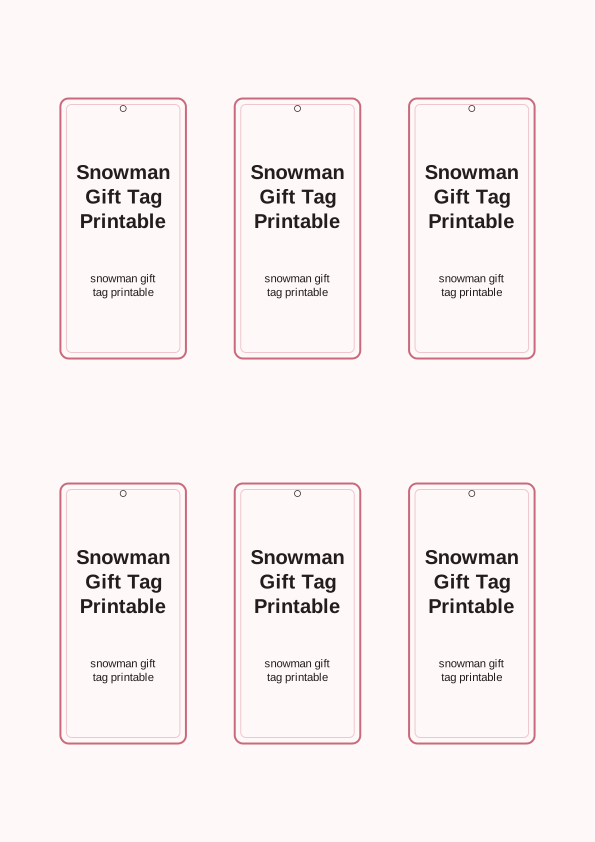
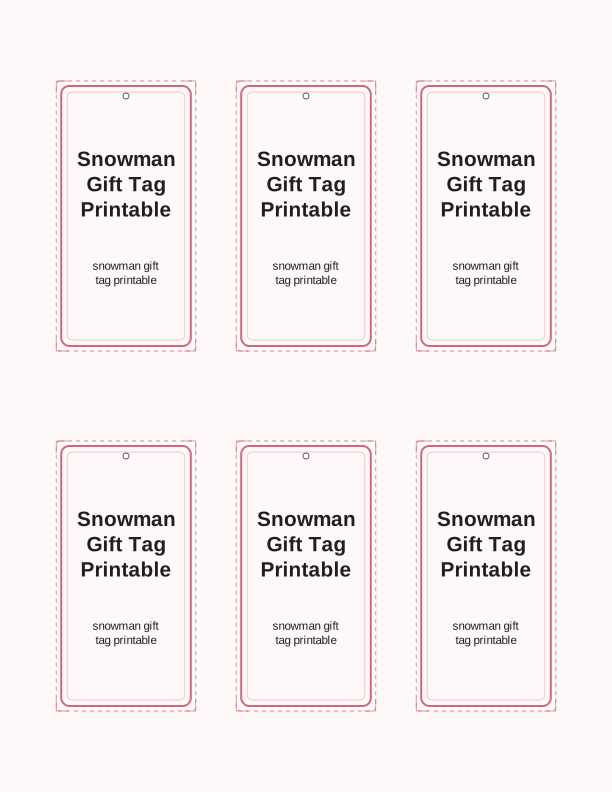
The snowman tag design
The centerpiece of this page is a friendly snowman drawn with a soft, rounded shape that reads clearly even when printed at two inches tall. His coal smile and carrot nose sit above the line "Do you want to build a snowman?" in a cheerful hand-lettered style. A small scarf and stick arms give him enough detail for a winter gift without turning the tag into a full illustration that swallows the paper.
Because the artwork uses clean outlines instead of heavy shading, you can print it on plain 24 lb (90 gsm) copy paper for treat bags or on 65 lb (176 gsm) cardstock when the tag needs to survive a tree branch or a curled ribbon. The snowman stays crisp on both US Letter and A4 sheets, and the black-and-white line art leaves room for colored pencils, markers, or a quick wash of pale blue watercolor if you want to tint the background.
This snowman gift tag printable is deliberately simple. It is meant to be taped to a box of cocoa mix, tied to a mason jar of snowman soup, or slipped under the ribbon on a child's present. The message on the tag invites the recipient to build something, so it pairs naturally with a small bag of mini marshmallows, chocolate chips, and a candy cane.
Tag sizes and sheet layout
The default sheet holds six tags at roughly 2.5 by 3.5 inches each, which is the size of a standard gift tag and fits a name plus a short message. If you are tagging classroom treats for twenty-four students, switch to the small 2 by 3 inch grid and print four sheets. When the tag is going on a large wrapped box, choose the large 3.5 by 5 inch size and print just two per page.
Every layout keeps a narrow white margin around the tag so your scissors or paper trimmer have a clean path. The crop marks are faint enough to disappear when you cut on the line, but visible enough to guide a rotary cutter. A guillotine trimmer gives the straightest edges, though a sharp pair of craft scissors works fine if you cut slowly along the corner arcs.
If you want the snowman to hang from a loop of twine, leave the top strip of the tag intact and punch a single hole about a quarter inch below the top edge. For a flat attachment, cut the strip away and use double-sided tape. The sheet layout is the same on both US Letter and A4; only the outer margin shifts slightly, and the tag itself stays true to size.
How to print and attach the tags
Load your paper into the rear or top feed tray and set the printer to Best or Photo quality if you are using cardstock, because the thicker sheet needs a slower pass to avoid smearing. For plain paper, Normal quality is enough. Choose Actual Size or 100 percent in the print dialog, not Fit to Page, so the 2.5 by 3.5 inch tag does not shrink on the sheet.
After printing, let the ink rest for a minute before stacking the sheets, especially if you used a heavy coverage of color. Cut along the crop marks with a trimmer, then punch a hole in the top center of each tag with a 1/8 inch hole punch. A standard single-hole punch also works if you line up the tag against the punch's guide and press firmly on a cutting mat.
Attach the finished tag with baker's twine, thin ribbon, or a small safety pin. For treat bags, thread the twine through the punched hole, wrap it around the folded top of the bag, and tie a bow. For wrapped gifts, slip the twine under the ribbon before you tie the final knot so the tag hangs freely. A small piece of washi tape on the back keeps the tag from flipping over.
Personalize the to and from lines
The template includes a blank To line and a blank From line beneath the snowman. You can type names directly into the free tag maker before printing, which is helpful when every tag in a set needs a different recipient. If you prefer handwriting, leave the lines empty and fill them in with a fine-tip pen or a metallic marker after the tags are cut.
For a class set, type the child's first name on the To line and write the sender's name once on a sample tag, then photocopy that page and handwrite the rest. The From line is wide enough for a short name or a family signature like "The Harpers." If you are making tags for a gift exchange, add the recipient's name and a tiny hint about the gift in the space beside the snowman's scarf.
You can also change the snowman's message. Keep the default "Do you want to build a snowman?" or replace it with a shorter line such as "Warm wishes" or "Snow much fun." The free maker lets you edit the wording, choose a serif or rounded font, and set the text size so it still fits above the To and From lines without crowding the illustration.
Free tag maker vs AI tag designs
The free tag maker runs in your browser and covers the practical side of this snowman gift tag template. You can resize the tag, add or remove the To and From lines, edit the message, and choose a font before sending the sheet to your printer. There is no charge for the free tool, and you can print as many sheets as your home printer and paper supply allow.
The paid AI generator is for when you want a snowman illustration that looks different from the one on this page. You type a prompt, and the generator creates a new tag design from scratch. That might mean a snowman wearing a top hat, a snowman holding a lantern, or a tag with a specific color palette. Each generation uses credits from your PrintJoy account.
The two tools are meant to work together. Start with the free snowman gift tag printable if you need a quick set of tags for tonight's gift wrapping. Use the AI generator when you are planning a themed party, matching tags to a particular wrapping paper, or need a snowman that matches a color scheme the free template does not offer. Both options print at home on the same paper.
Make your own with the Gift Tag Maker
Type a headline and an optional to/from line, then choose round or rectangular tags. Round tags are 2 by 2 inches; rectangular tags are 2 by 3.5 inches. Pick a color palette, preview the layout, and the tool tiles 12 tags per sheet. Everything is drawn in your browser, so your text never leaves your device and there is no account to create.

Exports are drawn on your device at 300 dpi on US Letter 8.5 x 11 in paper. Nothing you type is uploaded.
FAQ
These are the questions readers ask most often about printing and using the snowman gift tag printable. If you are deciding between the free tag maker and the AI generator, the last answer explains the difference.
Is the snowman gift tag free?
Yes. You can create and print it in your browser at no cost.
Can I print a batch?
Yes. The maker fits several tags on one sheet so you can label every gift.
Can I change the message?
The free maker lets you edit the tag line, and AI generation can write custom wording.
Free tool, related designs, and printing help
This design sits in a collection of 31 gift tags pages. Start from the Gift Tag Maker above, then browse the full gift tags collection when you want a matching set.
PrintJoy runs on free tools plus optional credits for AI generation. Nothing on this page needs a subscription.