gift tags
Bursting with Appreciation Tag
Print a free bursting with appreciation gift tag for staff, employee, and teacher gifts. Choose a size, add a name, and download the tag sheet.
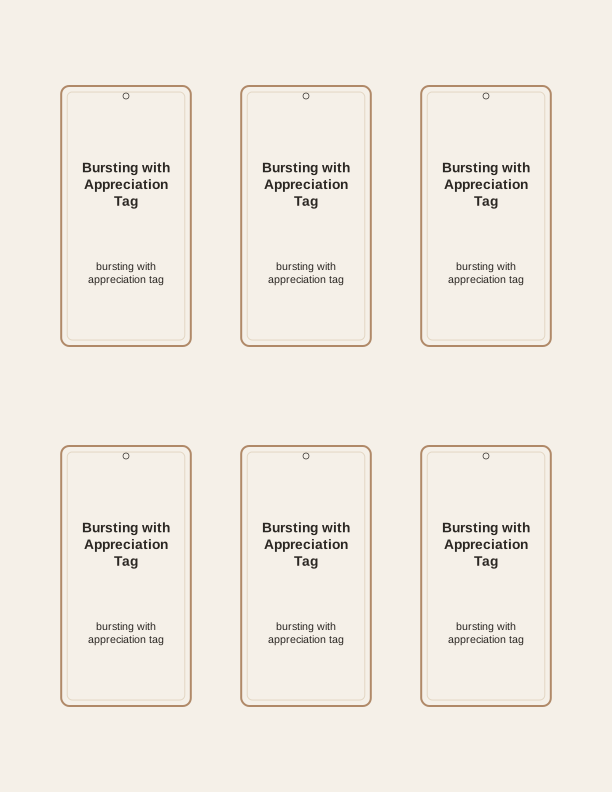
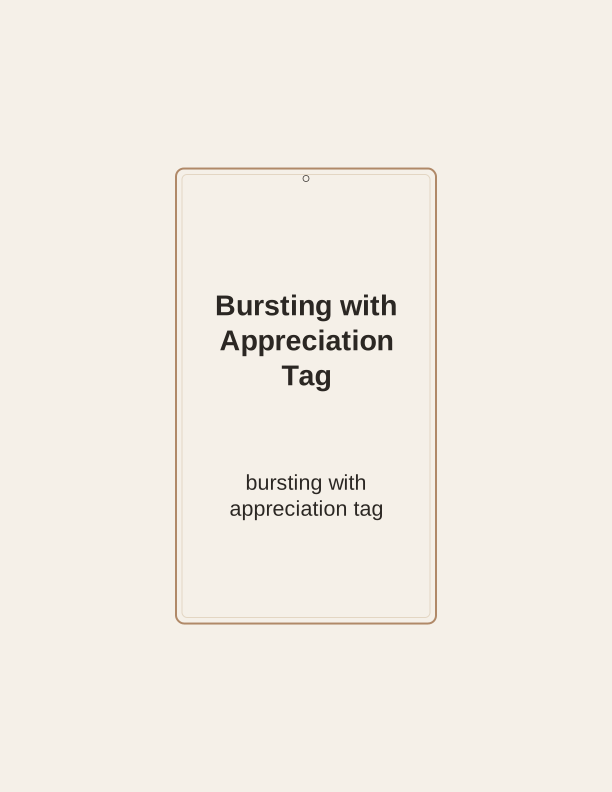
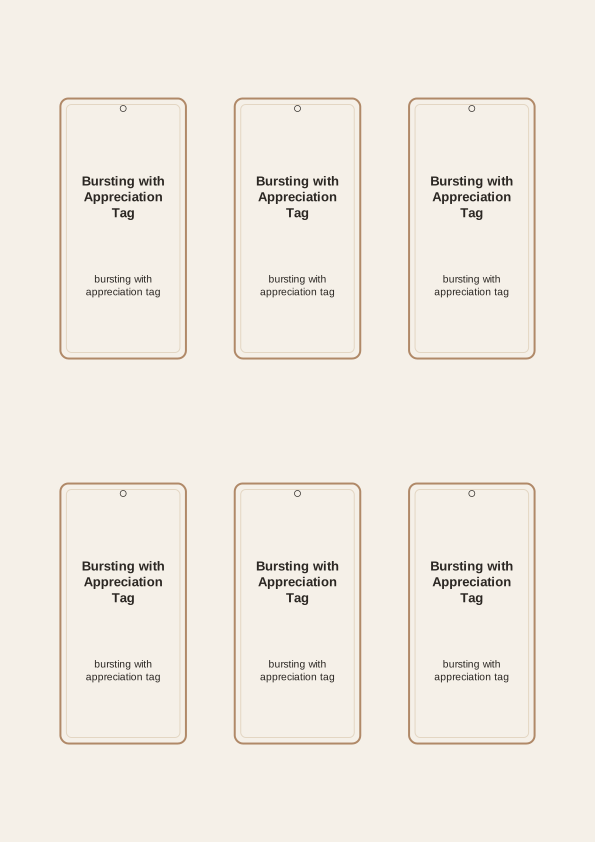
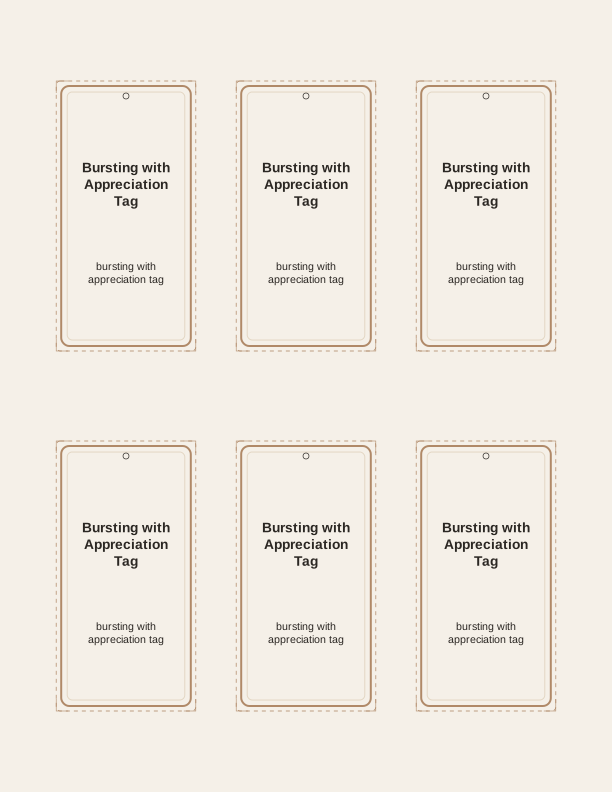
What the bursting with appreciation tag says
The tag carries a cheerful burst of confetti-like rays behind the words "Bursting with Appreciation," with a smaller line beneath it that you can leave blank or fill in. That second line is where most people type a first name, a team name, or a short thank-you such as "Thanks for covering every shift." The artwork reads clearly at small sizes, so the phrase stays legible even on a 2-inch tag tied to a candy bag.
Because the message is editable, the same bursting with appreciation tag works for an office, a school, or a hospital floor. You are not locked into one job title. Type "to the front desk crew" or "to Mrs. Alvarez" on the line, print the sheet, and every tag in that batch matches. If you want a different version for a second group, open the maker again and change only that line.
The free tag maker runs in your browser, so nothing needs to be installed and no account is required to print a basic sheet. Choose the size, edit the message, and send the sheet to your printer. Paid AI generation comes in later if you want a brand-new illustration style or wording built around a specific team, season, or gift theme rather than the standard burst design shown here.
Tag sizes for gift bags and boxes
Three sizes cover almost everything. A small tag around 2 by 3.5 inches suits a cellophane bag of coffee, a single candy bar, or a slim gift card sleeve. A medium tag near 2.5 by 4 inches fits a standard lunch-size gift bag and reads well from across a desk. A larger tag around 3 by 5 inches works on a wrapped box, a plant pot, or a tote bag where the tag becomes part of the presentation.
Match the size to the attachment point, not just the gift. On a handled paper bag, punch a single hole in the top-left corner of the tag and loop the handle through it. On a flat box, punch two holes near the top edge and run ribbon through both so the tag hangs square. For a bakery box with a string tie, thread the tag onto the string before you knot it.
If you are tagging the same gift for several people, print the largest size and write a different line under each name. The larger tag gives your handwriting room and keeps the burst artwork from crowding the text. Small tags are best when the message is a single first name, because the editable line has less room before it wraps.
How to print and attach the tag
Print on 65 lb (176 gsm) cardstock for a tag that holds its shape when tied to a bag handle. Standard 20 lb copy paper works, but it curls and creases easily; if that is all you have, print at 100 percent scale and back the tag with a second sheet glued behind it. Matte cardstock takes pen ink better than glossy, which smears when you sign your name.
Set your printer to Actual Size or 100 percent, not Fit to Page, or the tag will shrink and your 2 by 3.5 inch size will come out smaller than expected. Choose the cardstock or heavy paper setting so the printer feeds the thicker sheet slowly. Load one sheet at a time if your printer has a rear feed, which reduces jams on 65 lb stock.
Cut with a paper trimmer for straight edges, or scissors if you are making a small batch. A 1/8 inch hole punch gives a clean opening for ribbon, twine, or baker's string. Skip laminating for most gifts; a laminated tag resists tearing on a heavy bag but has a plastic shine that dulls the printed color. Attach the tag after the gift is wrapped so you can position the hole where the ribbon actually sits.
Add a name or short message
The editable line holds roughly 20 to 30 characters at the medium size before it wraps, so keep it tight. "Thanks, Dana!" or "To the night crew" fits on one line, while a full sentence will push onto a second line and shrink the burst artwork to make room. Aim for a name plus three or four words, and let the main phrase do the thanking.
For a group gift, print one sheet and write each name by hand instead of reprinting for every person. That keeps the batch consistent and saves cardstock. If you want printed names, run the sheet once per name, which is practical for five or six tags but slow for a department of thirty. Handwriting in a fine-tip pen looks intentional on the blank line.
Pair the tag with a small gift that fits the wording. A bag of coffee, a box of chocolates, a potted succulent, or a gift card tucked into a card all sit well under a bursting with appreciation tag. Write the recipient's name on the line, sign the back with your own name, and the tag carries the message without needing a separate note card.
Free tag maker vs AI tag designs
The free bursting with appreciation tag printable gives you the standard burst illustration, three sizes, and one editable message line. You can change the wording, pick a size, and print a sheet today without spending anything. That is enough for most staff gifts, teacher appreciation weeks, and employee recognition moments where the phrase already says what you mean.
The paid AI generator adds a new illustration and new wording when the standard design does not fit. Describe the theme you want, such as a hospital floor, a warehouse team, or a fall-season thank-you, and it creates a tag built around that prompt. Credits are used per generation, so you can try a few directions before printing the one that works.
Use the free version when the recipient list is long and the message is simple. Use AI generation when you need a tag that matches a specific team's world, or when the standard burst feels too generic for the occasion. Either way, you print at home on your own cardstock, at the size that fits your gift.
Make your own with the Gift Tag Maker
Type a headline and an optional to/from line, then choose round or rectangular tags. Round tags are 2 by 2 inches; rectangular tags are 2 by 3.5 inches. Pick a color palette, preview the layout, and the tool tiles 12 tags per sheet. Everything is drawn in your browser, so your text never leaves your device and there is no account to create.

Exports are drawn on your device at 300 dpi on US Letter 8.5 x 11 in paper. Nothing you type is uploaded.
FAQ
Common questions about printing, sizing, and editing the bursting with appreciation tag, answered for the home printer. If you are tagging employee gifts, teacher thank-yous, or staff recognition bags, these cover the practical details.
Is the appreciation tag free?
Yes. You can design and print the tag in your browser without paying or signing up.
Can I use it for a whole team?
Print a full sheet of tags at once, then cut them apart for each gift.
Can I change the wording?
The free maker lets you edit the message line. AI generation can create new wording and art for your occasion.
Free tool, related designs, and printing help
This design sits in a collection of 31 gift tags pages. Start from the Gift Tag Maker above, then browse the full gift tags collection when you want a matching set.
PrintJoy runs on free tools plus optional credits for AI generation. Nothing on this page needs a subscription.