printable games
Find Someone Who Bingo Printable
Print a free find someone who bingo card for parties, classrooms, and team building. Edit the prompts and download a print-ready sheet in the browser.
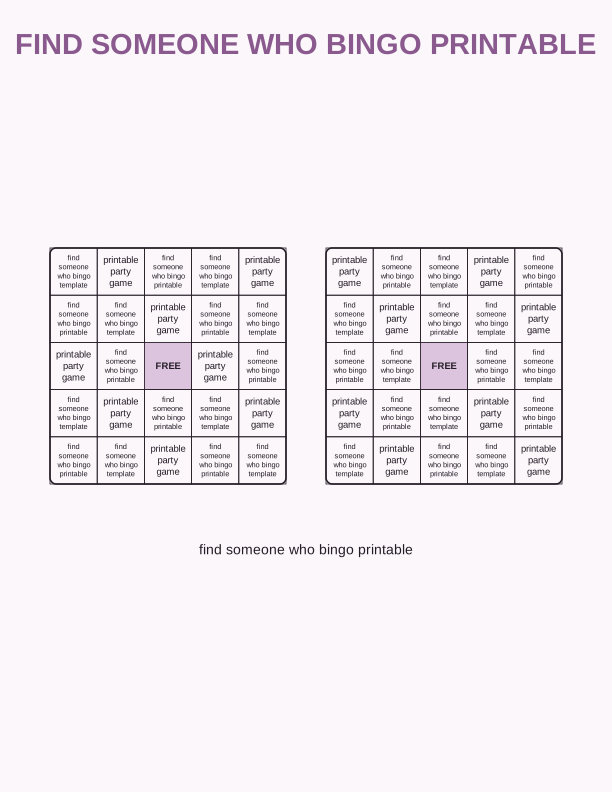
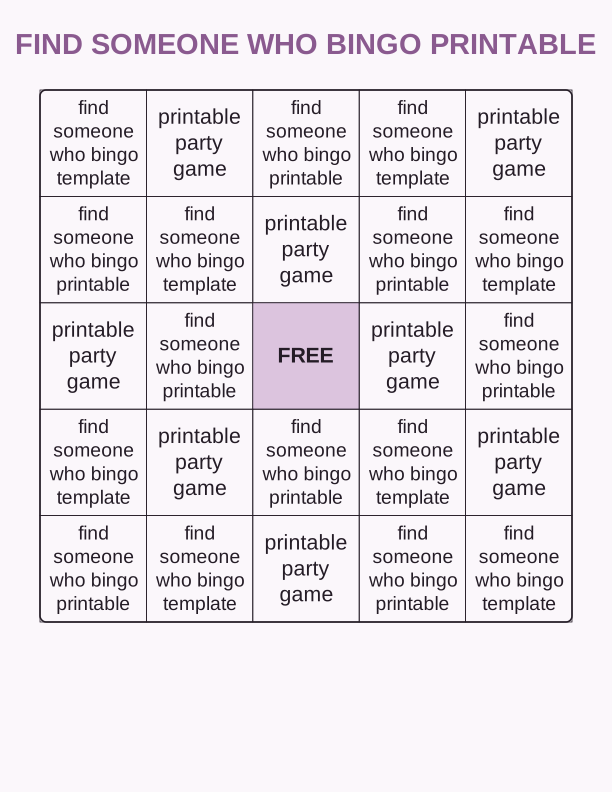
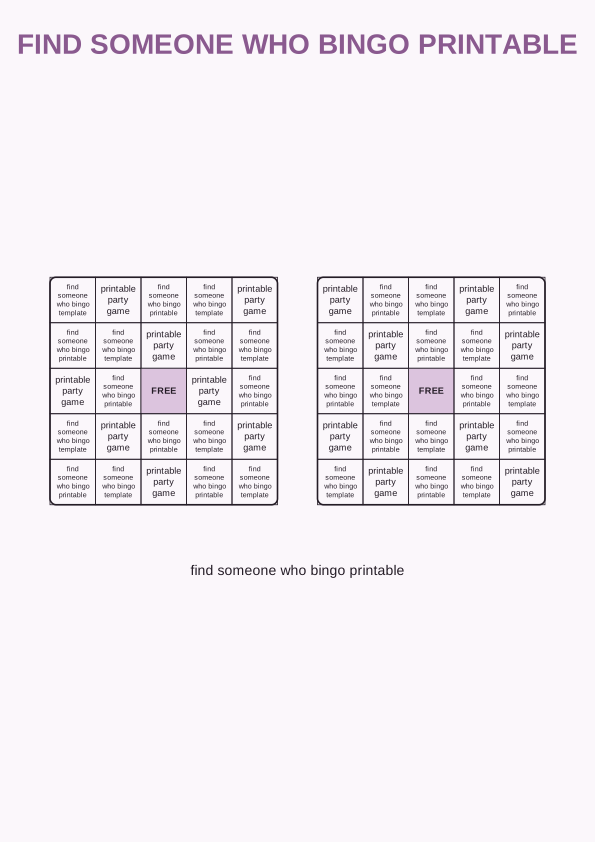
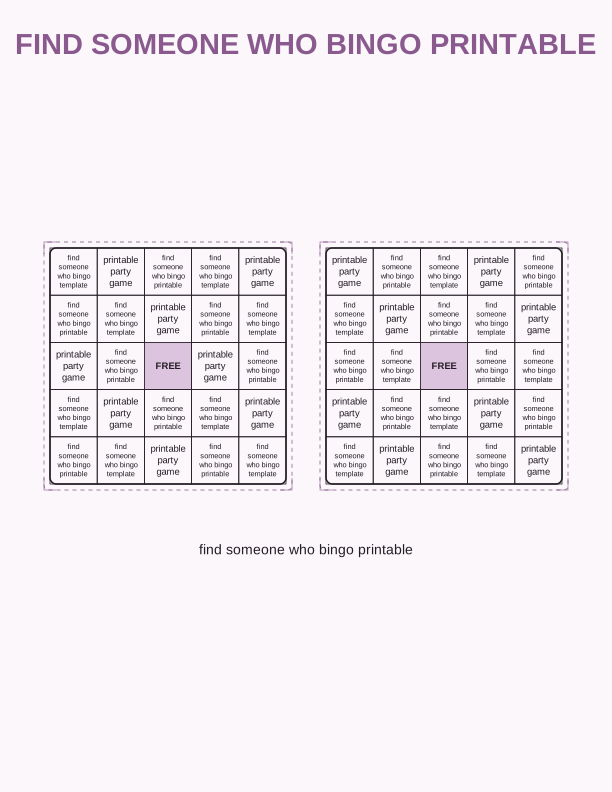
What's on the find someone who bingo card
Each square holds a short prompt written for a mixed group, such as has a pet, speaks two languages, or traveled outside the country this year. The free find someone who bingo printable uses a standard 5x5 grid with a center square marked FREE, so a full line needs only four names. Prompts stay general enough for a first-day classroom, a neighborhood block party, or a new-hire lunch.
The default sheet sets 24 prompts in bold 14-point type on a white background. Dark text means the card photocopies cleanly when you run it on a 20 lb (75 gsm) sheet, though a 24 lb (90 gsm) sheet feels better in hand at a party. Signatures land in the white space inside each square, so players do not need to write small.
Every prompt sits in a bordered box you can edit in the browser before printing. Swap a prompt that does not fit your crowd, keep the rest, and the FREE center square stays put. This find someone who bingo template keeps the same grid on US Letter and A4, so one file prints the same way on either paper size.
Full sheet or two-card print layouts
You can print one card per page or two cards side by side on a single sheet. Two-up uses smaller squares, so plan on a 5x7 inch card for each player. It saves paper at a large party and still leaves enough room for a name in each box. Full-page cards give younger kids more writing space and are easier to hold during a standing icebreaker.
Choose the two-card layout and set the printer to Landscape. The sheet fills a standard US Letter page, so two guests share one print. For a tighter handout, print the full sheet at 100 percent and trim the margin with a guillotine cutter or a trimmer. A 24 lb (90 gsm) sheet takes a pen better than thin copy paper.
If you want the card to last through several rounds, print on 32 lb (120 gsm) paper and stack the sheets under a book for a few minutes. The heavier stock keeps corners from curling when players carry the bingo sheet around a room. Both layouts export as a print-ready PDF from the browser on any device.
How to play the icebreaker game
Hand one card and a pen to each player. On your signal, people walk the room and ask questions until they find someone who matches a square. The match writes their name in that box, and each person can sign a given card only once. The first player with five names in a row calls bingo, which usually lands inside ten minutes.
For a shorter round, play four corners or a single line instead of the full card. A room of thirty people often finishes a line in five minutes, while a card with a full blackout takes closer to twenty. Decide the challenge before the game starts so nobody argues about the rules halfway through.
Drop the card on a clipboard if guests will stand or move between tables. An 8.5 by 11 inch clipboard holds a full sheet without bending, and a pen on a string cuts down on lost supplies. Between rounds, collect the sheets and note how many squares each person filled.
Make a custom bingo card for your group
The free browser tool lets you rewrite all 24 prompts, change the title at the top, pick a 3x3, 4x4, or 5x5 grid, and export a print-ready PDF. Type your prompts in the panel, watch the preview redraw, then print from the same window. No account, plugin, or file install is required. The free find someone who bingo printable stays free.
When the default grid is too small, switch to 3x3 for a quick warm-up game with younger kids. A 5x5 grid suits teens and adult teams. You can also rename the center square from FREE to a short phrase of your own. Anything you type appears in the preview before you print the sheet.
If you want a themed prompt set, the AI generator writes a full card from your description, for example a fall festival, a baby shower, or a new-hire orientation. It also restyles the card with colors and a matching header. AI generation uses paid credits, so the free editor is the right choice when you only need your own text.
Ideas for classrooms, parties, and teams
In a classroom, print one find someone who bingo card per student on the first day and set a ten-minute timer. Prompts like has a sibling in this school or read a book over the summer get kids talking without singling anyone out. Collect the sheets and file them for a quick seating plan later in the week.
At a birthday or neighborhood party, use the two-card layout and hand out half-sheets at the door. Prompts about pets, favorite snacks, and past travel keep guests moving while the cake is cut. A sheet of 32 lb (120 gsm) paper and a handful of pens covers a party of twenty without extra setup.
For team building, choose the full-page layout and add work-neutral prompts like has worked here over five years or commutes by bike. Run two rounds: a line for a quick win, then a full card for the slower finish. Afterward, ask each team to share the most surprising name they collected. The prompts work for new-hire cohorts and long-standing departments alike.
Make your own with the Printable Game Maker
This tool turns a plain list of prompts into a ready-to-print game. Paste your words into the box, pick a 5x5 bingo grid, a 4x4 grid, or a set of game cards, and the maker shuffles every entry into a fresh arrangement. Print a single card for a quiet afternoon or a full sheet of unique cards so no two players share the same layout.

Exports are drawn on your device at 300 dpi on US Letter 8.5 x 11 in paper. Nothing you type is uploaded.
FAQ
These answers cover the most common questions about the find someone who bingo printable, from paper choice and print settings to how the free editor and paid AI generator differ.
Is the find someone who bingo card free to print?
Yes. You can build, preview, and print the bingo sheet in your browser for free, with no account needed.
Can I change the prompts on the card?
The free maker lets you edit the prompt list before printing. AI generation can write a whole themed prompt set for you.
How many players can share one sheet?
Print one copy per player for a full 5x5 grid, or use the two-card layout for smaller groups.
Free tool, related designs, and printing help
This design sits in a collection of 6 printable games pages. Start from the Printable Game Maker above, then browse the full printable games collection when you want a matching set.
PrintJoy runs on free tools plus optional credits for AI generation. Nothing on this page needs a subscription.