printable games
Get to Know you Bingo Icebreaker
Print a free get to know you bingo icebreaker card for classrooms, parties, and team events. Edit the prompts and download the sheet in the browser.
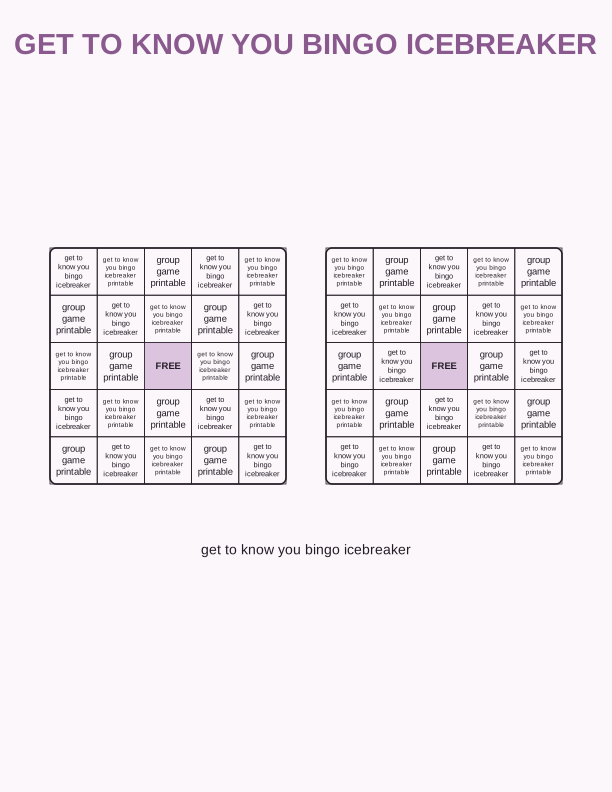
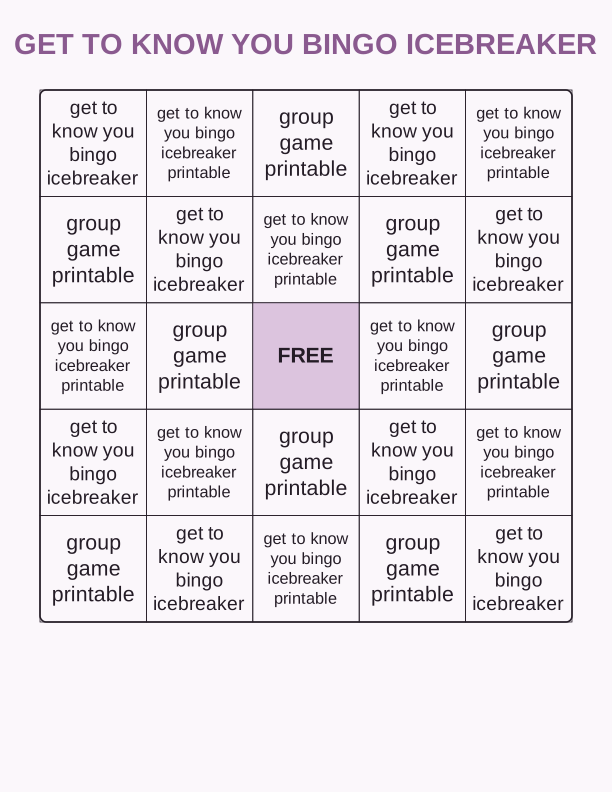
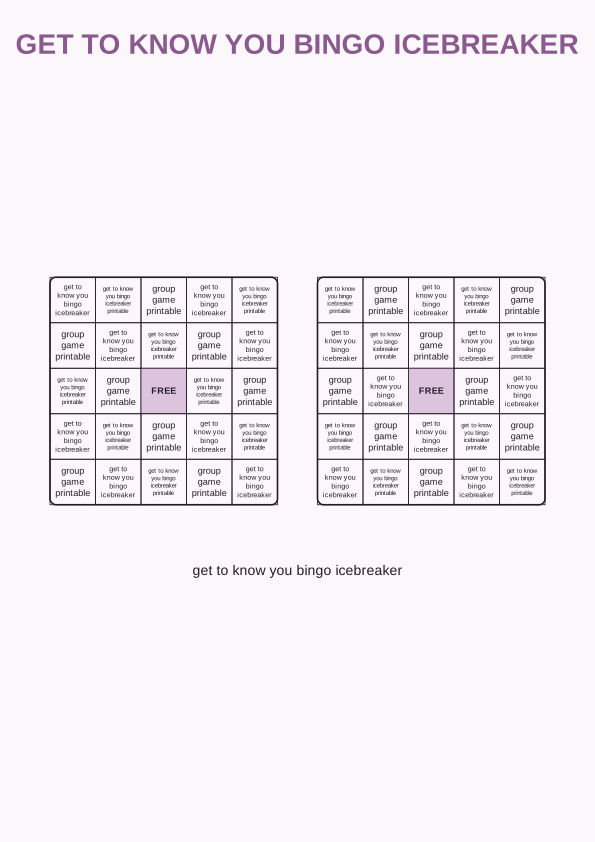
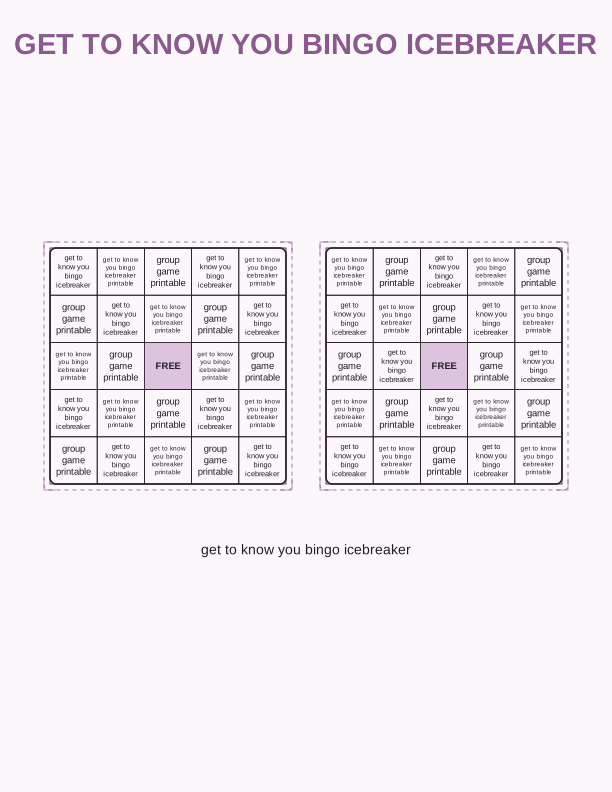
How the get to know you bingo works
Each player holds a grid of prompts, and every square describes a person rather than a number. Squares read like "has a pet cat," "plays an instrument," or "has been to another country." Your job is to walk the room, introduce yourself, and find a different human who matches each box. The first player to fill a row, a column, or the whole card calls bingo. One name per square keeps people circulating instead of camping in a single conversation.
Because the answers live in other people, nobody can win by sitting still. Shy players get a built-in reason to approach a stranger, which is the whole point of an icebreaker. Adults finish a round in about fifteen to twenty minutes; younger groups take closer to ten. Print a sheet for every guest and add a pencil, and you have a complete group game with no setup beyond cutting the pages apart if you chose a two-card layout.
Most hosts run one round, then reshuffle partners by asking everyone to find a square they did not manage to fill. That second pass works well in a classroom because students talk to classmates outside their usual cluster. If you want a longer session, run a blackout version where every square must be signed. Signatures also stop players from claiming a match they invented on the spot.
Full sheet or two-card layouts
The full sheet layout prints one complete card on a single page, with a 5 by 5 grid and a free space in the middle. On US Letter at 100 percent scale the card measures roughly 7.5 by 9.5 inches, leaving a wide margin your players can use for notes or a signature. A4 prints at the same proportions with slightly different margins, so choose the paper size that matches your printer tray before you hit print.
The two-card layout fits two smaller cards on one page, each about 5 by 7 inches with a tighter 4 by 4 grid. Cut along the center line with scissors or a paper trimmer and you turn one sheet into two playable cards, which halves your paper use for a class of thirty. Keep the offcuts if you plan to print name tags, since the trimmed strip is usually wide enough to write on.
Choose the full sheet when players need room to sign boxes and you want a sturdier card. Choose the two-card version for large groups, party favor bags, or any event where you are printing on a budget. Both layouts carry the same prompt set, so you can mix them in one session without confusing anyone about the rules.
Printing for a class or party
Standard 20 lb multipurpose paper runs fine through any inkjet or laser printer and costs the least for a group of thirty. If you want cards that survive a pocket or a backpack, load 32 lb bond or 65 lb cardstock instead; both feed through most home printers as long as you set the tray to the heavier weight. Matte cardstock takes pen and pencil cleanly, while glossy stock smears unless you write with a felt tip.
Set your print dialog to Actual Size rather than Fit to Page, or the grid will scale down and leave uneven margins. Choose Grayscale or Black and White to stretch your ink, and print a single test copy before committing the whole stack. Check that the paper size in the dialog matches the paper in the tray, since a Letter file sent to an A4 tray will crop the outer squares.
For a birthday or classroom party, print one card per guest plus three spares for late arrivals and rips. Slip each card into a clear page protector and hand out dry erase markers, and the same set gets reused across every class period without a second print run. A stack of thirty sheets at 20 lb weighs almost nothing, so a folder and a box of pencils is all the kit you need to carry in.
Edit the icebreaker prompts
The free browser tool opens the card as editable text, so you can rewrite any square before printing. Swap generic prompts for details that fit your group: a summer reading challenge, a favorite cafeteria meal, a job title on a team, or a hobby that only makes sense at your reunion. Click a cell, type the replacement, and the layout reflows to keep every box aligned inside the grid.
Editing matters most when the audience is narrow. A fifth grade class and a corporate onboarding group share almost no common ground, so the default set will feel off to one of them. Rewrite eight or ten squares to match your group, leave the rest as broad icebreakers, and the sheet reads like it was built for that room. Keep each prompt under about forty characters so it wraps neatly instead of shrinking the font.
If you want a different grid size or a themed border, the layout controls handle that without a design program. You can also clear every cell and paste your own twenty-five prompts from a document. Changes stay in the browser session, so print the final version before you close the tab. Nothing needs to be installed, and the free tool stays free for as many sheets as you want to print.
Free game maker vs AI game sheets
The free game maker covers the practical work: choose a layout, edit prompts, preview the sheet, and print it from the browser. It does not write prompt ideas for you, and it keeps a fixed visual style, so the card looks clean but generic. For a class, a party, or a one-off team meeting, that is usually everything you need, and it costs nothing beyond your paper and ink.
AI generation uses credits and adds two things the free tool does not. First, it writes a fresh prompt set from your description, so typing "neighborhood block party with kids aged six to ten" returns squares built around that crowd. Second, it restyles the card with a different border, font, and color scheme to match a theme. You still print at home on Letter or A4.
A sensible workflow is to draft with the free tool, print a test sheet, and only spend credits once you know the prompt style you want or need a themed look for a wedding shower or school carnival. Credits are purchased, not bundled with the free tool, and nothing generates automatically. Decide based on how much customization your event actually calls for.
Make your own with the Printable Game Maker
This tool turns a plain list of prompts into a ready-to-print game. Paste your words into the box, pick a 5x5 bingo grid, a 4x4 grid, or a set of game cards, and the maker shuffles every entry into a fresh arrangement. Print a single card for a quiet afternoon or a full sheet of unique cards so no two players share the same layout.

Exports are drawn on your device at 300 dpi on US Letter 8.5 x 11 in paper. Nothing you type is uploaded.
FAQ
Here are the questions hosts ask most often before printing a get to know you bingo icebreaker printable for a class, a party, or a team event.
Is the bingo icebreaker free?
Yes. You can generate and print the card in your browser for free.
Can I write my own prompts?
Yes. The free maker lets you edit every prompt, and AI generation can draft a themed set.
How many players can join?
Each player uses their own copy of the card, so print one per person.
Free tool, related designs, and printing help
This design sits in a collection of 6 printable games pages. Start from the Printable Game Maker above, then browse the full printable games collection when you want a matching set.
PrintJoy runs on free tools plus optional credits for AI generation. Nothing on this page needs a subscription.