everyday printables
Appreciation Candy Bar Wrapper Printable
Print a free appreciation candy bar wrapper for a standard chocolate bar. Add a thank you message and download the wrap in the browser.
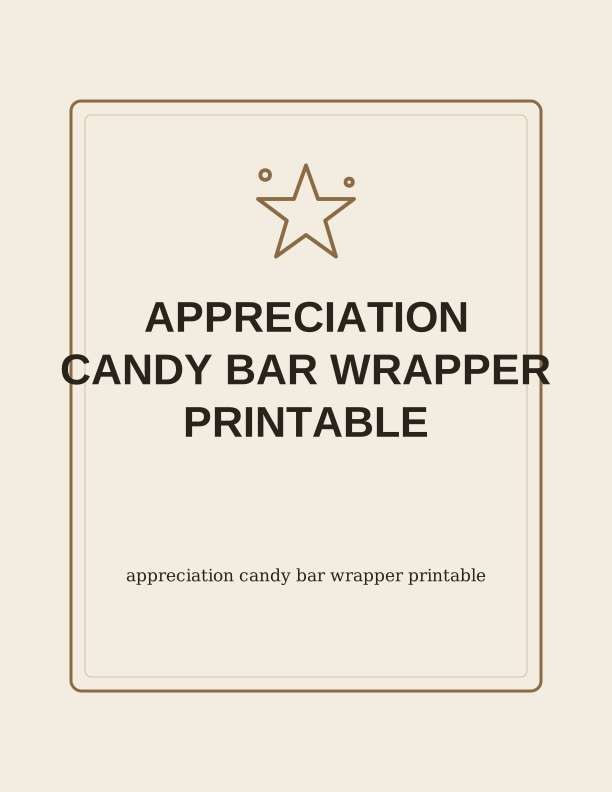
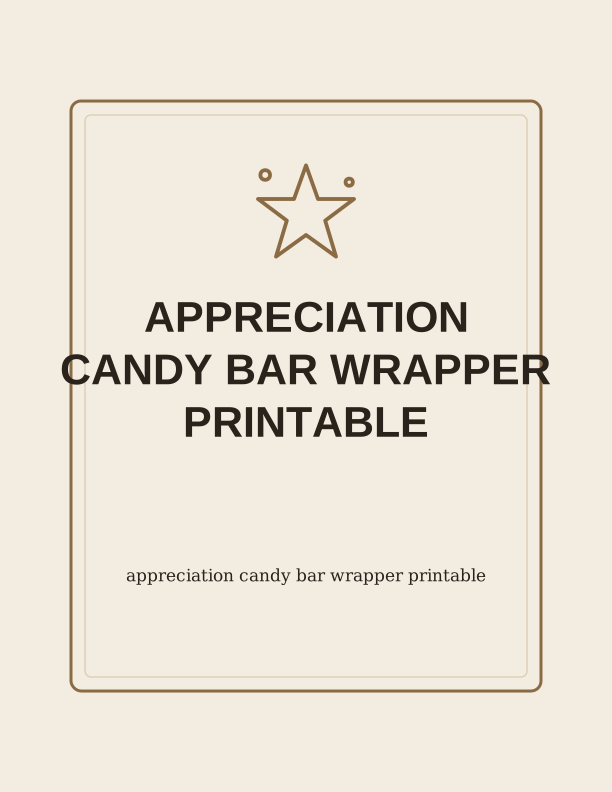
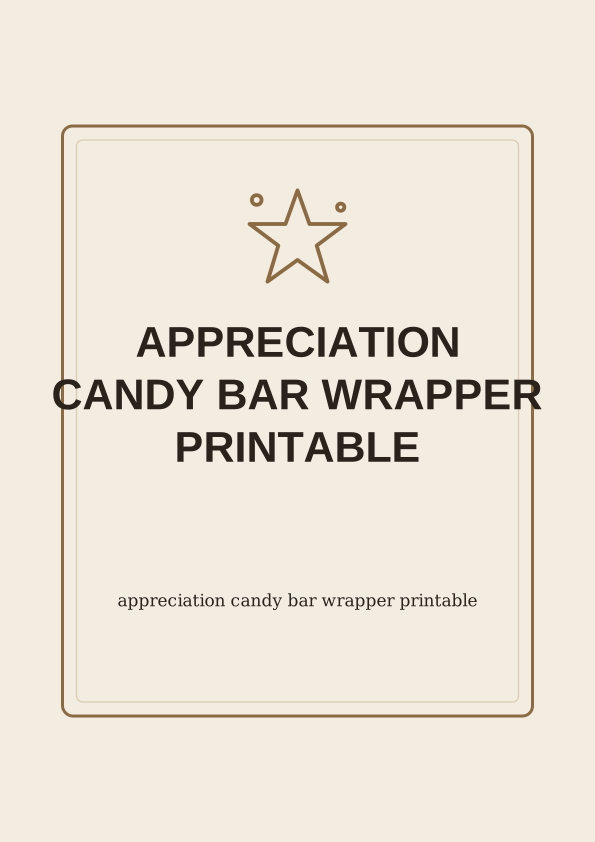
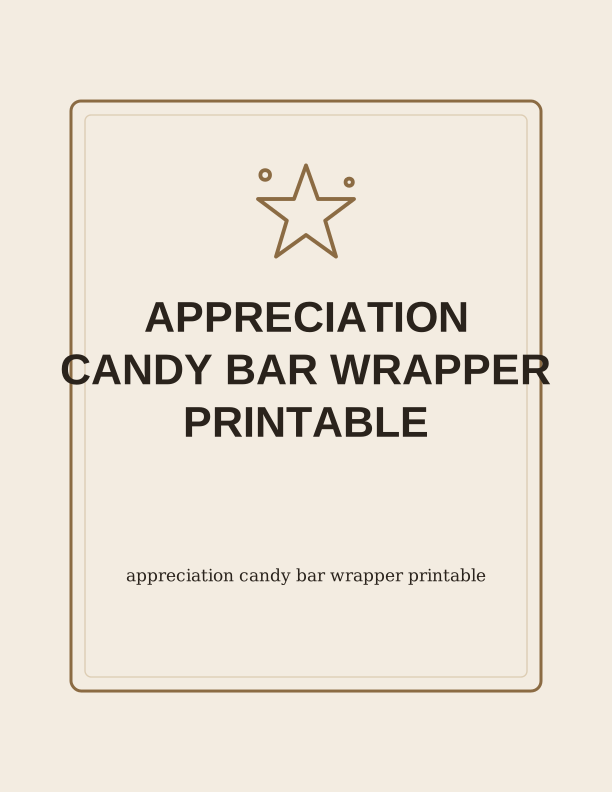
The appreciation candy bar wrapper design
This wrap is built for the standard 1.55 ounce milk chocolate bar sold almost everywhere, the flat foil-and-paper kind that measures about 5.5 inches long, 2.25 inches wide, and a quarter inch thick. The design covers the whole outer face of the bar, front and back, so the original packaging never shows once the wrapper is folded and taped. The front carries the thank-you line and a small decorative border; the back is left open for a longer note in your own handwriting or a short typed message. It prints on one sheet, so no double-sided printing is needed.
You will get the best result on 32 lb (120 gsm) bright white paper, or a 65 lb (176 gsm) cardstock if you want the wrapper to hold a crease instead of curling at the ends. Standard 20 lb copy paper works in a pinch, but it wrinkles around the foil edges and shows hand oils after a day or two in a pocket. Matte paper photographs cleanly if you plan to snap a picture of the finished gift; glossy photo paper tends to catch glare and smears from warm fingers.
Colours stay soft by design so the wrapper does not fight the chocolate branding underneath. The palette leans on warm neutrals, muted rose, sage, and a deep navy script line. If you need it to match a school colour, a team jersey, or a wedding palette, that is where the paid AI generator comes in, since the free tool keeps the original artwork fixed.
Sizing the wrap to a chocolate bar
Start by measuring the bar you actually bought, because no two brands are identical. Lay it flat and note three numbers: the length, the width across the top face, and the depth of the side edge. A Hershey's bar runs close to 5.5 by 2.25 inches, while a Cadbury Dairy Milk 1.55 ounce bar is a little shorter and thicker, near 5.2 by 2.4 inches. The browser tool takes those three measurements and rebuilds the template around them, adding a half inch of overlap on the long edge so the wrap closes cleanly.
If you are wrapping several bars for a group, size the template once and print the same page repeatedly rather than adjusting each copy. Teachers wrapping 24 bars for a class, nurses making a batch for a shift, or a coach handing one to each player will save time that way. Keep a note of your measurements on the back of the master sheet so you can reprint the same size next year without remeasuring.
For king-size bars, which run about 7 inches long and 1.5 inches wide, choose the longer template option and let the wrap extend past the ends slightly, then fold the excess under rather than trimming it. Slimmer European bars around 3.5 ounces need the opposite treatment: shorten the body and reduce the overlap to a quarter inch, or the paper buckles when it wraps the thicker block.
Print and fold instructions
Set your printer to actual size, not fit to page, and choose US Letter or A4 depending on the paper you loaded. Borderless printing helps if your printer supports it, since the artwork runs to the very edge of the sheet. If it does not, keep the default margins and trim the white border away with a paper trimmer or a craft knife and steel ruler. A guillotine trimmer gives the straightest line; scissors leave a slightly wavy edge that shows once the wrap is around the bar.
After trimming, score the two fold lines before you fold anything. Run a bone folder or the back of a butter knife along the crease with a ruler as a guide. Scoring matters here: cardstock cracks along an unscored fold, and the crack will sit right on the front of your gift. Fold the long edges back, wrap the bar so the overlap lands on the underside, then press the seam down.
Close the wrapper with a small piece of double-sided tape or a glue stick dab at each end rather than a full tape strip down the middle, which can wrinkle the paper. Tape the ends first, then the long seam. If you are adding a ribbon, wrap it around the middle after the adhesive sets. A finished bar takes about two minutes from the moment it leaves the printer.
Add the recipient and message
The free tool has a text field for a name and a second field for a short line, and both appear on the front of the wrapper. Type something like "Thank you, Marcus" with "For covering my shift on Friday" underneath. Two lines is the comfortable limit before the type crowds the border; if you need more room, leave the front simple and write the longer note on the back of the bar by hand in fine-tip pen.
Occasions that fit this wrapper include teacher appreciation week, thanking a nurse or receptionist, a bus driver at the end of the school year, a neighbor who watched your dog, a coach after the last game, or a small thank-you for a wedding vendor. Pair the bar with a handwritten card or slip it into a mug with a tea bag for a slightly bigger gift that still costs very little.
For younger recipients, the message can be as short as a first name and a smiley face drawn by hand after printing. For coworkers, keep it work-appropriate and skip inside jokes that only two people understand. If you are printing a batch, change the name field between prints rather than trying to write names on the folded wrap, where the pen will catch on the crease.
Free wrapper maker vs AI wrapper designs
The free browser tool does three things well: it resizes the wrap to your bar, it takes a name and a short message, and it prints the fixed design at home on your own paper. Nothing is emailed to you and there is nothing to wait for, because the page renders in the browser and goes straight to your printer. You can use it as often as you like at no cost, which makes it the practical choice for a classroom, a church group, or a batch of twenty bars for a team.
The paid AI generator is for when the fixed artwork is not the right fit. Describe the occasion in a sentence, say a retirement party with a fishing theme, a quinceañera in teal and gold, or a thank-you note for a hospice volunteer, and it draws new art and new wording around that prompt. It uses credits per generation, and you can keep refining the prompt until the wrapper matches the event.
One honest note: the AI generator produces a new design rather than editing the free one, so the layout, fonts, and illustrations will not be identical to what you see at the top of this page. If you need the exact free template in a different colour only, look at the other printable wraps on PrintJoy first, since several already come in alternate palettes and cost nothing to print.
Make your own with the Printable Maker
Printable Maker is a free browser tool for turning typed text into a finished printable sheet. Pick a layout, enter your wording, choose the finished size, and the page draws everything on your device. Nothing is uploaded, there is no account, and there is no cost. It handles candy-bar wrappers, signs, worksheets, and folded cards in one place, which covers the everyday projects in this collection.
%20scale(1.2)%20translate(-50%20-50)%22%20fill%3D%22none%22%20stroke%3D%22%23e85d4e%22%20stroke-width%3D%223.2%22%20stroke-linecap%3D%22round%22%20stroke-linejoin%3D%22round%22%3E%3Cpath%20d%3D%22M50%2012%20L60%2040%20L90%2040%20L66%2058%20L75%2088%20L50%2070%20L25%2088%20L34%2058%20L10%2040%20L40%2040%20Z%22%2F%3E%3Ccircle%20cx%3D%2216%22%20cy%3D%2220%22%20r%3D%224%22%2F%3E%3Ccircle%20cx%3D%2286%22%20cy%3D%2226%22%20r%3D%223%22%2F%3E%3C%2Fg%3E%3Ctext%20fill%3D%22%231c1c1e%22%20font-family%3D%22Helvetica%2C%20Arial%2C%20sans-serif%22%20font-size%3D%2243%22%20font-weight%3D%22bold%22%20text-anchor%3D%22middle%22%3E%3Ctspan%20x%3D%22306%22%20y%3D%22331.87%22%3EAPPRECIATION%3C%2Ftspan%3E%3Ctspan%20x%3D%22306%22%20y%3D%22384.33%22%3ECANDY%20BAR%20WRAPPER%3C%2Ftspan%3E%3Ctspan%20x%3D%22306%22%20y%3D%22436.79%22%3EPRINTABLE%3C%2Ftspan%3E%3C%2Ftext%3E%3Ctext%20fill%3D%22%231c1c1e%22%20font-family%3D%22Georgia%2C%20'Times%20New%20Roman'%2C%20serif%22%20font-size%3D%2217%22%20text-anchor%3D%22middle%22%3E%3Ctspan%20x%3D%22306%22%20y%3D%22570.90%22%3EChoose%20a%20layout%3A%20candy-bar%20wrapper%2C%20sign%2C%3C%2Ftspan%3E%3Ctspan%20x%3D%22306%22%20y%3D%22591.64%22%3Eworksheet%2C%20or%20folded%20card.%3C%2Ftspan%3E%3C%2Ftext%3E%0A%3C%2Fsvg%3E)
Exports are drawn on your device at 300 dpi on US Letter 8.5 x 11 in paper. Nothing you type is uploaded.
FAQ
A few practical questions come up most often when people print this wrapper, usually about fitting it to a specific bar and getting the fold to look clean. The answers below cover the common sizes, paper choices, and how the free tool and the AI generator differ.
Is the candy bar wrapper free?
Yes. You can design, preview, and print the wrapper in your browser at no cost.
Will it fit a standard chocolate bar?
The maker lets you set the wrap width to match the bar you are gifting.
Can I add a message?
The free maker has an editable text field, and AI generation can write custom wording for you.
Free tool, related designs, and printing help
This design sits in a collection of 10 everyday printables pages. Start from the Printable Maker above, then browse the full everyday printables collection when you want a matching set.
PrintJoy runs on free tools plus optional credits for AI generation. Nothing on this page needs a subscription.